
Room-to-Room Transit & Space Location Tracking
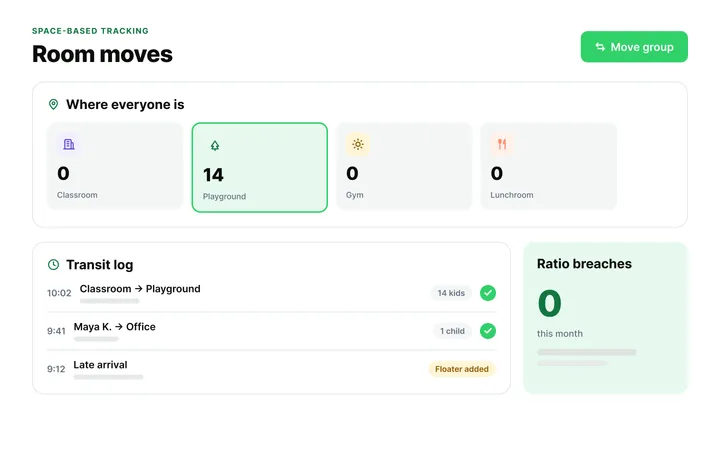
Tracks child movements as groups shift from home classrooms to playgrounds, gyms, or dining halls, maintaining accurate real-time location counts across facility spaces.
Features · Attendance & Digital Kiosk
Replace paper sign-in sheets with hardware-free tablet kiosks and unique guardian PINs. Monitor real-time staff-to-child ratios across every classroom, display high-priority allergy and custody alerts, manage mobile bus transit rosters, and sync timestamps directly to billing rules.
Core features
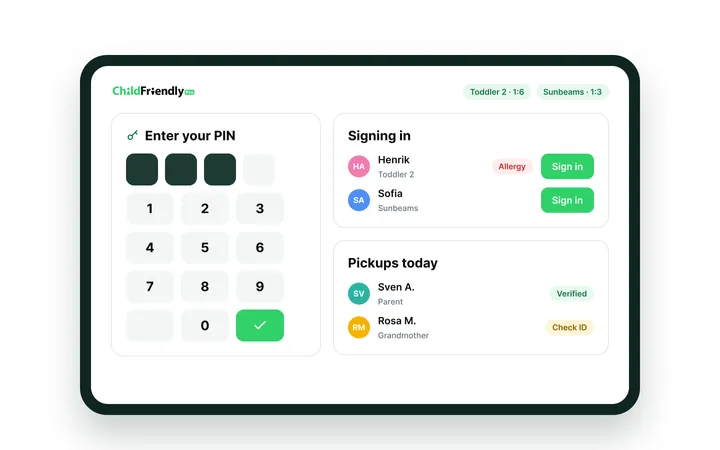
Allows guardians to sign children in and out using unique security PINs or via staff directly signing in the child upon arrival. Automatically records exact timestamps for accurate billing and safety compliance.
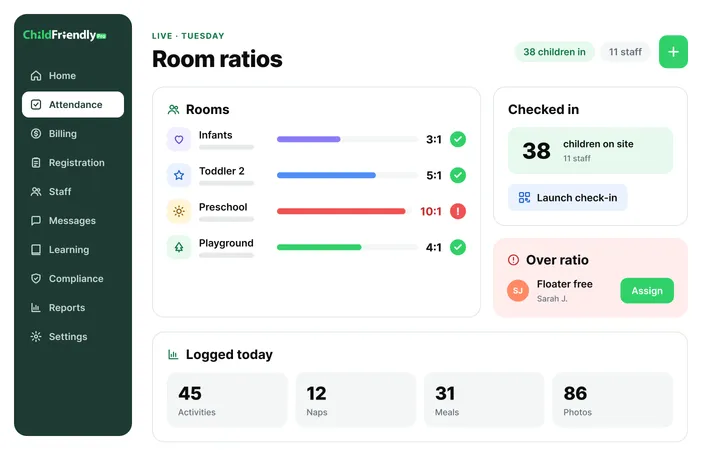
Calculates live staff-to-child ratios in every classroom as check-ins occur. Visual status indicators alert directors instantly if a room approaches or exceeds legal licensing limits.
Displays prominent color-coded badges on classroom attendance rosters for severe food allergies, medical conditions, and court-ordered pick-up restrictions, ensuring educator awareness.
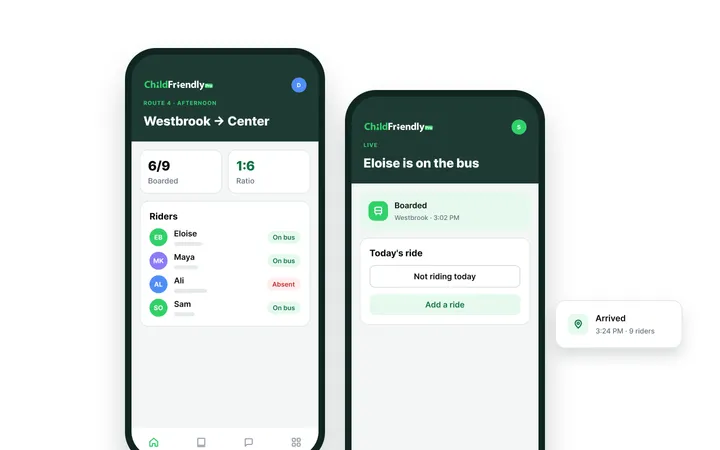
Provides van drivers with live mobile pickup and drop-off rosters. Parents submit attendance or transportation changes directly in their app, eliminating frantic afternoon phone calls.
Also: Emergency Headcount & Live Fire Drill Rosters
“Tracking attendance—even when teachers take children on walks—is completely seamless.”
— Jocelyn, Director of Kids Connect
All-in-one child care management software & app
Billing & Online Payments
Automate tuition, subsidies and NSF recovery with $0 in monthly software fees.
Bill families daily, weekly or monthly, split subsidies like CWELCC from parent copays, and collect by ACH or PAD with automatic NSF notices and tax receipts.
Explore Billing & Payments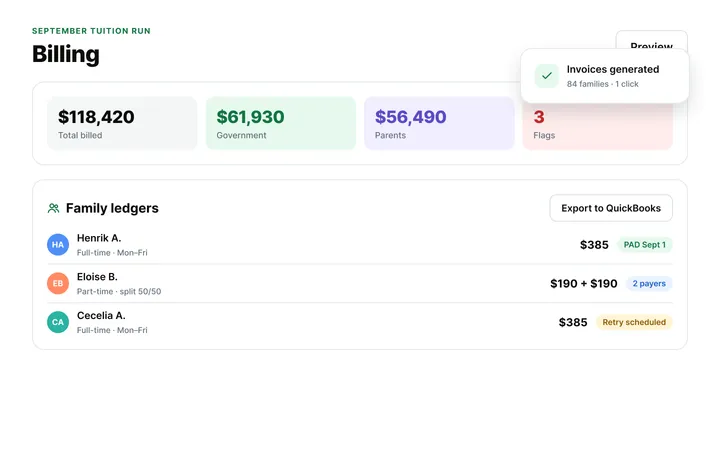
Tours, Waitlists & Registration
Keep every classroom full with online tours, paperless enrollment and waitlists.
Families move from web inquiry to tour, application and roster automatically, while age-transition forecasting shows where your next openings are.
Learn Registration Pipeline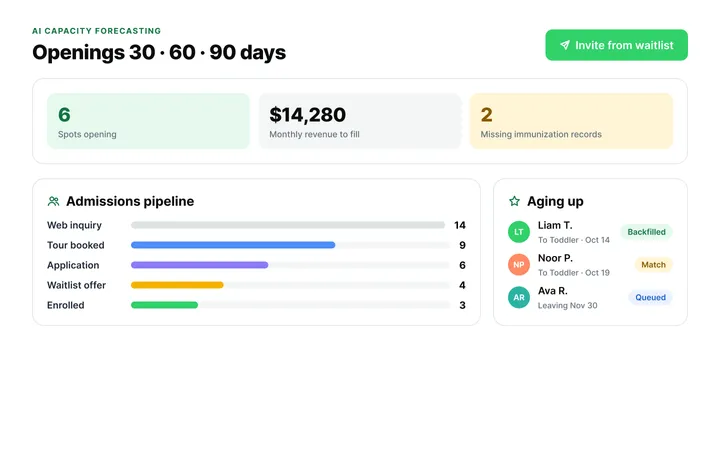
Attendance & Digital Kiosk
Track ratios and child locations in real time, room by room.
E-signed drop-offs and pick-ups keep live ratios across rooms, playground and transit, with alerts before limits are breached and allergy and custody flags on every roster.
Explore Attendance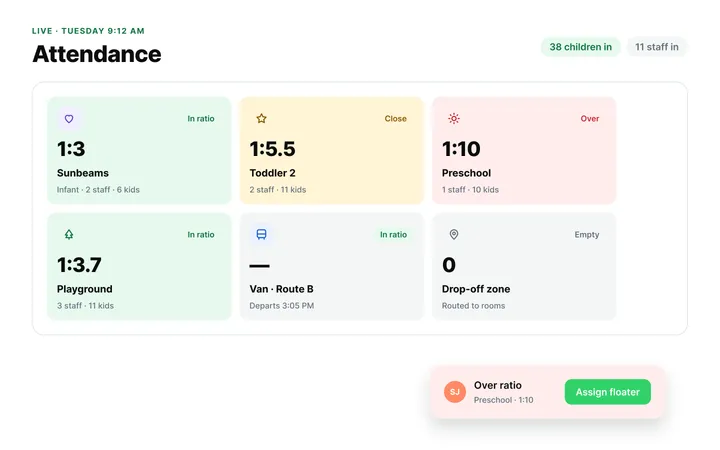
Automation, Tracking & Reports
Replace clipboards and binders with automated compliance logs.
Immunization checks, CACFP claims, incident and illness logs, allergy alerts and e-signed medication records stay audit-ready without the paperwork.
Explore Automations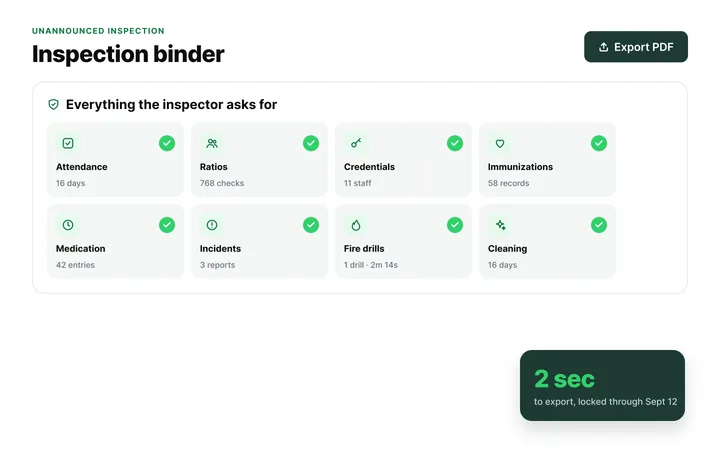
Staff Administration & Scheduling
Build ratio-compliant schedules, track credentials and sync timesheets to payroll.
Match shifts to child arrival times, clock in at the kiosk, export timecards to payroll and get warned before CPR or background checks expire.
Explore Staff Hub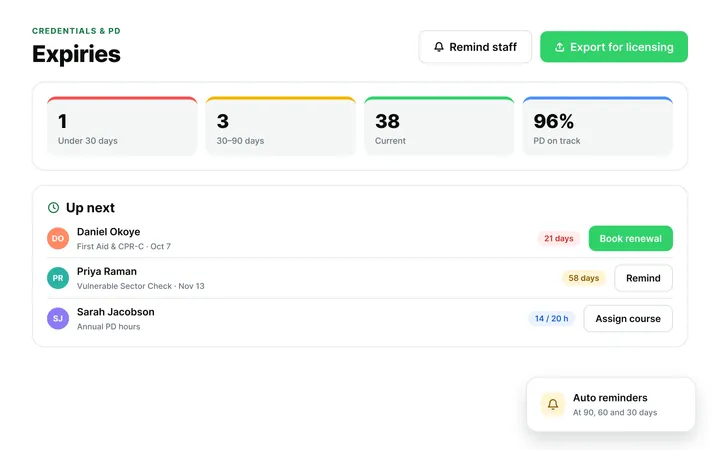
Parent Communication & Engagement
One app for daily updates, progress, billing and messaging.
Families get daily sheets, photos, progress reports and incident notices, pay tuition and message staff directly, with no phone tag or paper slips.
Explore Family App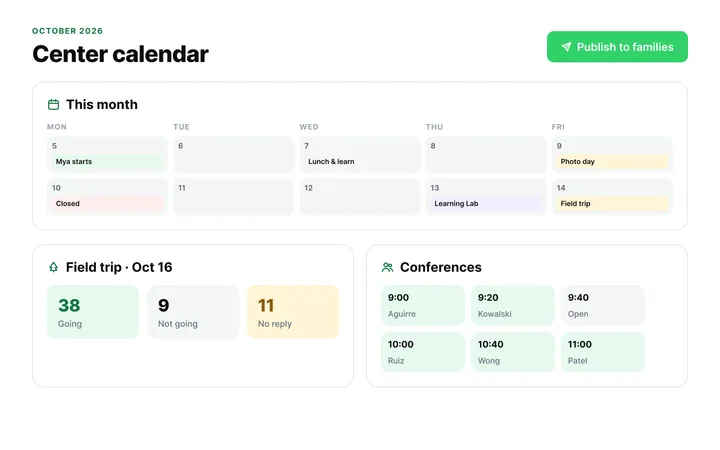
Classroom & Learning Tools
Plan curriculum, track milestones and build digital portfolios.
Create or choose lesson plans, record observations against developmental milestones and share portfolios, progress reports and calendars with families.
Explore Curriculum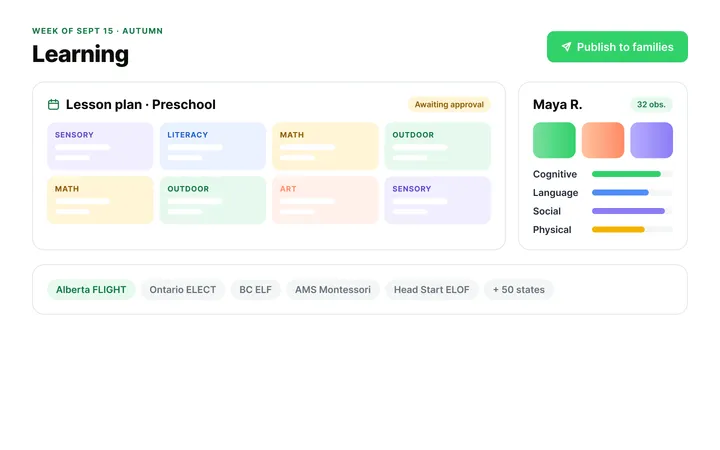
Accreditation Compliance
Swap three-ring binders for a digital NECPA accreditation workflow.
Tag evidence against NECPA standards with date-stamped photos, then give assessors a secure link to review your portfolio remotely.
Explore Accreditation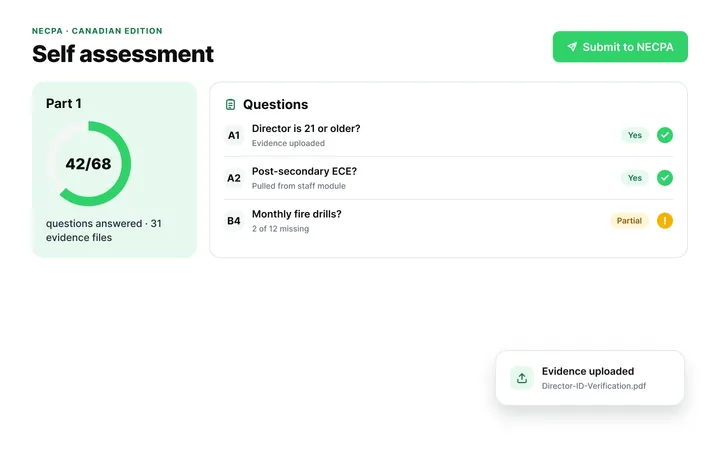
AI & Smart Automation Features
Turn quick notes into learning stories and polish family messages instantly.
Pilot drafts journal entries, learning stories and report cards from teacher notes, and refines or translates parent messages.
Explore AI Features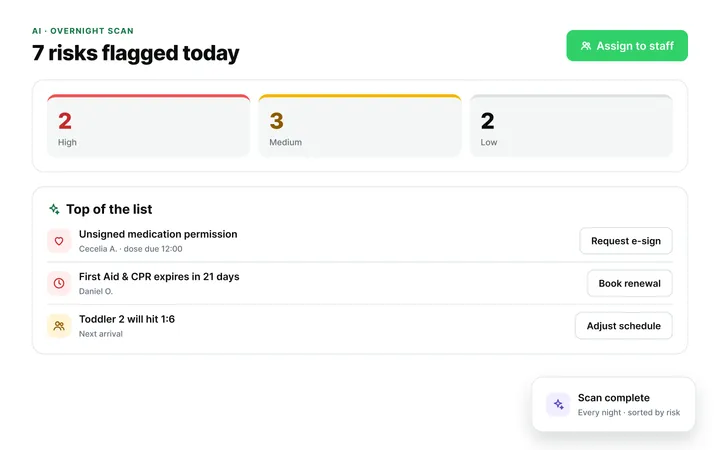
Onboarding & Easy Data Migration
Switch from Procare, Lillio, Brightwheel, or your current system with zero setup fees, zero downtime, and dedicated coaching.
Your data is migrated, reviewed, and approved by you before go-live, handled end to end by a dedicated specialist. Most centers complete onboarding in 3–5 business days, with nothing rushed to hit a deadline.
Explore Migration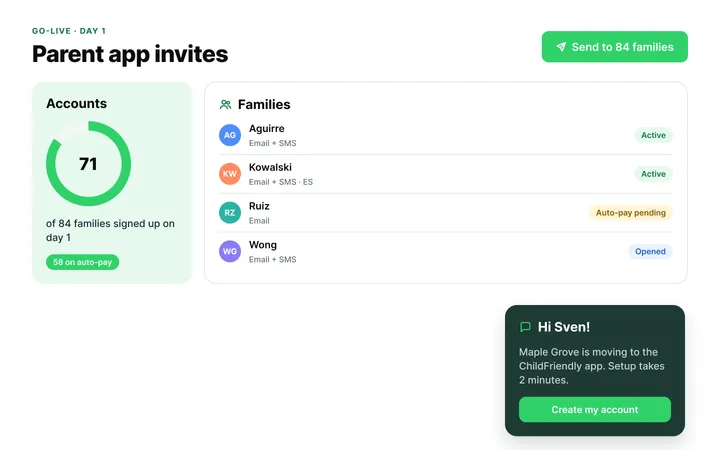
Platform Security & Setup
Protect child and family records with Microsoft Azure encryption.
256-bit AES encryption, PCI-compliant payment processing and role-based permissions keep data secure and compliant with PIPEDA, FERPA and COPPA.
Explore Platform Security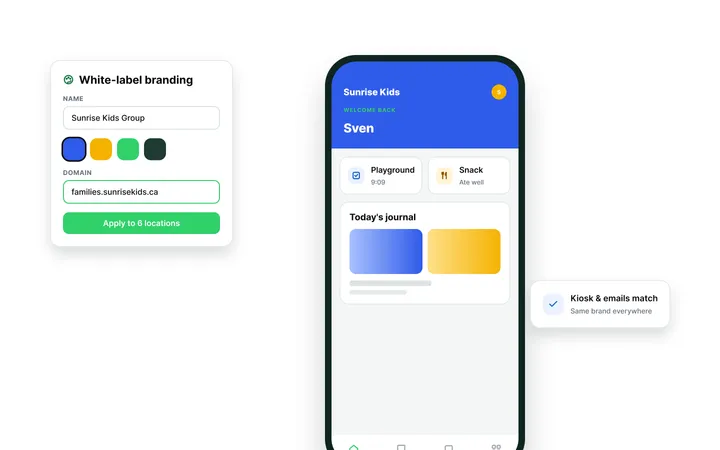
Dedicated support
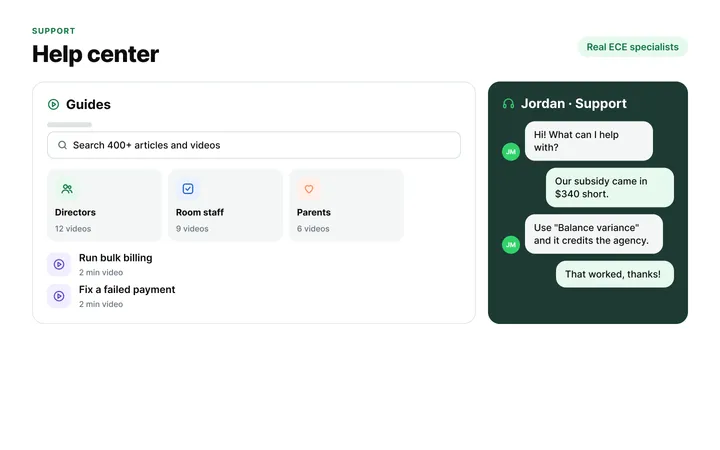
No ticketing queues. No generic responses. When you reach out, you connect directly with experienced operators who know how to resolve subsidy questions, ledger balances, and room ratios on the spot.
Frequently asked questions
ChildFriendly Pro operates as a hardware-free cloud platform that runs on any standard iPad, Android tablet, smartphone, or web browser without requiring proprietary equipment. Centers simply download the app onto existing commercial tablets.
ChildFriendly Pro's Space-Based Ratio Engine calculates live ratio percentages as children and teachers check into classrooms. If a room approaches maximum legal capacity, visual color-coded warnings alert directors instantly.
Yes, children with severe food allergies, medical conditions, or pick-up restrictions display prominent color-coded visual badges directly on the kiosk and teacher rosters. Staff see vital health flags immediately.
Drivers access live mobile transport rosters on cell phones or tablets, checking children off as they board and exit the vehicle with real-time GPS timestamps.
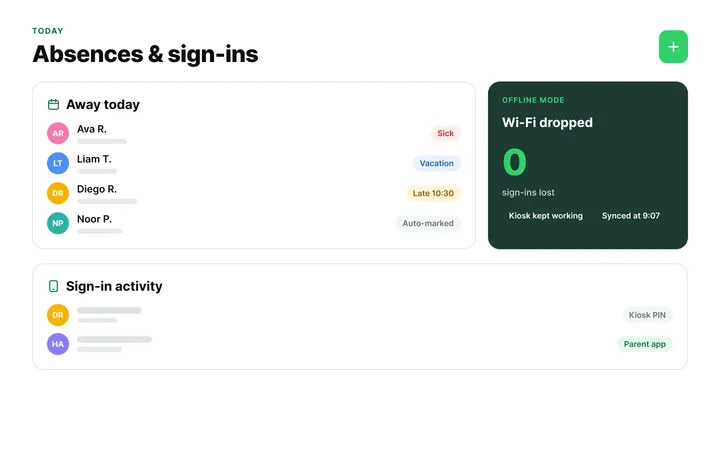
ChildFriendly Pro features offline attendance buffering that continues capturing timestamps locally on tablets during network outages. All records upload automatically once connectivity resumes.
Yes, parents assign authorized pick-up relatives inside their app profile. When a relative enters, their photo displays for staff verification.
Yes, check-in and check-out timestamps calculate actual hours present, triggering automated overtime or drop-in billing rules on family ledgers. This eliminates manual sign-in sheet calculations.
Teachers execute room-to-room transit transfers on classroom tablets, shifting child profiles to new physical locations while preserving facility-wide counts. Location histories are logged for safety.
Yes, administrators generate detailed digital attendance logs filtering by date range, classroom, child, or guardian signature. Reports export instantly to PDF or Excel formats.
Book a live demo to see touchless check-in and live ratio guardrails in action — or create your free account today.