
Users · Families & Parents
Daily Activity Tracking & Tuition Portal for Families
A single mobile app for your child’s early learning journey: follow live daily logs, photos, development milestones and progress reports. Manage auto-pay tuition and tax receipts, and access event calendars, weekly lesson plans, absence reporting, and school bus rosters.
- 100%Free for families
- 198+Languages auto-translated
- 1-tapTax receipts & auto-pay
Highlights for Families
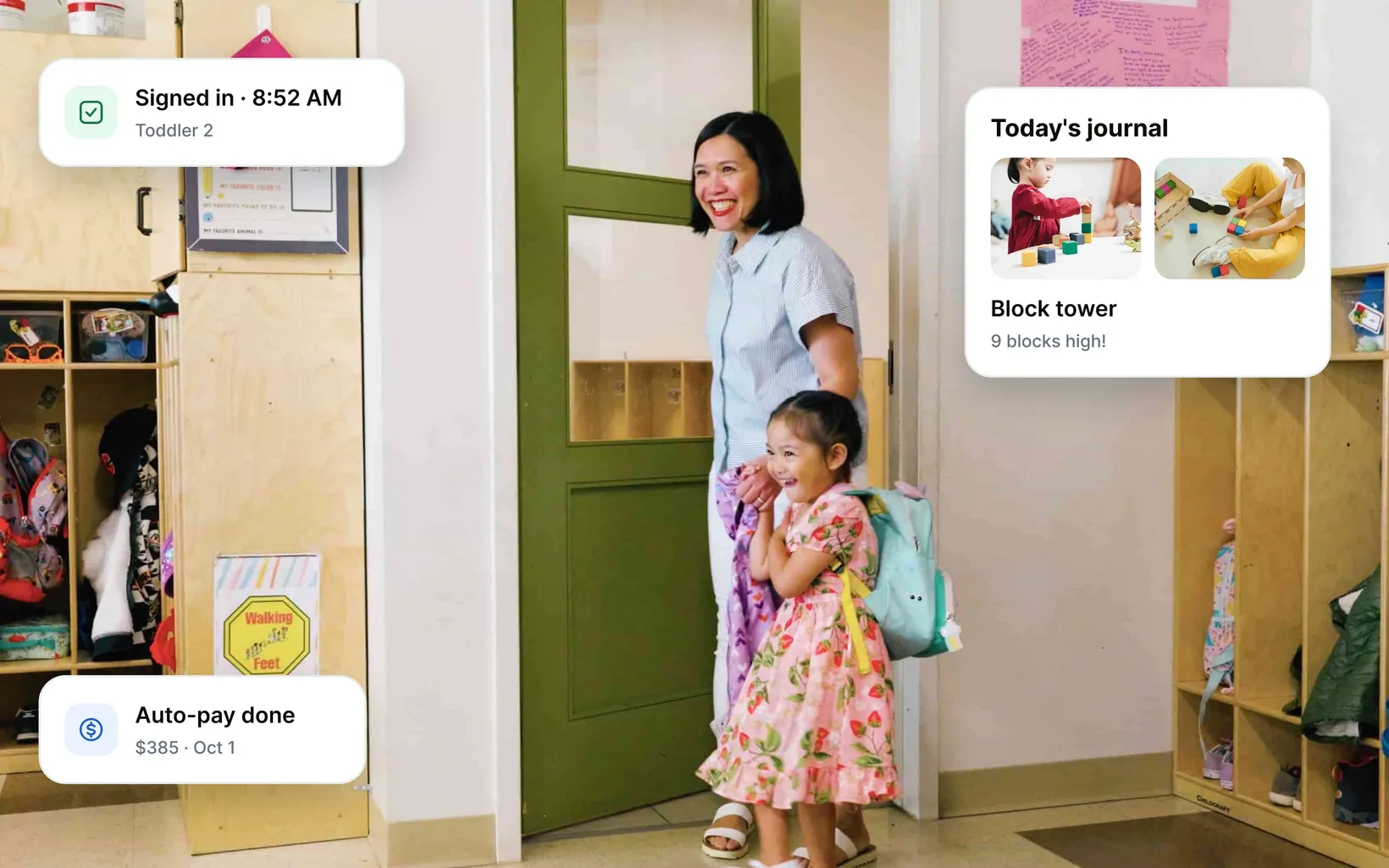
Confidence, transparency and true peace of mind
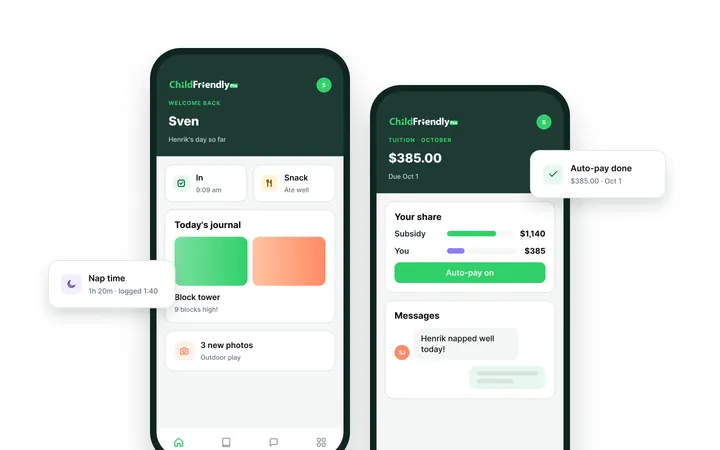
Real-Time Classroom Activity Feeds & Photos
Stay connected to your child's day through private, real-time activity updates. Track meals, nap durations, and diaper routines, development milestones, progress reports and view classroom photos and videos shared through secure, privacy-protected channels.
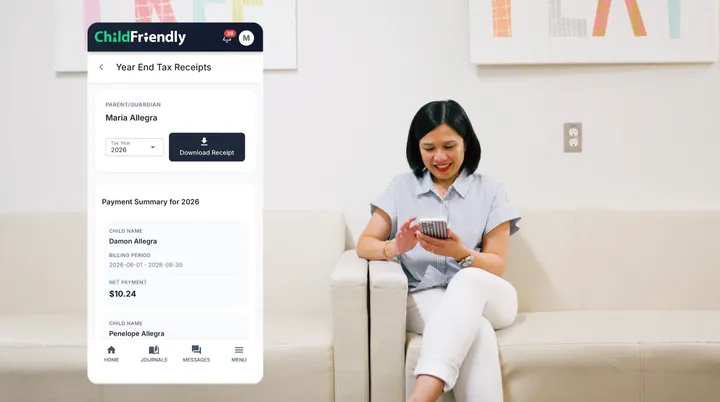
Parent Self-Service Wallet & Instant Tax Receipts
Review itemized tuition balances, schedule pre-authorized bank or card payments, and split billing between separate households effortlessly. When tax season arrives, download official annual child care tax receipts directly in the app.
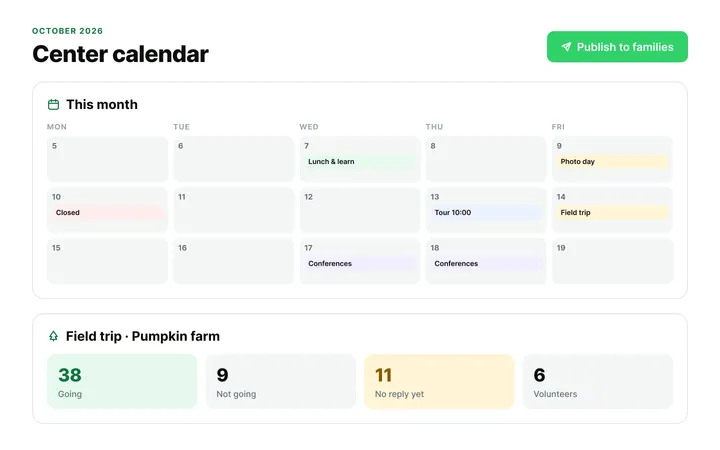
Interactive Calendars, RSVPs & Absence Notices
Keep track of program closures, theme days, and field trips from a single mobile calendar. Submit sick days, planned vacations, or transportation changes with a quick tap to keep classroom teachers and kitchen teams informed in advance.
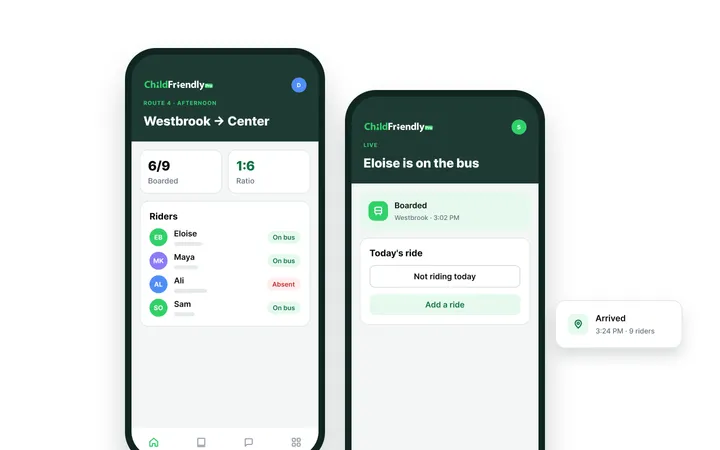
Mobile Bus Rosters & Transport Tracking
Never worry about afternoon pick-up confusion again. Update your child's transport schedule inside the app, giving drivers real-time boarding rosters and confirming safe drop-offs with timestamped check-ins.
All-in-one child care management software & app
Explore More Features for Families
Billing & Online Payments
Billing & Online Payments
Automate tuition, subsidies and NSF recovery with $0 in monthly software fees.
Bill families daily, weekly or monthly, split subsidies like CWELCC from parent copays, and collect by ACH or PAD with automatic NSF notices and tax receipts.
Explore Billing & Payments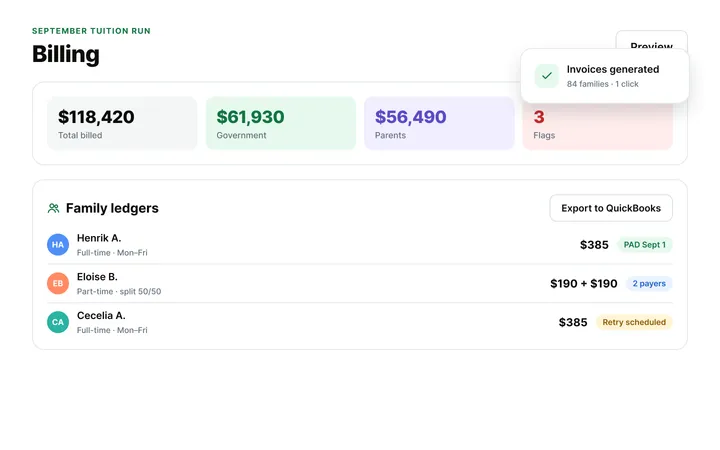
Tours, Waitlists & Registration
Child Care Admissions CRM & Waitlist Automation
Keep every classroom full with online tours, paperless enrollment and waitlists.
Families move from web inquiry to tour, application and roster automatically, while age-transition forecasting shows where your next openings are.
Learn Registration Pipeline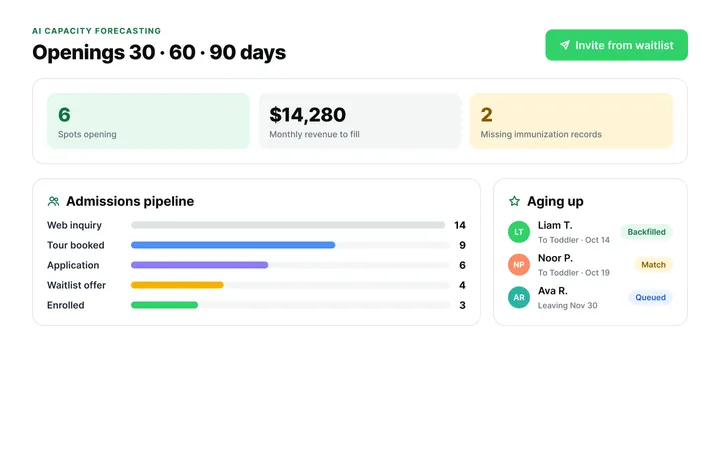
Attendance & Digital Kiosk
Space-Based Attendance & Touchless Check-In
Track ratios and child locations in real time, room by room.
E-signed drop-offs and pick-ups keep live ratios across rooms, playground and transit, with alerts before limits are breached and allergy and custody flags on every roster.
Explore Attendance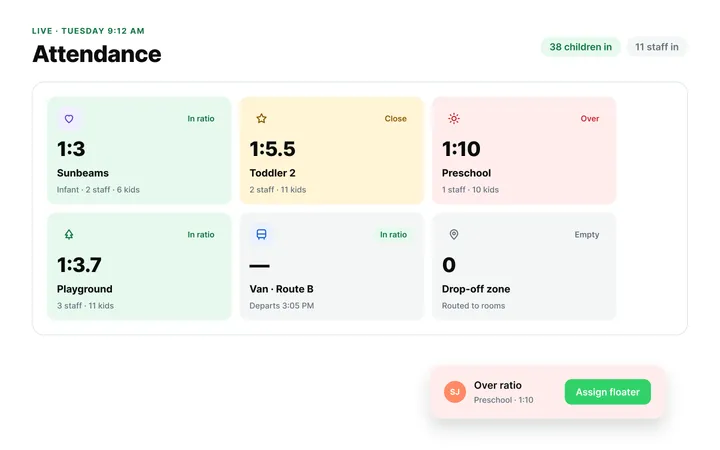
Automation, Tracking & Reports
Digital Licensing Logs & Audit-Ready Reports
Replace clipboards and binders with automated compliance logs.
Immunization checks, CACFP claims, incident and illness logs, allergy alerts and e-signed medication records stay audit-ready without the paperwork.
Explore Automations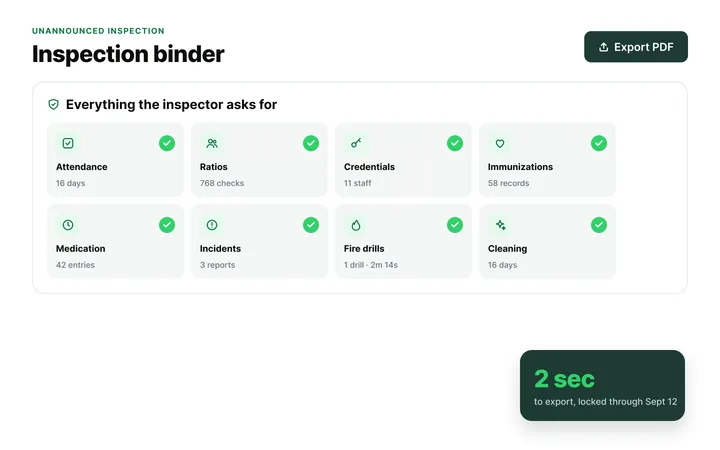
Staff Administration & Scheduling
Teacher Scheduling & Staff Compliance
Build ratio-compliant schedules, track credentials and sync timesheets to payroll.
Match shifts to child arrival times, clock in at the kiosk, export timecards to payroll and get warned before CPR or background checks expire.
Explore Staff Hub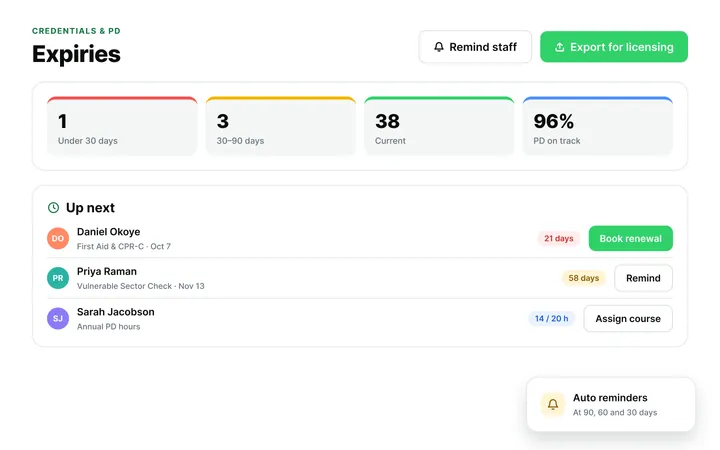
Parent Communication & Engagement
Parent Communication & Family Portal
One app for daily updates, progress, billing and messaging.
Families get daily sheets, photos, progress reports and incident notices, pay tuition and message staff directly, with no phone tag or paper slips.
Explore Family App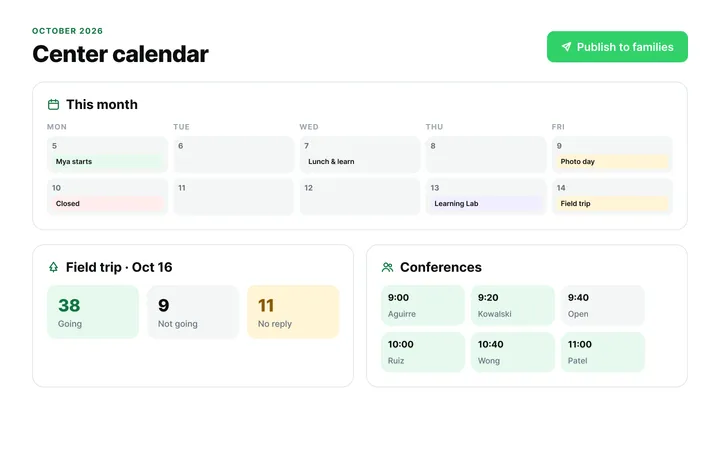
Classroom & Learning Tools
Classroom Management & Learning Tools
Plan curriculum, track milestones and build digital portfolios.
Create or choose lesson plans, record observations against developmental milestones and share portfolios, progress reports and calendars with families.
Explore Curriculum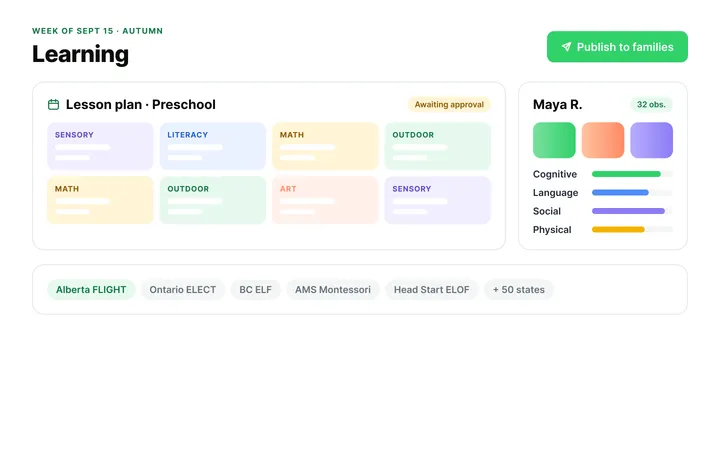
Accreditation Compliance
Industry-First Digital Accreditation Hub
Swap three-ring binders for a digital NECPA accreditation workflow.
Tag evidence against NECPA standards with date-stamped photos, then give assessors a secure link to review your portfolio remotely.
Explore Accreditation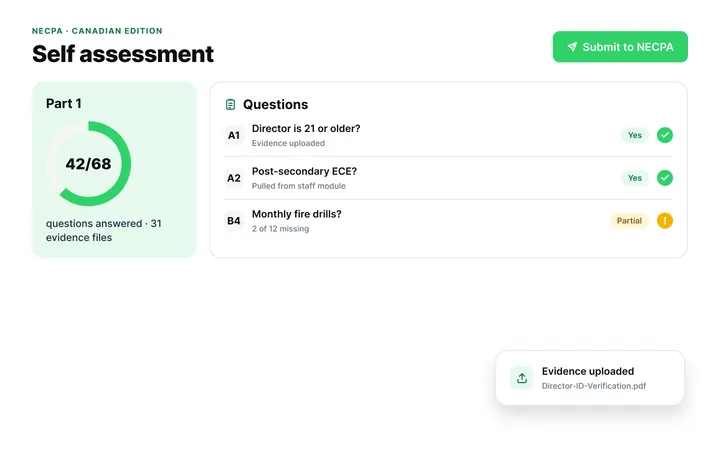
AI & Smart Automation Features
ChildFriendly Pro AI Assistant
Turn quick notes into learning stories and polish family messages instantly.
Pilot drafts journal entries, learning stories and report cards from teacher notes, and refines or translates parent messages.
Explore AI Features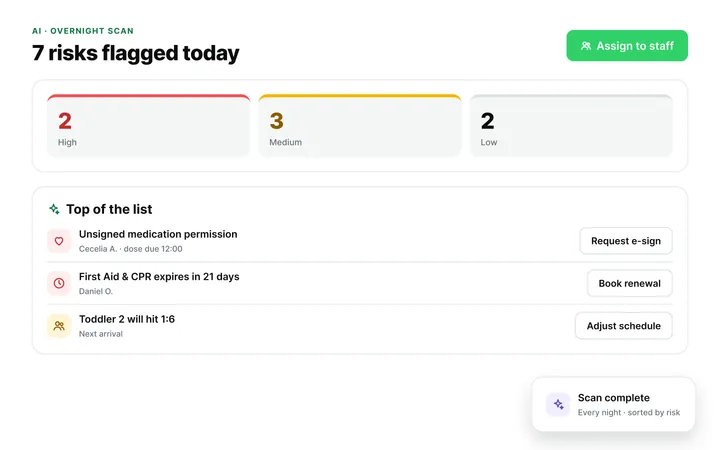
Onboarding & Easy Data Migration
Free, Fast, Careful Data Migration: Live in Days, Not Weeks
Switch from Procare, Lillio, Brightwheel, or your current system with zero setup fees, zero downtime, and dedicated coaching.
Your data is migrated, reviewed, and approved by you before go-live, handled end to end by a dedicated specialist. Most centers complete onboarding in 3–5 business days, with nothing rushed to hit a deadline.
Explore Migration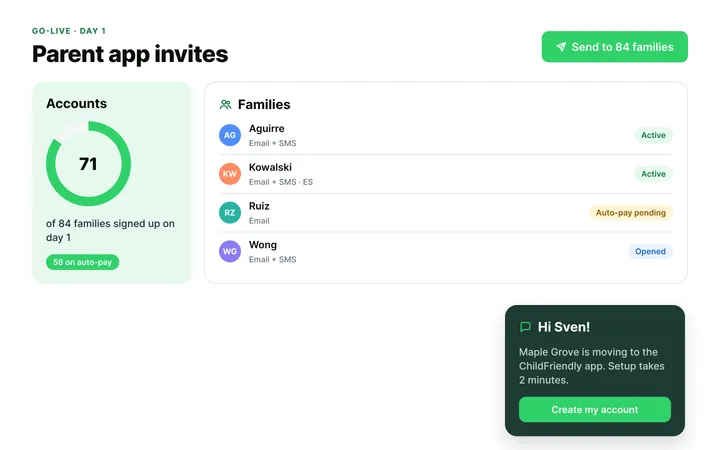
Platform Security & Setup
Enterprise Cloud Security & Data Privacy
Protect child and family records with Microsoft Azure encryption.
256-bit AES encryption, PCI-compliant payment processing and role-based permissions keep data secure and compliant with PIPEDA, FERPA and COPPA.
Explore Platform Security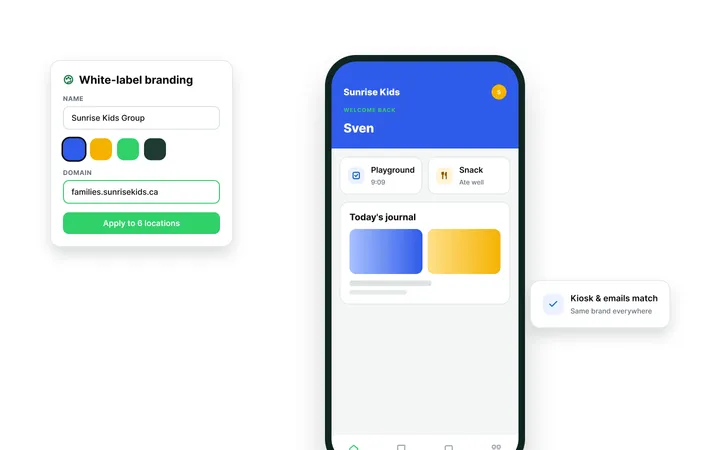
“Parents love the app — they are able to get updates on their kids in real-time, pay from the app and more.”
— Leah Bevan, Area Director, Magic Mountain Child Development Centers
Is the ChildFriendly Parent App completely free for parents to download?
Yes, the ChildFriendly Parent App is 100% free for families to download on iOS and Android devices. There are zero subscription fees or hidden costs for parents.
How do parents receive daily photos and activity updates from school?
Parents receive real-time push notifications whenever teachers log photos, meals, nap times, or milestone updates. Updates appear in a private, searchable timeline feed.
Can co-parents and authorized grandparents maintain separate app accounts?
Yes, multi-guardian profiles allow co-parents, grandparents, and authorized pickups to maintain individual accounts with customized notification settings. Privacy controls ensure data security.
How do parents pay tuition through the mobile app?
Parents view itemized balance statements and pay via credit card, debit card, or bank account (PAD/ACH) with one tap. Auto-pay can be enabled for hands-free monthly billing.
How do parents download annual child care tax receipts?
Parents navigate to the 'Financial' tab in the app to download official verified end-of-year tax summary PDFs instantly. Eliminates waiting for paper receipts from center staff.
Are photos and child records secure inside the app?
Yes, all daily sheets, photos, messages, and child records are encrypted using 256-bit AES encryption and hosted on secure enterprise cloud servers. Media is never shared publicly.
How do parents notify the center if a child is sick or absent?
Parents tap 'Log Absence' in the app to notify teachers and directors of planned absences or illness before morning drop-off. Rosters update automatically.
What should a parent do if they forget their app password or PIN?
Parents tap 'Forgot PIN' on the login screen to receive an instant password reset link via secure email. Parents can view their PIN directly in that app. Support is available 24/7.
Your child’s day, in your pocket.
Ask your center for an invite, or download the free ChildFriendly app on iOS and Android.