
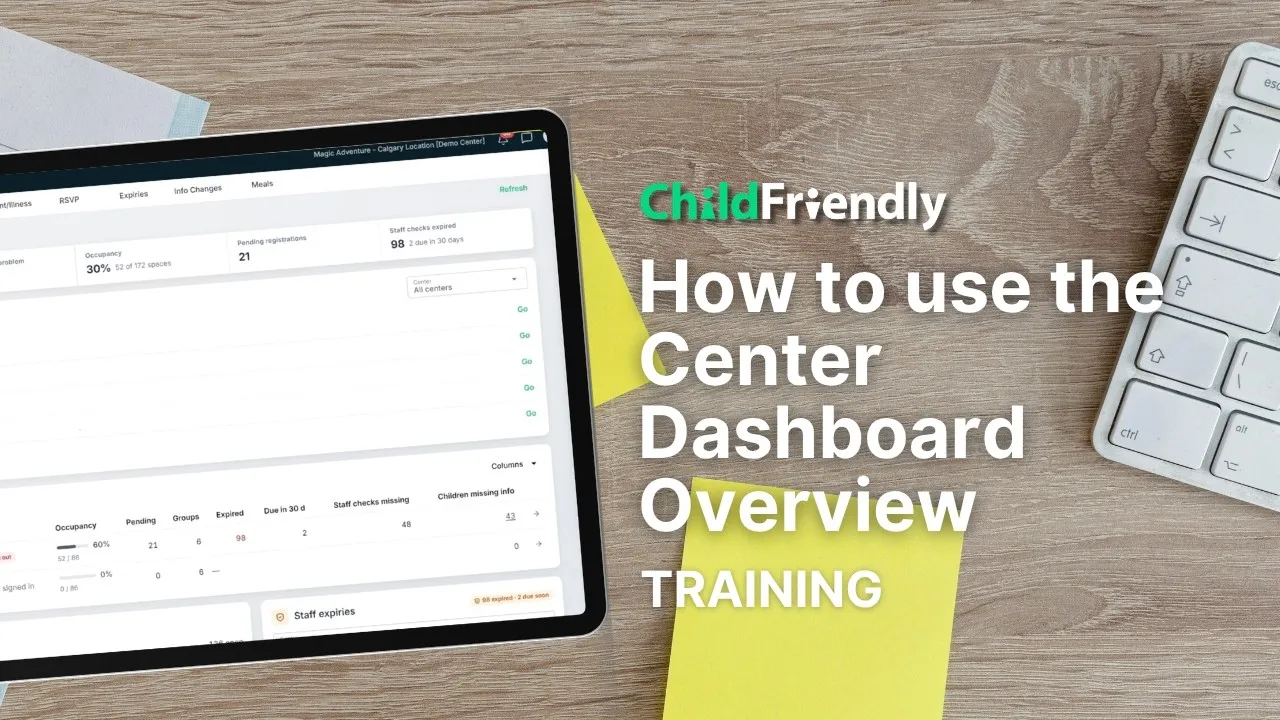
Dashboards
Center Dashboard overview
5:10 · See what needs your attention at a glance: ratios, medications, approvals, enrollment and finances on one screen.
Resources · App training by role
Explore how ChildFriendly helps child care centers simplify daily operations, improve parent communication, and stay organised.
Watch short walkthrough videos that show how our platform works. Learn how to manage registrations, track attendance, communicate with families, and streamline administrative tasks—all from one easy-to-use system.
Product walkthroughs
Dashboards, admissions, health records, staff scheduling and AI tools: each video walks through a real screen in a few minutes. Press play to watch here.
Dashboards
5:10 · See what needs your attention at a glance: ratios, medications, approvals, enrollment and finances on one screen.
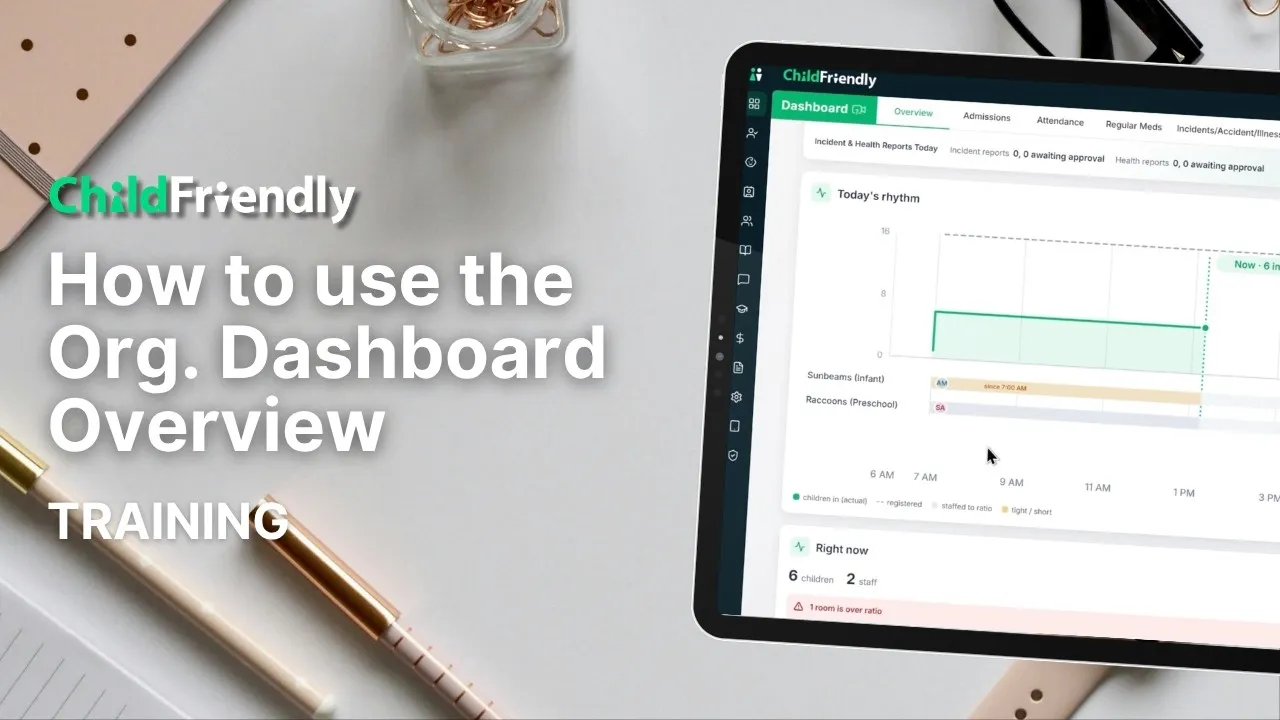
Dashboards
5:09 · Managing more than one center? See urgent issues, open spots and expiries across every location in one place.
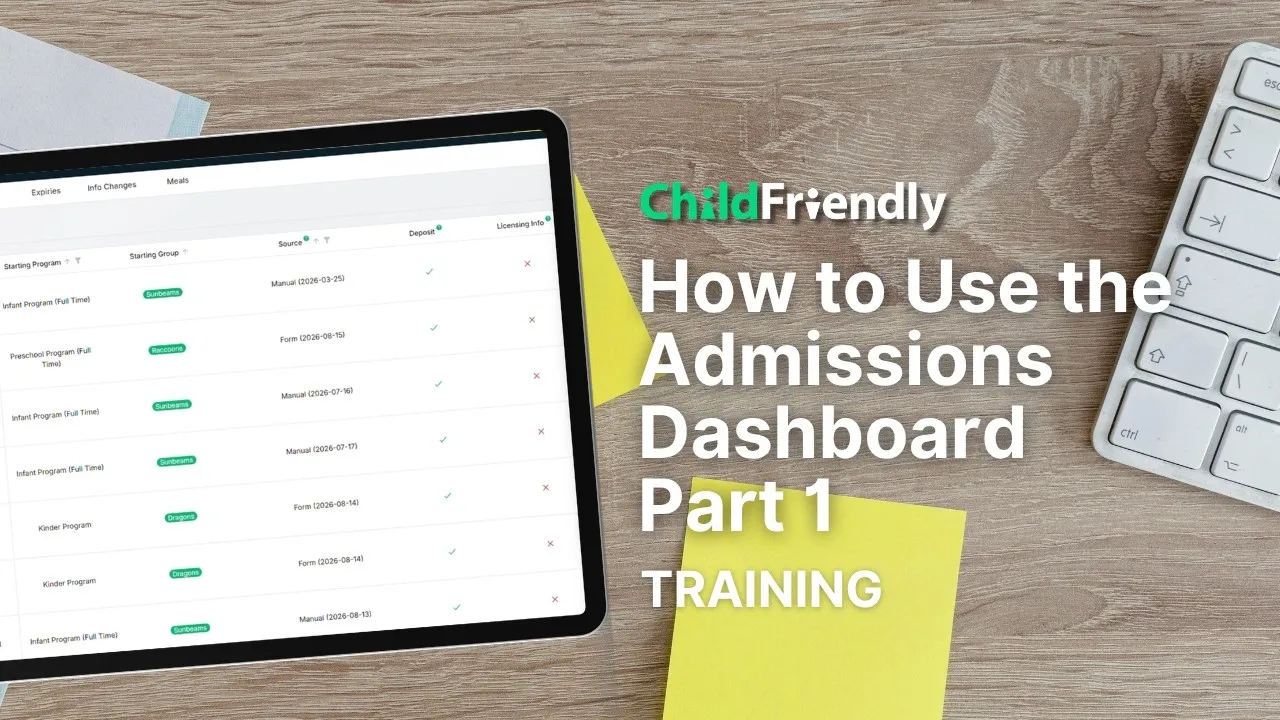
Registration & Waitlist
3:34 · Manage inquiries and tours, configure public forms and set up automated family communication.
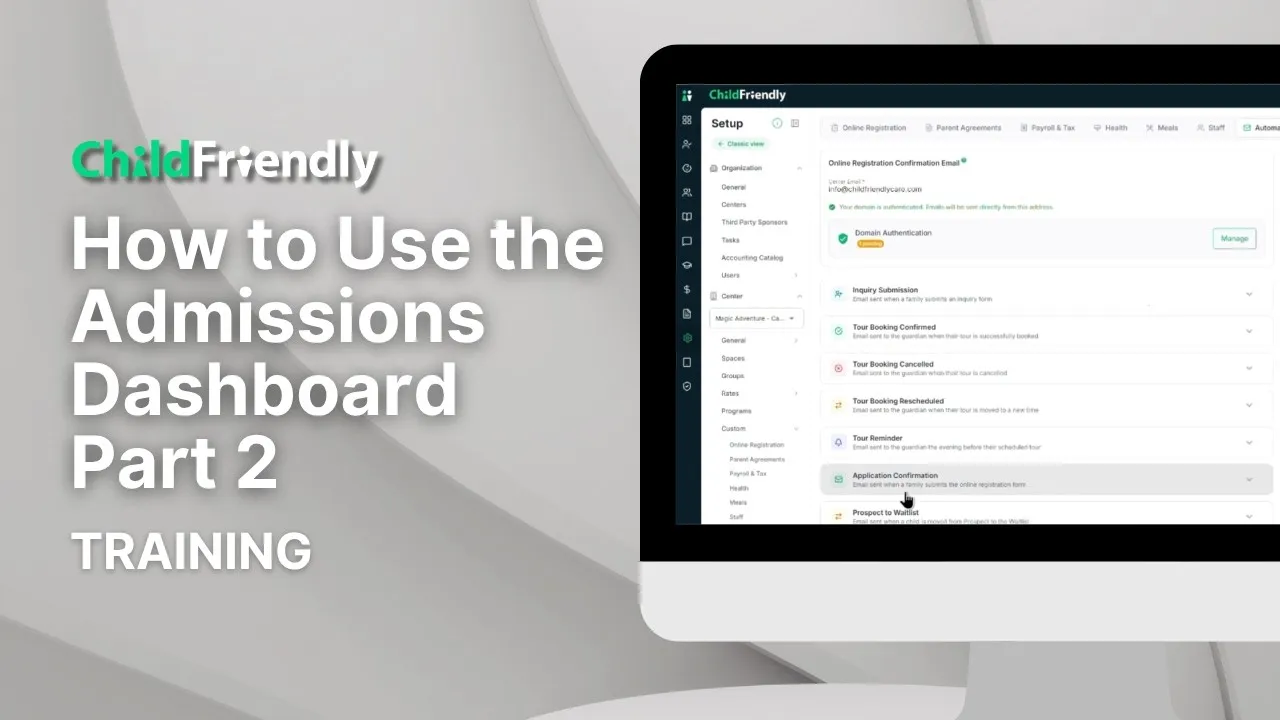
Registration & Waitlist
5:48 · How online applications flow into admissions, plus automated emails, onboarding, the waitlist and withdrawals.
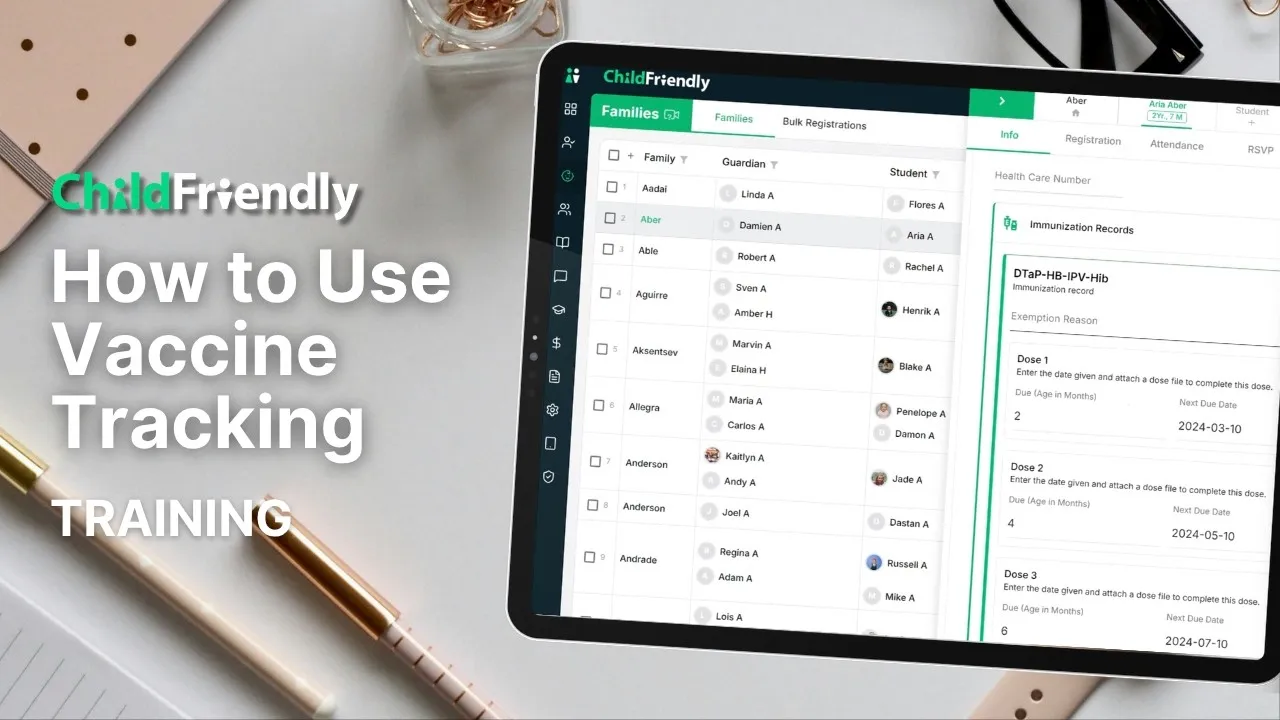
Health & Safety
3:52 · Turn on vaccine tracking so you always know which children are up to date.
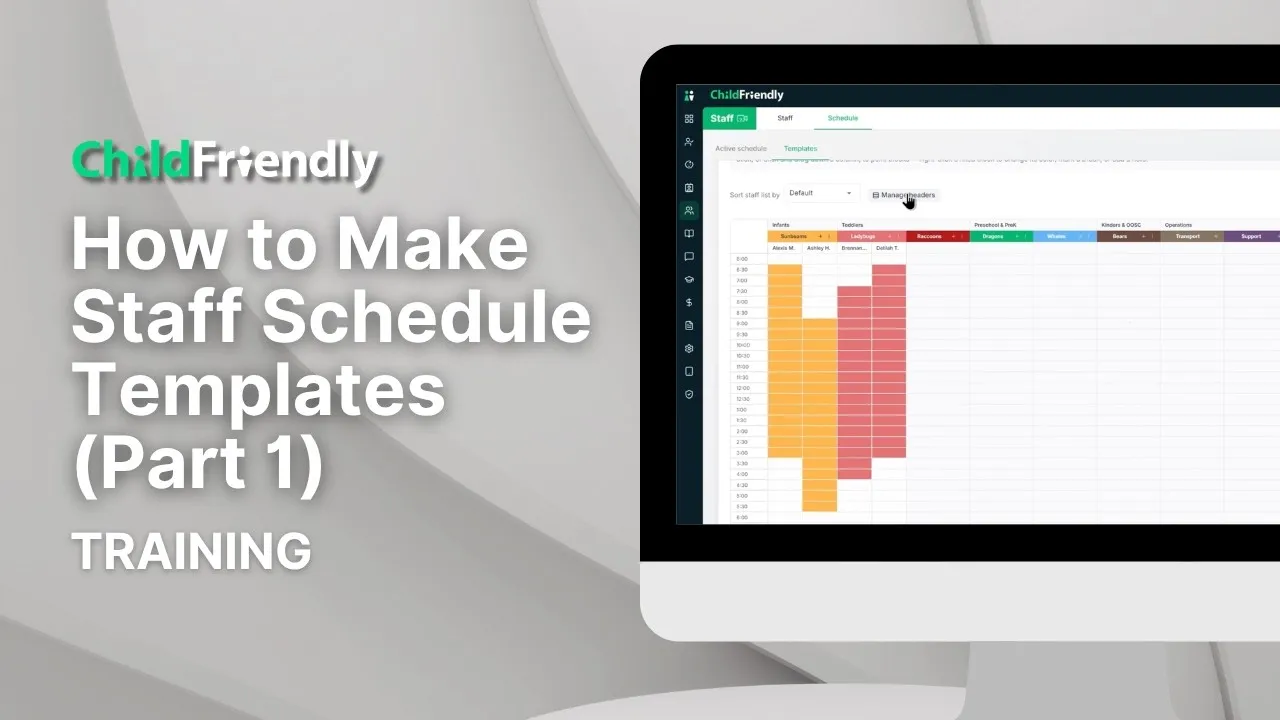
Staff Management
7:35 · Build reusable schedule templates: folders, shift assignments, breaks with coverage and AI Smart Assist.
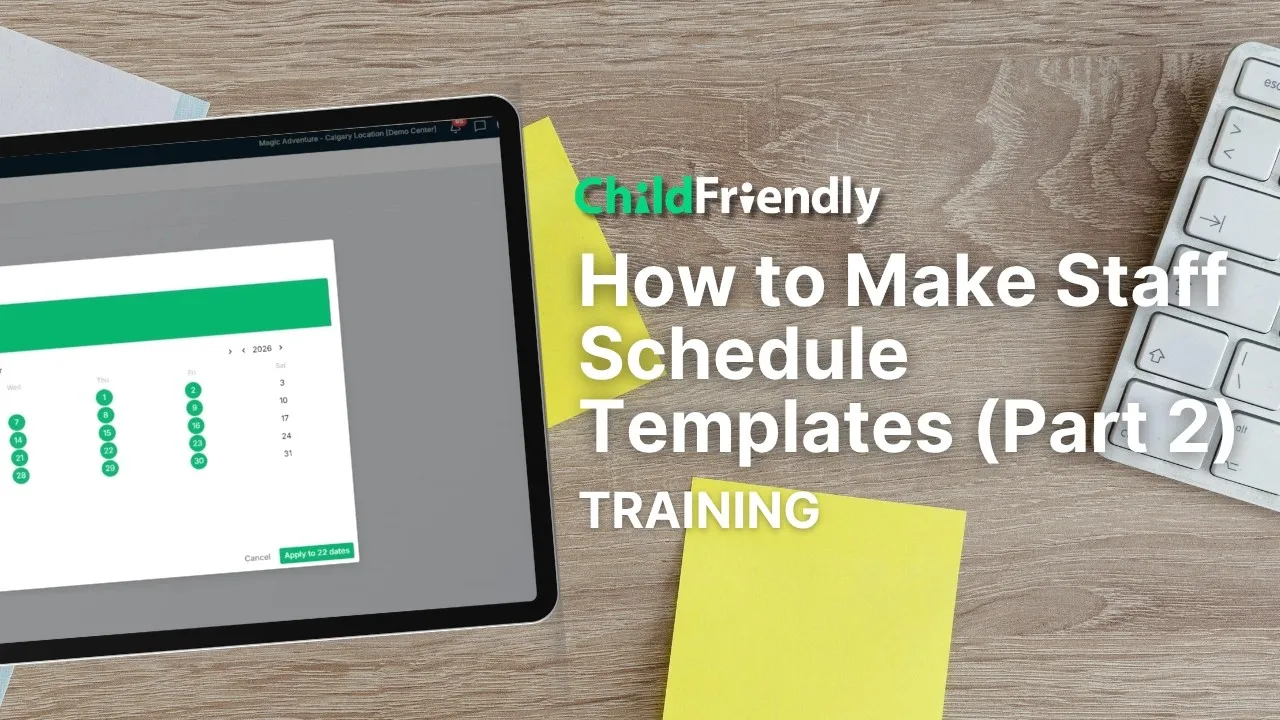
Staff Management
2:22 · Apply a template to a full month in a few clicks, make one-day changes and share the schedule with staff.
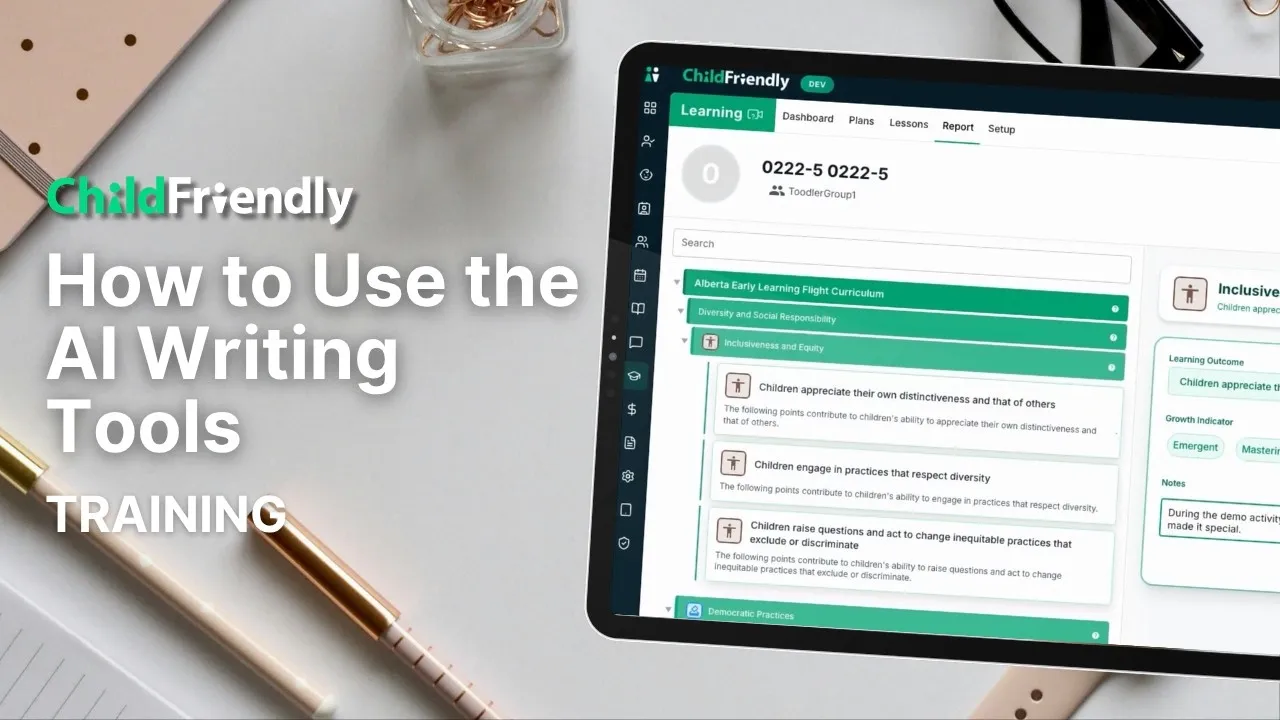
AI Features
3:22 · Polish the wording of journals, plans, lessons, messages and emails without changing what you meant.
No videos match that search.
Have questions about how ChildFriendly works or want to see the platform in action? Our team—real humans who know child care—is happy to help you explore how our tools can support your center.