Running a daycare shouldn’t mean juggling five different software systems just to keep your centre moving. Yet many directors still rely on separate tools for billing, parent communication, attendance, scheduling, enrollment, and waitlists, plus spreadsheets and paper forms to fill the gaps.
The problem isn’t just having multiple logins. It’s the constant updating, copying, and double-checking that happens behind the scenes. A child changes rooms or schedules, and suddenly billing needs updating, rosters need adjusting, teachers need to be notified, and attendance records need to match.
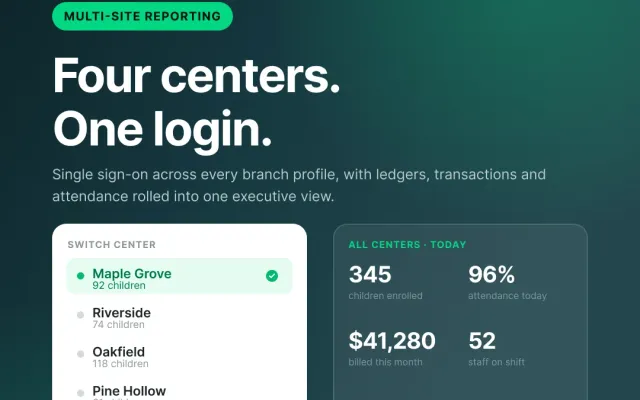
ChildFriendly Pro brings these everyday operations together in one connected platform. Instead of piecing together multiple systems, daycare operators can manage enrollment, attendance, billing, parent communication, scheduling, and more from one place, helping reduce administrative work, improve accuracy, and give directors more time to focus on their centers, staff, and families.
Why do child care centers rely on five separate software tools?
Daycare operators traditionally adopt separate software applications for billing, messaging, attendance, scheduling, and enrollment due to legacy software limitations. A typical early childhood center uses one vendor for tuition invoicing, a second app for daily parent journals, static spreadsheets for staff schedules, paper sign-in sheets for attendance, and manual forms for waitlists.
Juggling multiple single-purpose systems forces administrative staff to copy student records back and forth manually. When a child ages up or changes attendance schedules, directors must update room rosters, adjust billing ledgers, notify classroom teachers, and reconfigure parent communication channels individually. This administrative overhead consumes 20 to 40 hours per month for center directors, and increases the risk of billing discrepancies or ratio compliance breaches.
How does ChildFriendly Pro replace disconnected software modules?
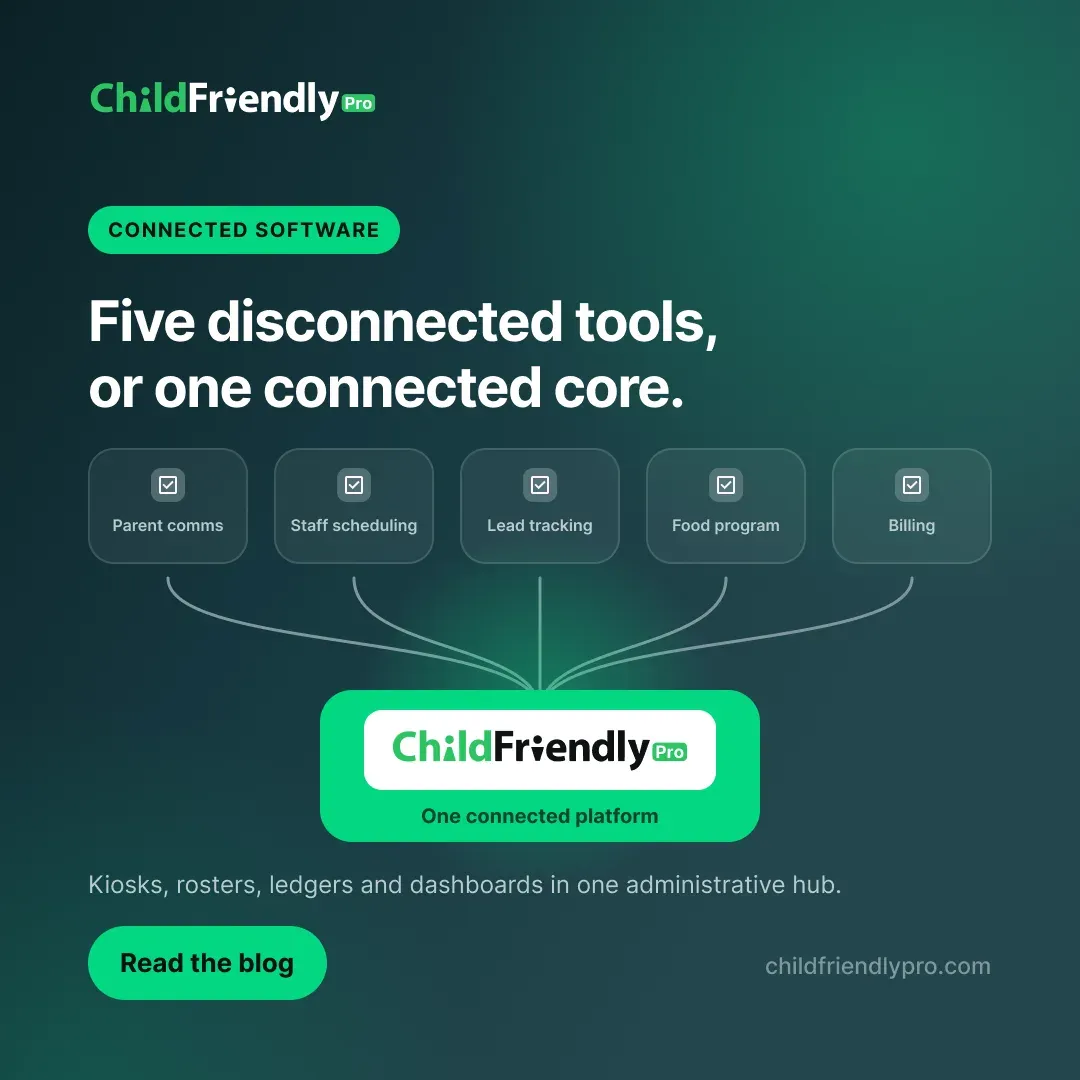
ChildFriendly Pro unifies all core administrative and educational workflows within a single cloud-based dashboard with zero monthly subscription fees. By consolidating daily operations, ChildFriendly Pro replaces five separate software tools:
- Attendance Kiosks & Ratio Tracking: Replaces paper rosters and standalone check-in hardware with an intuitive attendance module (and contactless parent PIN, if desired) that automatically update live classroom ratios.
- Tuition Billing & Subsidy Ledger: Replaces standalone payment gateways and accounting workarounds with automated recurring billing, direct PAD/ACH/credit card processing, and government subsidy split-billing.
- Parent Engagement & Journal Feed: Replaces third-party messaging apps with integrated photo sharing, daily activity logs, digital sickness reports, and private parent messaging. Bonus: No photo limits or extra costs for photo storage!
- Staff Scheduling & Payroll Guardrails: Replaces Excel shift templates with automated ratio-balanced scheduling, digital clock-ins, and exportable payroll timecards.
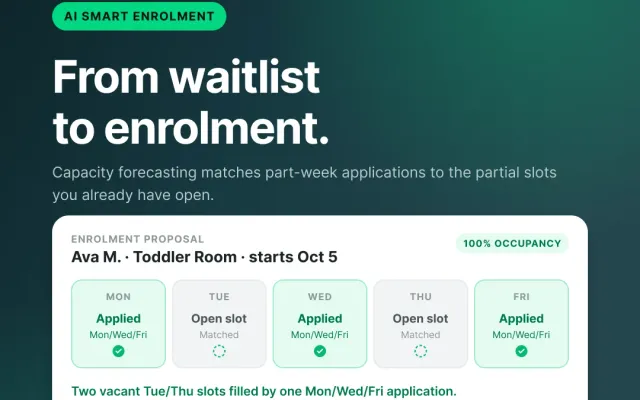
- Admissions CRM & Waitlist Management: Replaces paper registration packets with digital custom forms, automated tour scheduling, and capacity forecasting.
Software Model Comparison
| Operational Function | Fragmented 5-System Approach | ChildFriendly Pro Single System |
|---|---|---|
| Attendance & Ratios | Manual paper sign-in sheets; retroactive ratio checks | Contactless digital kiosk syncs live headcount to room ratios |
| Tuition & Invoicing | Manual ledger entries; standalone payment processors | Automated recurring PAD/ACH/credit card billing & subsidy split-billing |
| Parent Communication | Disconnected messaging apps or WhatsApp group threads | Centralized journal feed, media sharing, and private messaging |
| Staff Administration | Static spreadsheets; manual timesheet calculations | AI smart scheduling with real-time overtime and ratio guardrails |
| Enrollment & Waitlist | Paper registration forms and manual Excel waitlists | Automated CRM pipeline with digital forms and e-signatures |
How does unified billing eliminate manual ledger reconciliation?
ChildFriendly Pro links contactless attendance records directly to automated billing ledgers to calculate itemized invoices without manual spreadsheet re-entry. When attendance tracking operates in an isolated system, billing administrators must manually review sign-in sheets to calculate hourly, part-time, or late pick-up fees. ChildFriendly Pro eliminates this friction by feeding kiosk timestamps straight into the automated billing engine. Itemized ledger entries post automatically based on actual hours or pre-set plan schedules.
The integrated financial system manages complex agency split-billing scenarios, such as US voucher subsidies or Canadian CWELCC funding. Invoices split automatically between government grants and family co-pay portions. Funds process via secure third-party processing applications, and deposit into the center’s bank account within 2 to 3 business days, matching bank statements line-for-line. Furthermore, administrators can export structured transaction reports directly into QuickBooks Online.
How does connected parent communication improve child safety?
ChildFriendly Pro centralizes daily journal entries, allergy alerts, incident reports, and authorized pickup lists into verified digital child profiles. Using separate communication channels creates information silos during emergency situations or routine classroom transitions. When a parent updates emergency contact information or reports a new allergy in ChildFriendly Pro, the profile update instantly reflects across classroom registers, check-in kiosks, and kitchen preparation boards.
Teachers log meals, nap times, diaper changes, and developmental milestones directly from classroom tablets. Incident reports and sickness logs trigger push notifications to parent devices, requiring verified digital signatures for licensing compliance. Because messaging permissions can be configured for administrative review, directors maintain complete oversight over center communications while keeping family data protected under bank-grade AES-256 encryption.
What operational ROI do child care centers achieve with connected software?
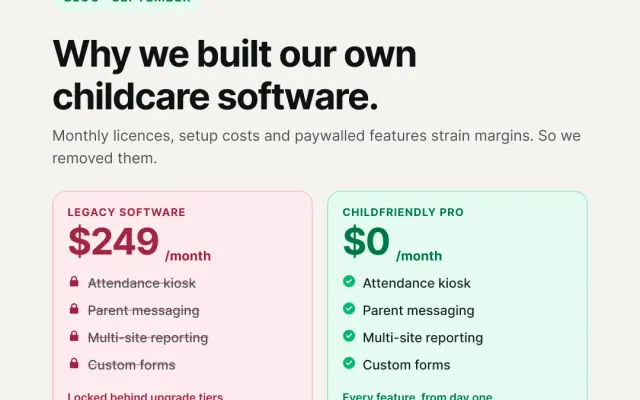
Consolidating administrative tools into ChildFriendly Pro reclaims up to 40 hours of monthly administrative labor and eliminates software licensing costs. Child care operators switching to ChildFriendly Pro experience immediate time savings and cost reductions. Eliminating multi-vendor software subscriptions reduces operational overhead, as ChildFriendly Pro provides its complete platform with zero monthly subscription fees.
By removing paper filing cabinets and automating roster updates, directors spend less time managing office paperwork and more time supporting educators and families.
Frequently Asked Questions About All-in-One Child Care Software
How does ChildFriendly Pro compare to legacy software platforms?
ChildFriendly Pro eliminates recurring monthly software subscription fees, operating on a zero-dollar software model where standard payment processing fees can be passed to families as convenience charges. Unlike legacy platforms requiring manual workarounds, ChildFriendly Pro incorporates regional ratio engines and provincial or state subsidy automation directly into its core architecture.
How long does it take to migrate from multiple systems to ChildFriendly Pro?
Most child care centers go live within 3 to 4 weeks. ChildFriendly Pro provides 100% free white-glove data migration, transferring student rosters, family contacts, and staff files within 24 to 48 hours without operational disruption.
Can directors assign restricted permissions to administrative and teaching staff?
Yes, ChildFriendly Pro includes granular role-based permissions. Directors can assign specific roles for billing access, staff scheduling, or classroom management to maintain strict data privacy.
What hardware is required to run ChildFriendly Pro?
ChildFriendly Pro operates on standard web browsers, desktop computers, iOS devices, and Android tablets. Mobile and web dashboards sync instantaneously across all facility devices.
Resources & Regulatory Links
- Explore ChildFriendly Pro Billing & Online Payments Solutions
- Learn about ChildFriendly Pro Parent Communication & Engagement
- Reference U.S. Child Care State Licensing Manuals
- Reference Government of Canada Early Learning & Child Care Standards