In today’s digital age, managing a daycare extends beyond nurturing and teaching—it involves a host of administrative tasks like scheduling, attendance tracking, and maintaining open communication with parents. This is where daycare software becomes invaluable. But with so many options on the market, how do you choose the right one? Selecting the right child care software is a significant decision, especially when your primary concern is the safety and well-being of the children in your care. This guide will help you navigate the decision-making process step by step, so you can select the best child care software for your center.
Why Daycare Software? A Parent’s Perspective
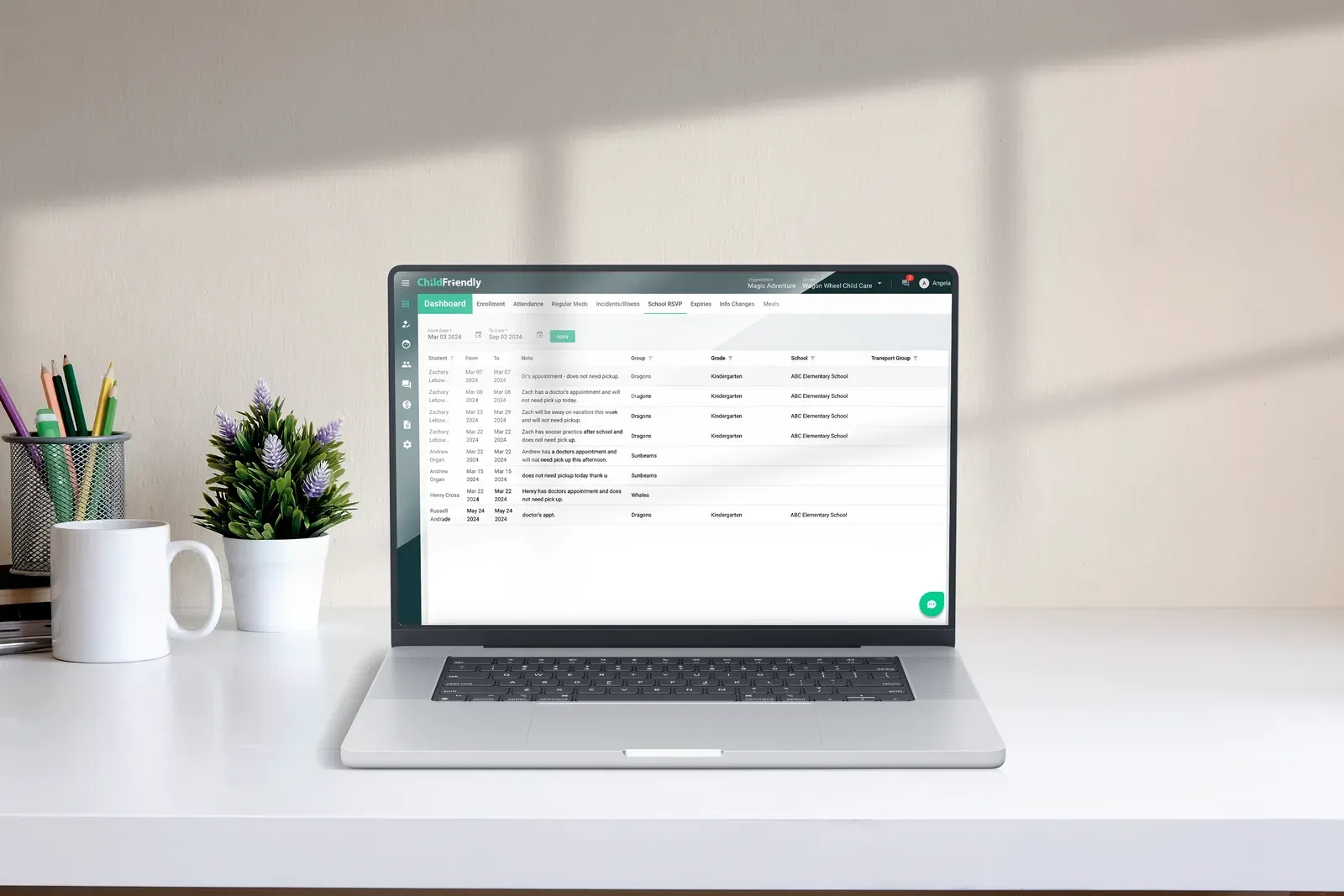
For parents, knowing that their child’s daycare is well-organized and efficient offers immense peace of mind. When a daycare employs software, it demonstrates a commitment to providing a modern, streamlined experience. This includes timely updates, accurate records, and easy access to essential information—all of which build trust.
Moreover, daycare software often includes features such as daily reports, photo sharing, and instant messaging, enabling parents to stay connected with their child’s daily activities. This level of transparency fosters a stronger relationship between the daycare and the family, enhancing overall satisfaction.
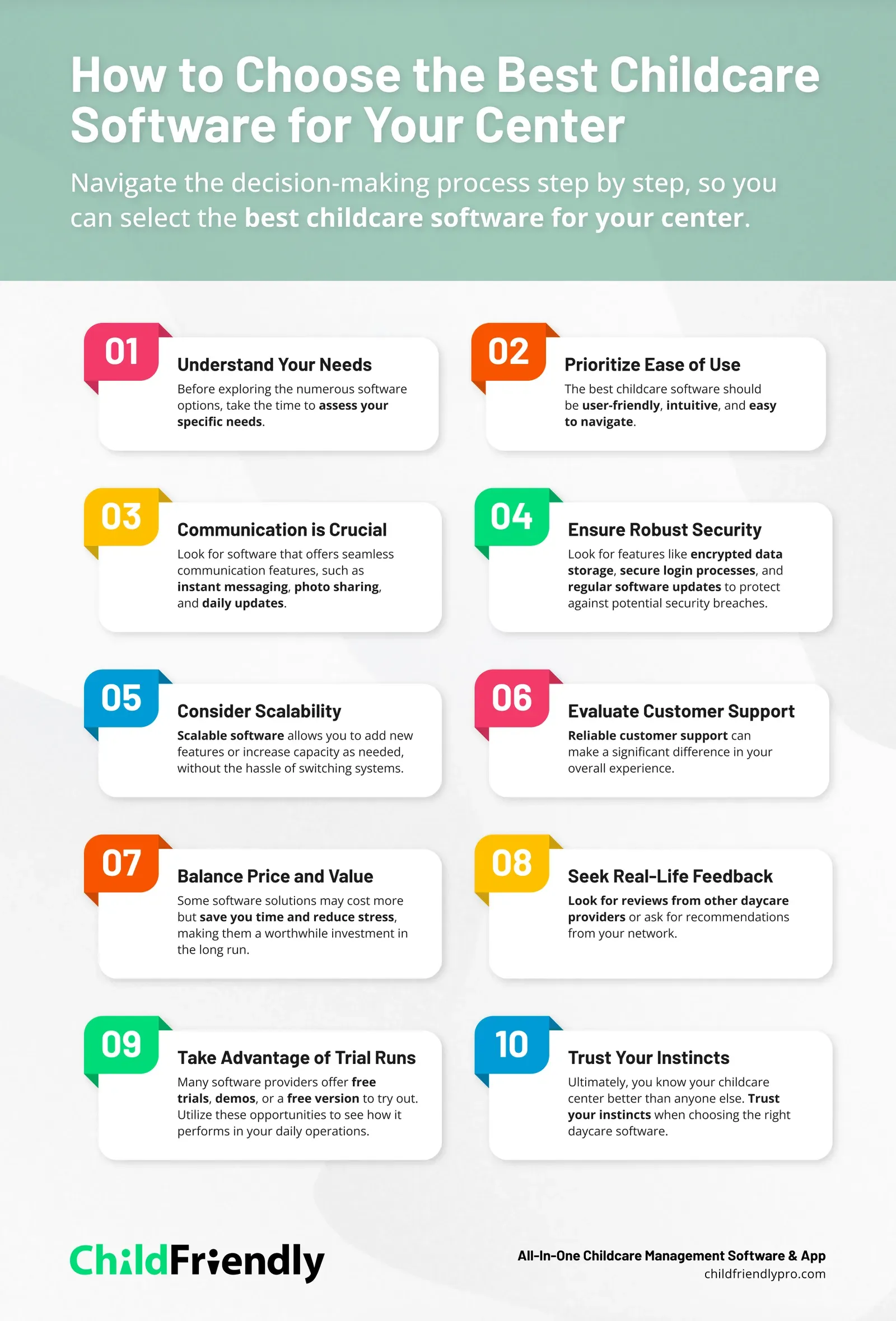
Understand Your Needs
Every child care center has unique requirements. What works well for one center might not be suitable for another. Before exploring the numerous software options, take the time to assess your specific needs. Do you require a system that handles billing and invoicing? What about attendance tracking or communication with parents? Creating a list of your “must-haves” and “nice-to-haves” will serve as a valuable reference as you evaluate different software solutions.
Prioritize Ease of Use
Your time is valuable, and the last thing you need is a complicated system that’s difficult to learn. The best child care software should be user-friendly, intuitive, and easy to navigate. If some of your staff members are not particularly tech-savvy, consider involving them in the selection process. Their feedback can be crucial in ensuring that the software is accessible to everyone on your team.
Communication is Crucial
Parents entrust you with the most important people in their lives—their children. Keeping them informed is essential to building trust and transparency. Look for software that offers seamless communication features, such as instant messaging, photo sharing, and daily updates. These tools not only keep parents connected but also enhance their confidence in your services.
Ensure Robust Security
When handling sensitive information, such as children’s personal details and billing data, security is paramount. The child care software you choose should have strong security measures in place. Look for features like encrypted data storage, secure login processes, and regular software updates to protect against potential security breaches.
Consider Scalability
Is your daycare growing? Even if your center is small now, it’s wise to choose a system that can grow with you. Scalable software allows you to add new features or increase capacity as needed, without the hassle of switching systems. This flexibility ensures that your software will continue to meet your needs as your business expands.
Evaluate Customer Support
No matter how user-friendly the software is, questions or issues are bound to arise. Reliable customer support can make a significant difference in your overall experience. Whether through phone, chat, or email, ensure that the software provider offers timely and helpful support. Reading reviews can provide insights into the quality of customer service you can expect.
Balance Price and Value
While budget is always a factor, it shouldn’t be the sole consideration. The cheapest option might not offer the features you need to operate efficiently. Instead, focus on the value you’re getting for the price. Some software solutions may cost more but save you time and reduce stress, making them a worthwhile investment in the long run.
Seek Real-Life Feedback
One of the best ways to determine if child care software is right for you is by hearing from other users. Look for reviews from other daycare providers or ask for recommendations from your network. Real-life experiences often highlight advantages and drawbacks that might not be evident in promotional materials.
Take Advantage of Trial Runs
Many software providers offer free trials, demos, or a free version to try out. Utilize these opportunities to see how the software performs in your daily operations. A trial run allows you to assess whether the software simplifies your tasks or introduces new challenges.
Trust Your Instincts
Ultimately, you know your child care center better than anyone else. Trust your instincts when choosing the right daycare software. If something doesn’t feel right, don’t hesitate to continue your search. The best child care software is out there; it’s just a matter of finding the one that feels like the perfect fit for you and the families you serve.

Why Choose ChildFriendly?
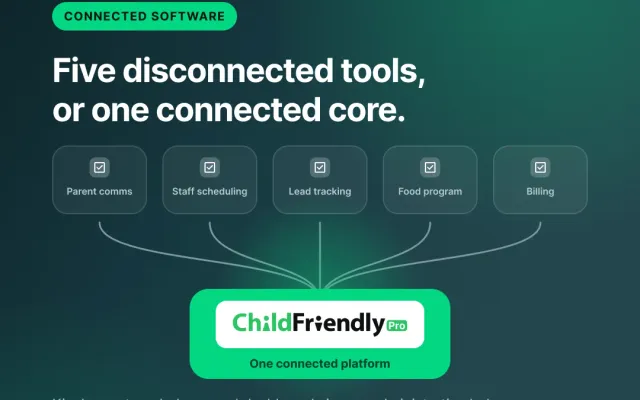
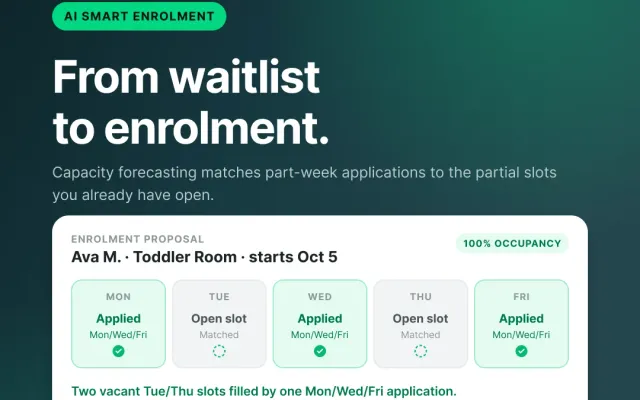
Not all daycare software is created equal. Some are cumbersome, difficult to use, and fail to adapt to the unique needs of each daycare. ChildFriendly was developed in part by a seasoned daycare operator, with a deep understanding of the daily challenges that daycare providers face. Utilizing AI features to offer non-generic, location-specific features, the software provides a truly custom experience. It’s more than just software—it’s a partner in your mission to deliver exceptional child care.
Here’s why ChildFriendly stands out:
- User-Friendly Interface: We understand that not everyone is a tech expert, and that’s perfectly fine. ChildFriendly is designed to be intuitive and easy to navigate, allowing you to spend less time on the software and more time focusing on the children.
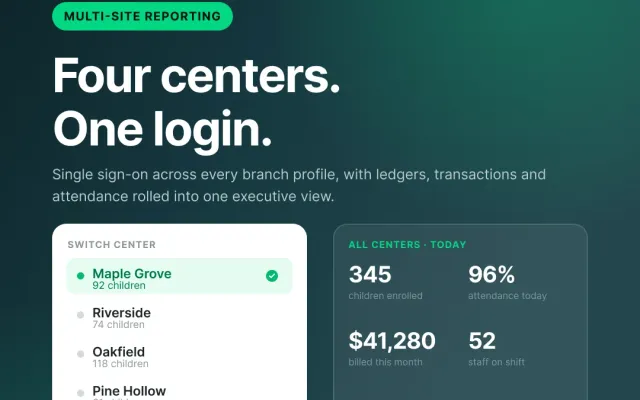
- Customizable Features: Every daycare is different, and ChildFriendly reflects that. Whether you need advanced scheduling tools, real-time parent communication, or detailed attendance tracking, our software can be customized to meet your specific needs. More so, features are tailored to your specific province or state.
- Safety First: In an era where data breaches are increasingly common, the security of your information—and that of the children in your care—is paramount. ChildFriendly employs the latest security measures to ensure that your data remains protected.
- Parent Involvement: We believe a daycare should be more than just a service—it should be a community. ChildFriendly includes features that encourage parent involvement, such as sharing updates, photos, and milestones directly with them. This keeps parents engaged and reinforces their trust in your daycare.
- Reliable Support: Technology is a fantastic tool—when it works. But when issues arise, having access to dependable customer support is crucial. ChildFriendly offers top-tier customer support, so whether you have a question about a feature or need help troubleshooting, our team is just a click away.
Choosing the right child care software is an investment in the future of your center. Take your time, do thorough research, and select a solution that enables you to focus on what truly matters: providing the highest quality care for the children and families in your community.
To explore how ChildFriendly can support your child care center with user-friendly, scalable, and secure software solutions, book a no-obligation demo today.