Wait after you ask
Give children several seconds before you rephrase or answer for them. One prompt with a long pause does more than three in a row.
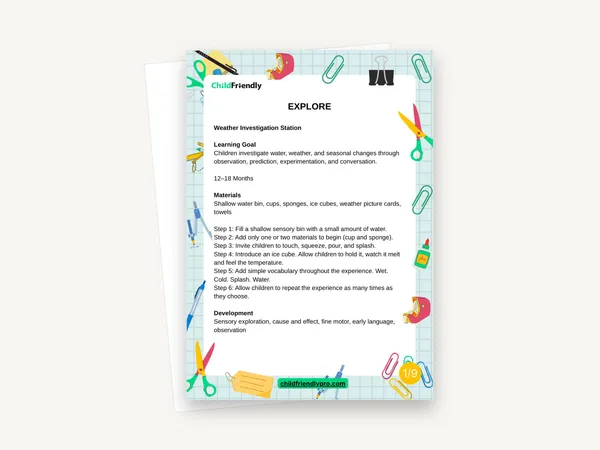
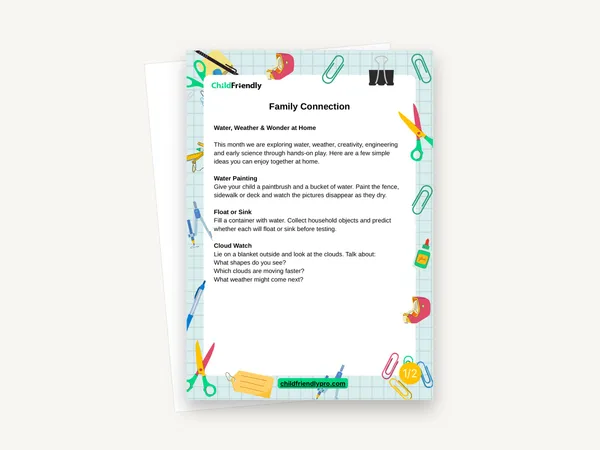
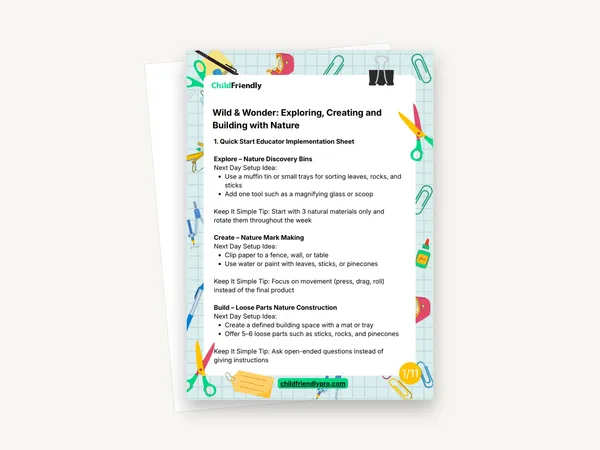
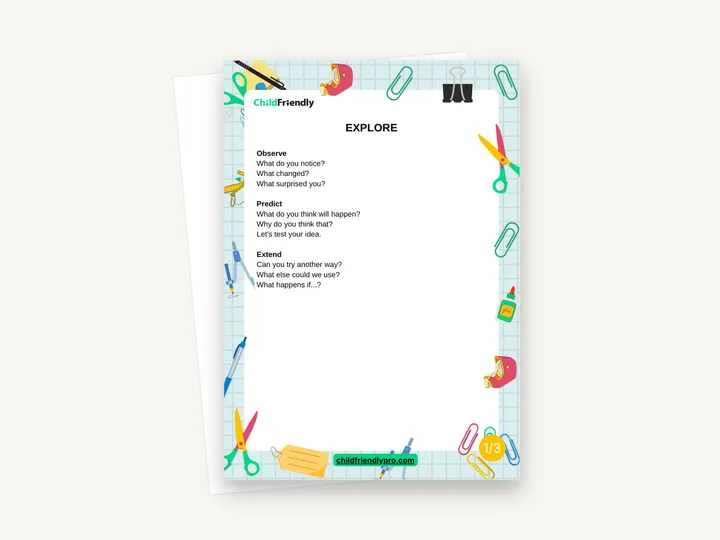
Three one-page prompt cards — Explore, Create and Build — with short open-ended questions and comments for educators to use during play. Each card groups its prompts under three headings, such as Observe, Predict and Extend on the Explore card.
No sign-up required. Print it and share it with your team — it’s free for any child care program to use.
What’s inside
How to use it
Tips from operators
Learned the hard way across 3,000 child care spaces — and from the directors and educators who join our Lunch & Learns and Learning Labs.
Give children several seconds before you rephrase or answer for them. One prompt with a long pause does more than three in a row.
The cards do not give age ranges. With toddlers, use the simplest prompts and pair them with pointing or doing the action yourself.
A card on the wall gives a new or relief educator ready language for the area they are covering.
Do it digitally in ChildFriendly Pro
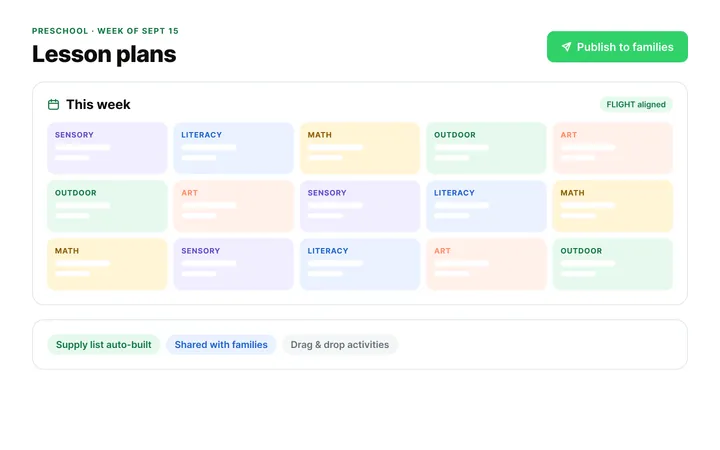
Build the same plan in ChildFriendly Pro and every observation you log is tagged to FLIGHT, ELECT, ELF or your own outcomes, added to each child’s portfolio and shared with families in their daily journal.
FAQ
Can’t find your answer? Chat with a real person who has run a child care center.
Read more FAQsExplore and Create have nine each, three under each heading. Build has eight: two under Plan and three each under Test and Improve.
No. The wording is general — “What do you notice?”, “What could we change?” — so the cards work with any exploration, art or building activity.
No. They contain prompts only. For full activities with materials and steps, see the related Learning Lab activity packs.
Not in the PDF; it has no form fields. If you want prompts in your own words or another language, write them on the back or on a sticky note beside the card.
More templates
Child Development & Programming
Family Engagement
Child Development & Programming
Child Development & Programming
Keep learning
Educator (ECEs) Workshops · Recording
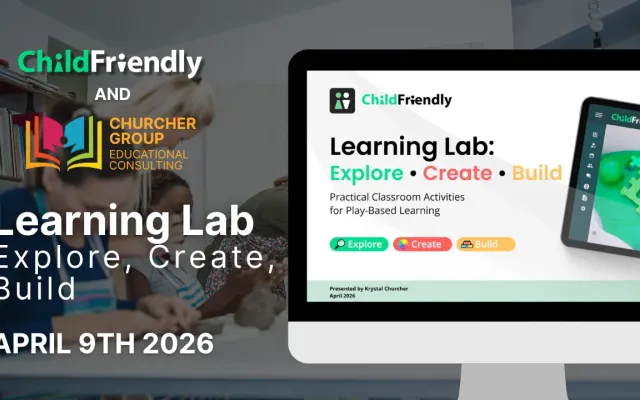
Looking for simple, meaningful ways to spark curiosity and support skill development in your classroom—without adding more to your workload?
Watch the recordingNewsletter
We add new templates and tools most months. Subscribe and they land in your inbox — along with Lunch & Learn and Learning Lab invitations.

Join hundreds of child care professionals across North America. CASL compliant.
You can unsubscribe anytime. CASL/CAN-SPAM compliant.