Check materials before use
The guide has no safety notes. Look over collected items for sharp edges, mould and pieces small enough to be a choking risk for your age group.
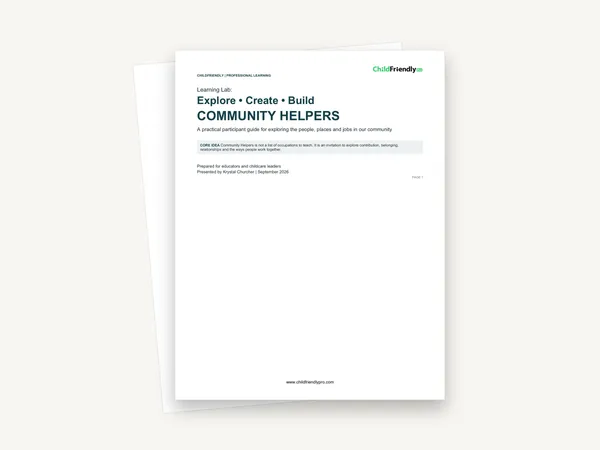
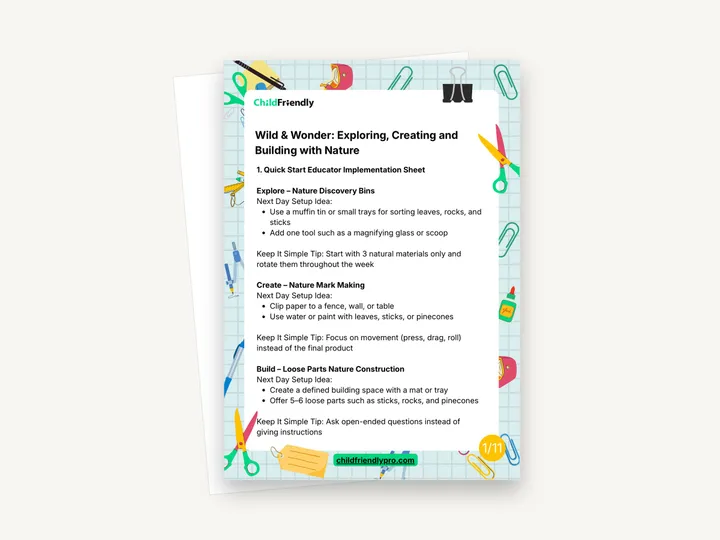
A five-page educator guide titled “Wild & Wonder: Exploring, Creating and Building with Nature”. Eight numbered sections cover next-day set-up ideas for Nature Discovery Bins, Nature Mark Making and Loose Parts Nature Construction, an educator prompt guide, an observation guide, a documentation sentence structure, a parent communication template, and notes on regulation, extensions and director support.
No sign-up required. Print it and share it with your team — it’s free for any child care program to use.
What’s inside
How to use it
Tips from operators
Learned the hard way across 3,000 child care spaces — and from the directors and educators who join our Lunch & Learns and Learning Labs.
The guide has no safety notes. Look over collected items for sharp edges, mould and pieces small enough to be a choking risk for your age group.
This is the guide’s own suggestion for directors to encourage. It keeps documentation short enough to do every day.
The director section says to rotate materials instead of adding more. Swap one material out when interest drops.
Do it digitally in ChildFriendly Pro
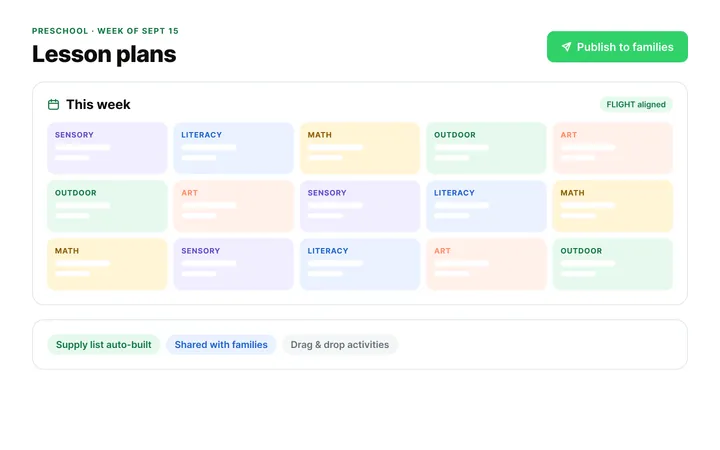
Build the same plan in ChildFriendly Pro and every observation you log is tagged to FLIGHT, ELECT, ELF or your own outcomes, added to each child’s portfolio and shared with families in their daily journal.
FAQ
Can’t find your answer? Chat with a real person who has run a child care center.
Read more FAQsNo. Unlike some other Learning Lab resources, this guide gives one set-up idea per activity with no age ranges. Adjust the number and size of materials for your room.
No. The “Simple Documentation Template” and “Parent Communication Template” are wording to copy and adapt, not blank forms, and the PDF has no form fields.
The pages are numbered 1/11 to 5/11, but the file has five pages and all eight numbered sections are present, ending with Director / Operator Support. Nothing appears to be missing from the content.
Mostly, but section 8 is written for directors and operators: ask educators what children discovered today, encourage simple documentation, rotate materials and support outdoor learning when possible.
More templates
Child Development & Programming
Child Development & Programming
Child Development & Programming
Child Development & Programming
Keep learning
Educator (ECEs) Workshops · Recording
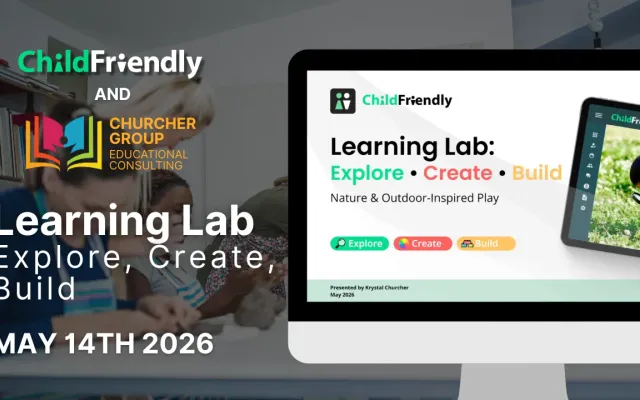
Watch our Learning Lab with Krystal Churcher for simple, nature-based activity ideas and practical classroom strategies for early childhood educators.
Watch the recordingNewsletter
We add new templates and tools most months. Subscribe and they land in your inbox — along with Lunch & Learn and Learning Lab invitations.

Join hundreds of child care professionals across North America. CASL compliant.
You can unsubscribe anytime. CASL/CAN-SPAM compliant.