Personalise the scripts
The scripts are written generally (“Today your child explored…”). Add one specific thing the child did so the message does not read as a template.
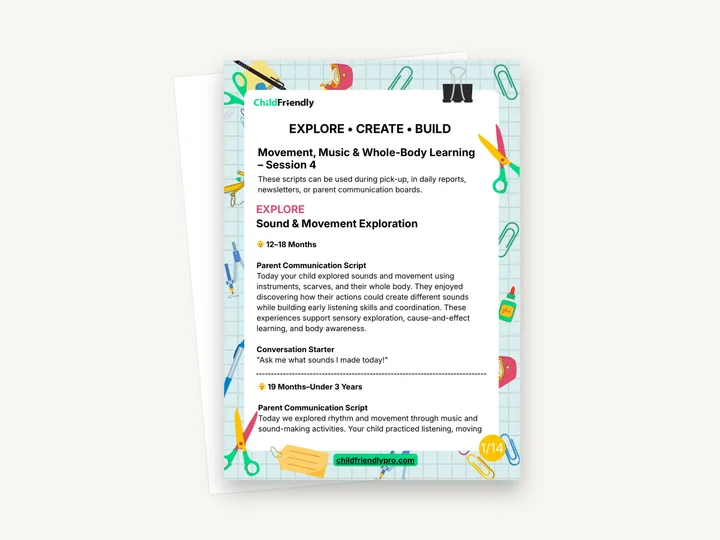
A 14-page Learning Lab guide for three movement activities: Sound & Movement Exploration, Ribbon & Movement Art and Obstacle Course Builders. It gives ready-made parent communication scripts for three age groups, a short newsletter version, an educator quick reference with materials, prompts and observation ideas, an observation and documentation sheet, and a family handout of at-home ideas.
No sign-up required. Print it and share it with your team — it’s free for any child care program to use.
What’s inside
How to use it
Tips from operators
Learned the hard way across 3,000 child care spaces — and from the directors and educators who join our Lunch & Learns and Learning Labs.
The scripts are written generally (“Today your child explored…”). Add one specific thing the child did so the message does not read as a template.
One of the Explore prompts is “What happens when we move to different kinds of music?” Have a fast piece and a slow piece ready to compare.
The first Build prompt is “How can we build a safe course?” Walk it yourself, check mats and spacing, then ask children the same question.
Do it digitally in ChildFriendly Pro
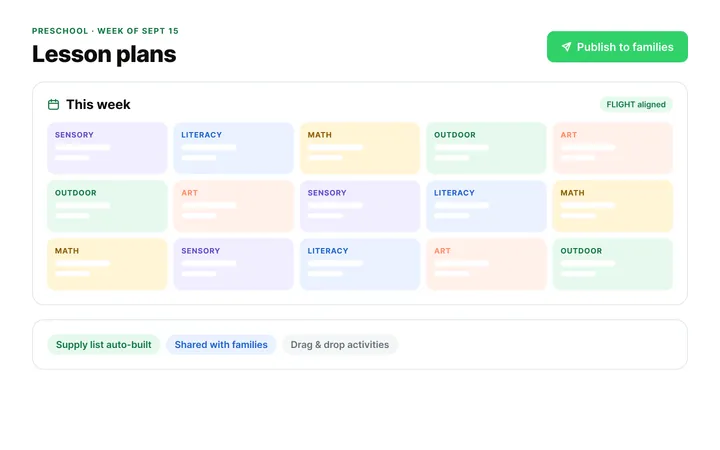
Build the same plan in ChildFriendly Pro and every observation you log is tagged to FLIGHT, ELECT, ELF or your own outcomes, added to each child’s portfolio and shared with families in their daily journal.
FAQ
Can’t find your answer? Chat with a real person who has run a child care center.
Read more FAQsNo. It gives materials, educator prompts, learning opportunities and observation ideas for each activity, but not numbered set-up steps. Most of the guide is about communicating and documenting the learning.
A list of five areas the Learning Lab supports, including well-being and belonging, play and playfulness, and communication and literacies. The guide does not explain the reference further; Flight is the name of Alberta’s early learning and care framework.
No. The PDF has no form fields. Print the sheet and tick the boxes and write notes by hand.
12–18 months, 19 months–under 3 years and 3–4 years, for each of the three activities. One script (Ribbon & Movement Art for 19 months–under 3 years) appears twice in the file.
More templates
Child Development & Programming
Child Development & Programming
Family Engagement
Family Engagement
Keep learning
Educator (ECEs) Workshops · Recording
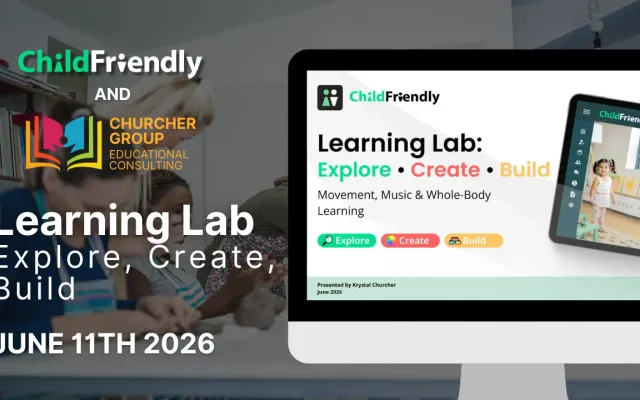
Watch our Learning Lab on music and movement: three easy activity setups that support coordination, rhythm, creativity and self-regulation.
Watch the recordingNewsletter
We add new templates and tools most months. Subscribe and they land in your inbox — along with Lunch & Learn and Learning Lab invitations.

Join hundreds of child care professionals across North America. CASL compliant.
You can unsubscribe anytime. CASL/CAN-SPAM compliant.