Keep one puppet for gathering time
The idea bank’s “Puppet Hello” suggests a single simple puppet that greets children or introduces a story. Using the same one each day makes it a familiar routine.
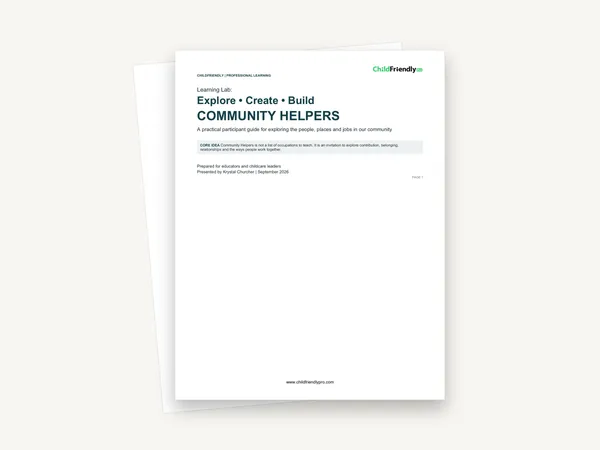
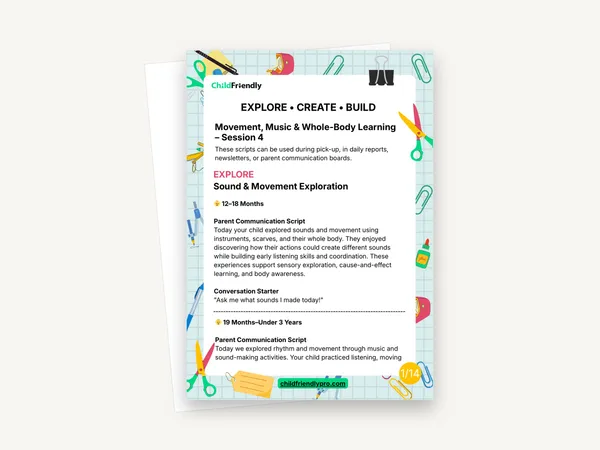
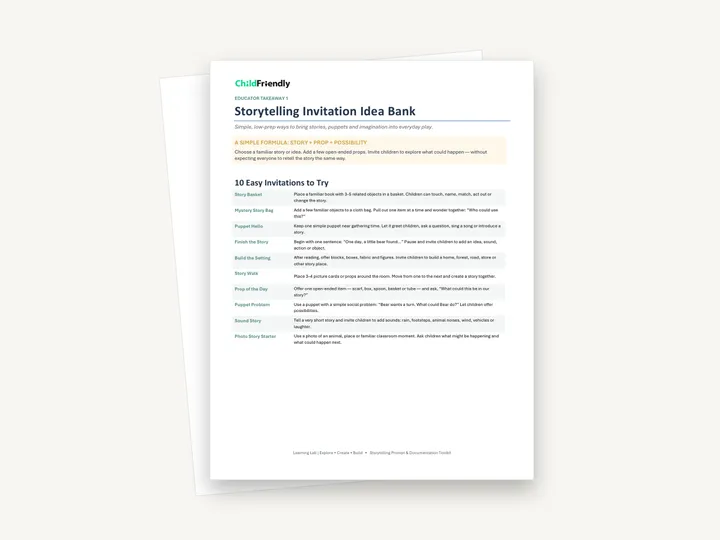
Two PDFs from the Storytelling, Imagination & Dramatic Play Learning Lab. A four-page educator takeaway holds a Storytelling Invitation Idea Bank and a Storytelling Prompt & Documentation Toolkit. A nine-page set of activity pages covers Story Basket Discovery, Puppet & Prop Play and the Story Scene Challenge, each written for 12–18 months, 19–36 months and 3–4 years.
No sign-up required. Print it and share it with your team — it’s free for any child care program to use.
What’s inside
How to use it
Tips from operators
Learned the hard way across 3,000 child care spaces — and from the directors and educators who join our Lunch & Learns and Learning Labs.
The idea bank’s “Puppet Hello” suggests a single simple puppet that greets children or introduces a story. Using the same one each day makes it a familiar routine.
Several pages suggest keeping the basket or scene available so children can return to it later in the day. Repeated play is where retelling and new endings appear.
The example family messages use sample children’s names. Reuse the sentence structure with your own observation instead of copying the wording.
Do it digitally in ChildFriendly Pro
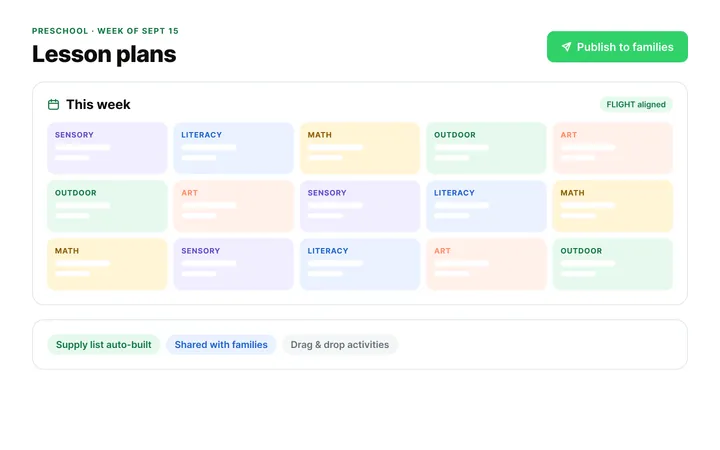
Build the same plan in ChildFriendly Pro and every observation you log is tagged to FLIGHT, ELECT, ELF or your own outcomes, added to each child’s portfolio and shared with families in their daily journal.
FAQ
Can’t find your answer? Chat with a real person who has run a child care center.
Read more FAQsThe four-page takeaway is general: an idea bank of ten invitations and a toolkit of prompts and family-message examples. The nine-page file is specific: three activities, each written out for three age groups with set-up, materials, prompts and what to notice.
12–18 months, 19–36 months and 3–4 years, in both files.
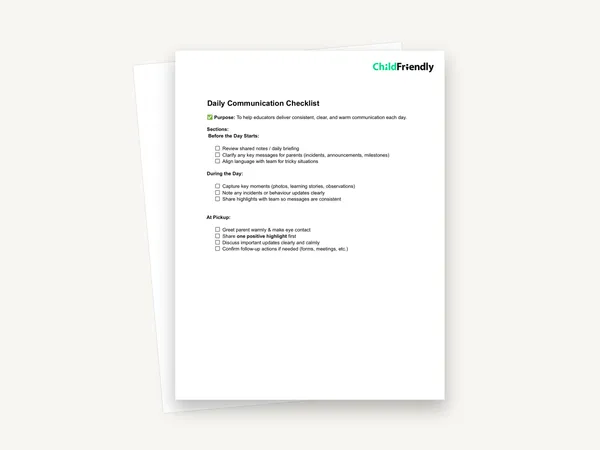
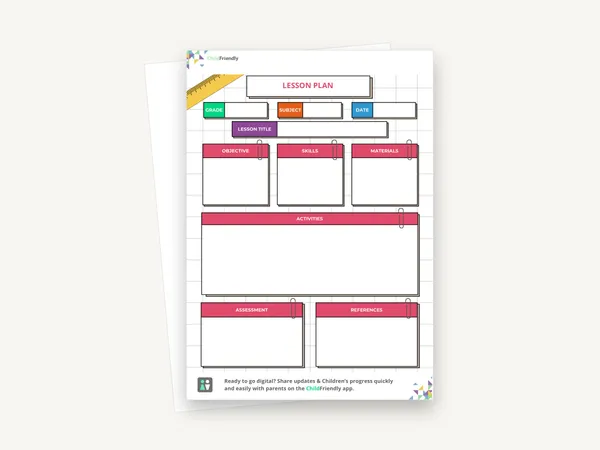
No. Neither PDF has form fields or blank recording space. They are reference pages to print and keep in the room, and the family messages are examples to adapt.
No. The takeaway says the goal is not a perfect retelling or finished product, and the 3–4 years Story Basket page says to accept the child’s version of the story.
More templates
Child Development & Programming
Child Development & Programming
Family Engagement
Child Development & Programming
Keep learning
Educator (ECEs) Workshops · Recording
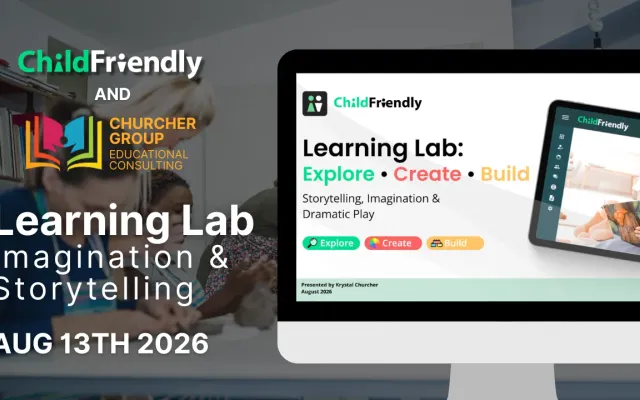
Watch Krystal Churcher’s Learning Lab on imagination and storytelling: three hands-on setups that build language, creativity and early literacy.
Watch the recordingNewsletter
We add new templates and tools most months. Subscribe and they land in your inbox — along with Lunch & Learn and Learning Lab invitations.

Join hundreds of child care professionals across North America. CASL compliant.
You can unsubscribe anytime. CASL/CAN-SPAM compliant.