Use photos of your own community
The guide recommends real images of local places and people over generic cartoon cards. Photograph your nearest library, grocery store, bus stop and clinic and laminate them.
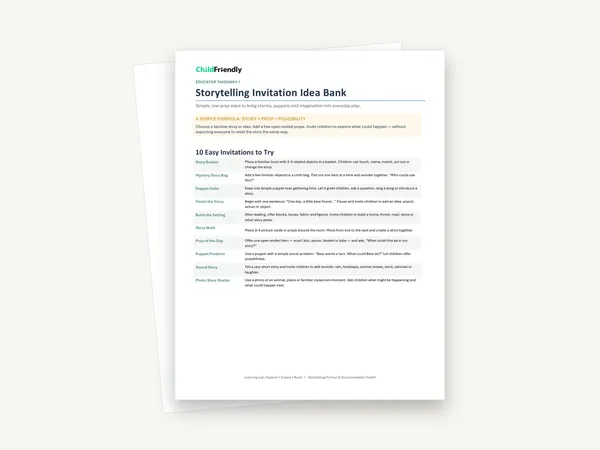
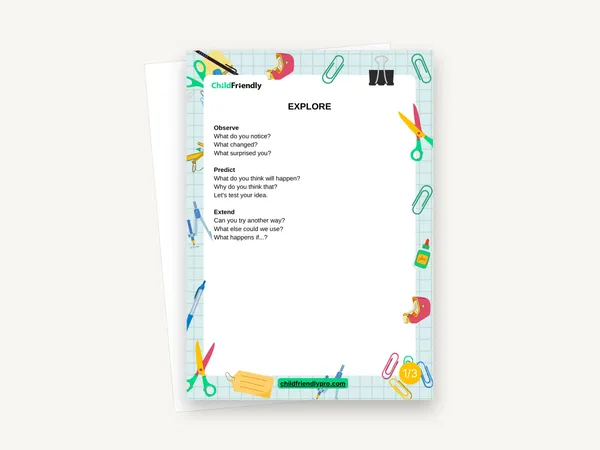
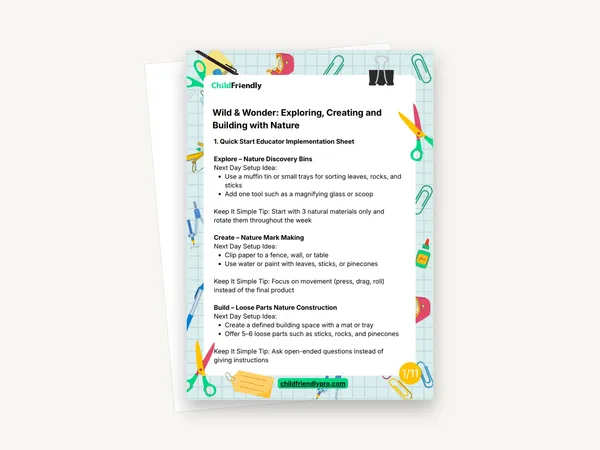
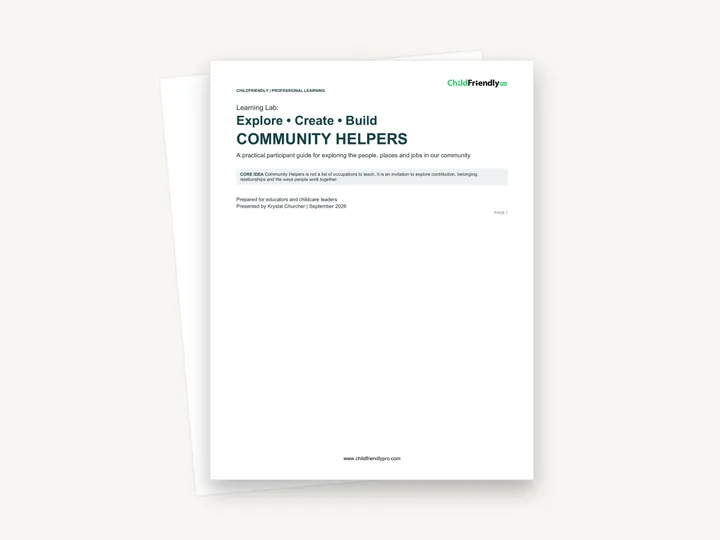
An 18-page participant guide from the Community Helpers Learning Lab. It sets out three classroom invitations — Community Helper Discovery (Explore), a Role-Play Studio (Create) and the Build Our Community Challenge (Build) — each with separate set-up notes for 12–18 months, 19–36 months and 3–4 years, followed by printable quick references, a prop and loose parts checklist and a five-day project extension.
No sign-up required. Print it and share it with your team — it’s free for any child care program to use.
What’s inside
How to use it
Tips from operators
Learned the hard way across 3,000 child care spaces — and from the directors and educators who join our Lunch & Learns and Learning Labs.
The guide recommends real images of local places and people over generic cartoon cards. Photograph your nearest library, grocery store, bus stop and clinic and laminate them.
For the youngest group the guide suggests only 3–4 objects at a time and swapping one or two every few days. The same habit keeps older rooms from getting cluttered.
Print “Educator Language That Opens Up Thinking” and put it at adult eye level near the dramatic-play and block areas so the alternative phrases are easy to reach for.
Do it digitally in ChildFriendly Pro
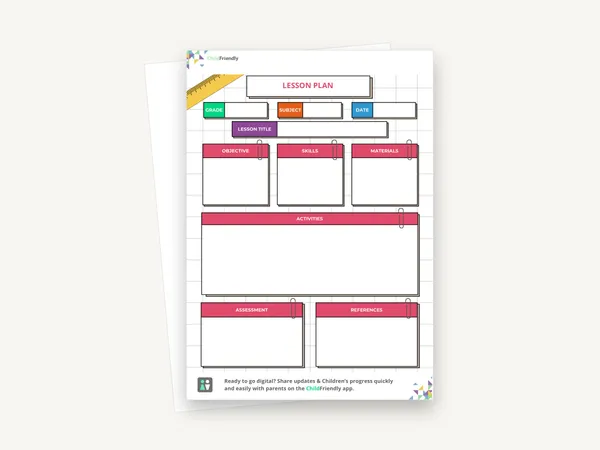
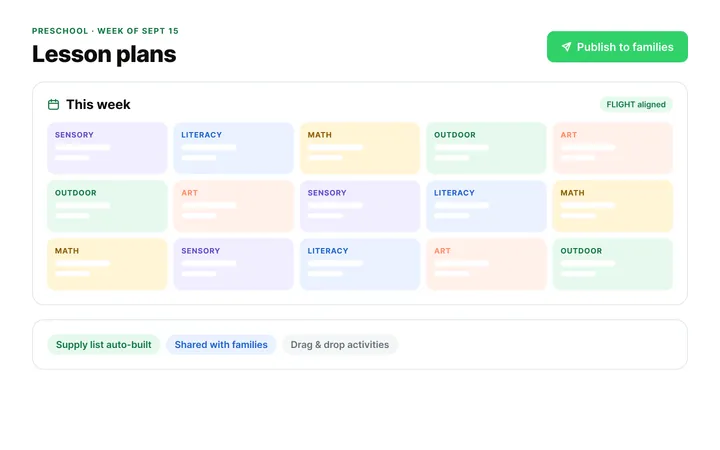
Build the same plan in ChildFriendly Pro and every observation you log is tagged to FLIGHT, ELECT, ELF or your own outcomes, added to each child’s portfolio and shared with families in their daily journal.
FAQ
Can’t find your answer? Chat with a real person who has run a child care center.
Read more FAQsThree groups: 12–18 months, 19–36 months and 3–4 years. Each of the three invitations has its own page for each group, and the guide stresses that the developmental purpose changes by age rather than being an easier version of the same craft.
No. The file name says “editable”, but the PDF has no form fields. The Prop & Loose Parts List has tick boxes to complete by hand after printing.
No. The checklist is built around familiar items — clipboards, envelopes, reusable bags, safety vests, cardboard boxes, blocks, menus and maps — and says open-ended materials support richer ideas than commercial costumes.
Not a form, but guidance. Each age page has a “What to notice” list, and the language page ends with an observation focus list and a note on what to record: what the child did or said, the skill observed and the developmental connection.
More templates
Child Development & Programming
Child Development & Programming
Child Development & Programming
Child Development & Programming
Keep learning
Educator (ECEs) Workshops · Recording
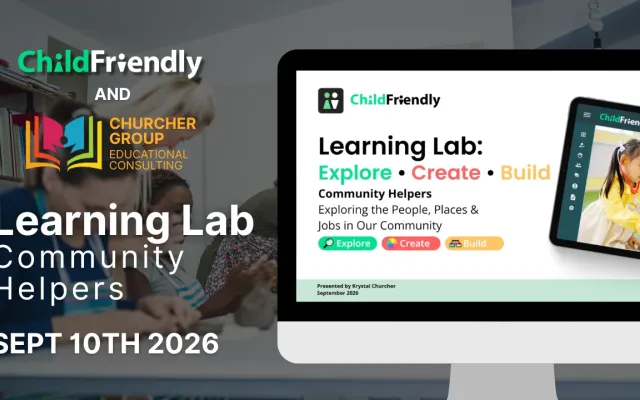
Watch this Learning Lab on Community Helpers & Belonging: three simple activity setups that build language, social awareness and a sense of belonging.
Watch the recordingNewsletter
We add new templates and tools most months. Subscribe and they land in your inbox — along with Lunch & Learn and Learning Lab invitations.

Join hundreds of child care professionals across North America. CASL compliant.
You can unsubscribe anytime. CASL/CAN-SPAM compliant.