Have the strict clauses reviewed
‘Fees are not refundable under any circumstance’, forfeited deposits and sending accounts to collections may not be enforceable everywhere. Ask a lawyer or your association before you adopt them.
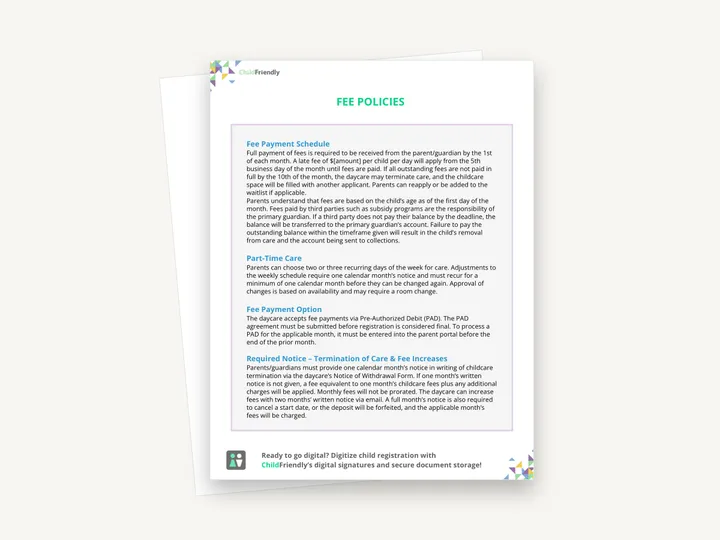
A two-page sample fee policy for a daycare, covering the payment schedule and late fees, part-time care, pre-authorized debit, notice for withdrawal and fee increases, vacation, failed payments, late pick-up and summer out-of-school care. Dollar amounts are left as placeholders for you to set.
No sign-up required. Print it and share it with your team — it’s free for any child care program to use.
What’s inside
How to use it
Tips from operators
Learned the hard way across 3,000 child care spaces — and from the directors and educators who join our Lunch & Learns and Learning Labs.
‘Fees are not refundable under any circumstance’, forfeited deposits and sending accounts to collections may not be enforceable everywhere. Ask a lawyer or your association before you adopt them.
The sample says the daycare will call Family Services if no one arrives. Replace that with the agency and procedure your jurisdiction requires.
If you do not run part-time spaces or a summer out-of-school care program, remove those sections rather than leaving rules families will ask about.
Do it digitally in ChildFriendly Pro
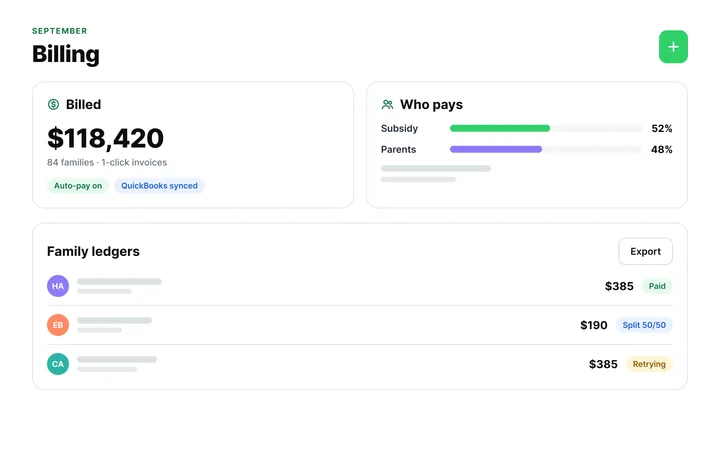
Automated fee reminders, late fees and NSF recovery mean the money conversation happens in the app, politely and on time — so your in-person conversations can be about the child.
FAQ
Can’t find your answer? Chat with a real person who has run a child care center.
Read more FAQsNo. It is sample wording with blank dollar amounts and a blank cut-off time, and it is not fillable. Treat it as a starting draft: retype it, set your own figures and adapt it to your local regulations and funding agreements.
No. It sets out the rules around fees — due dates, notice, penalties — but not the fees themselves. Publish your rates separately.
Out of School Care. The last section covers higher July and August fees for that program and the notice needed if a family does not want summer care.
The Fee Payment Option section names PAD as the accepted method and refers to a parent portal. Rewrite that section for the payment methods you accept. Billing software such as ChildFriendly Pro can handle invoicing and payments if you want to move away from manual collection.
More templates
Family Engagement
Family Engagement
Administration
Keep learning
Directors & Admin Workshops · Recording
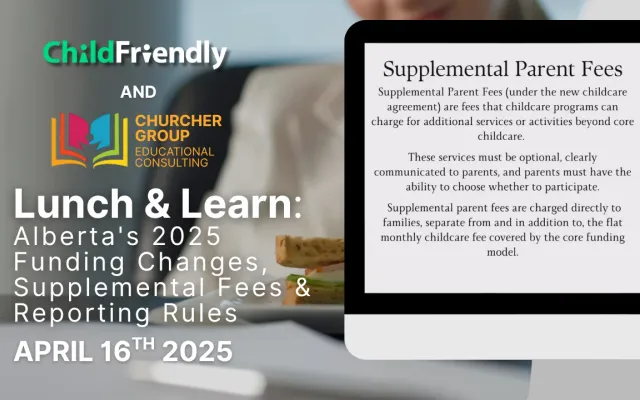
Watch the Lunch & Learn replay on Alberta’s 2025 child care funding changes, including supplemental fee policies, reporting expectations and compliance.
Watch the recordingNewsletter
We add new templates and tools most months. Subscribe and they land in your inbox — along with Lunch & Learn and Learning Lab invitations.

Join hundreds of child care professionals across North America. CASL compliant.
You can unsubscribe anytime. CASL/CAN-SPAM compliant.