Start at the door
Families judge cleanliness in the first ten seconds at the entrance. Start the daily inspection there.
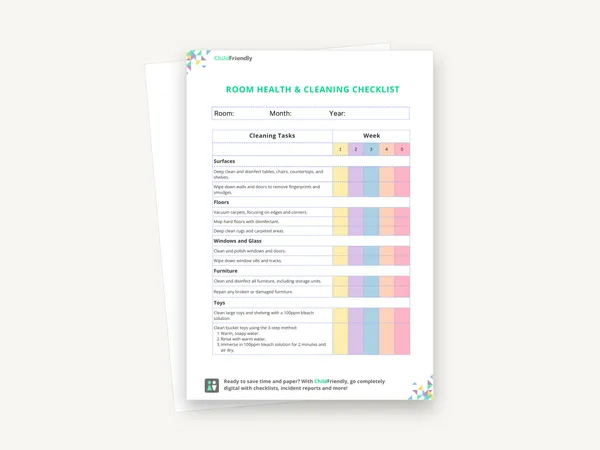
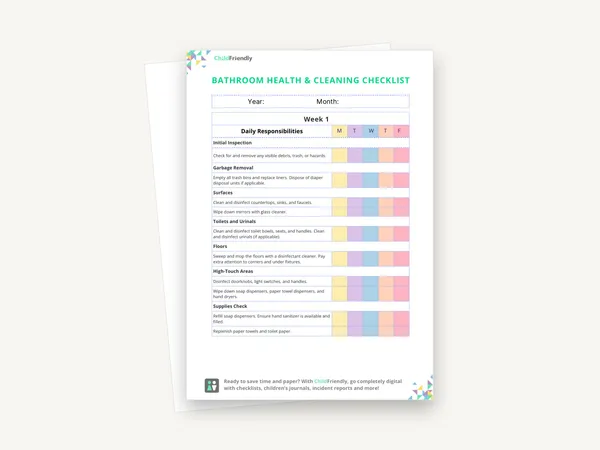
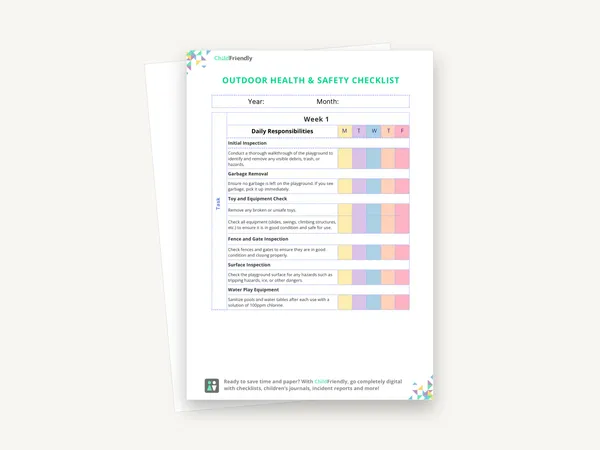
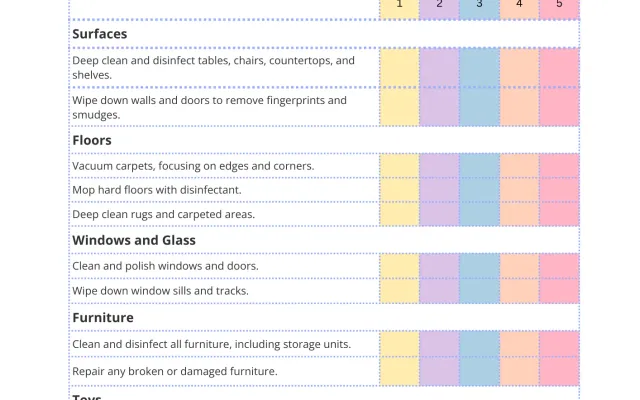
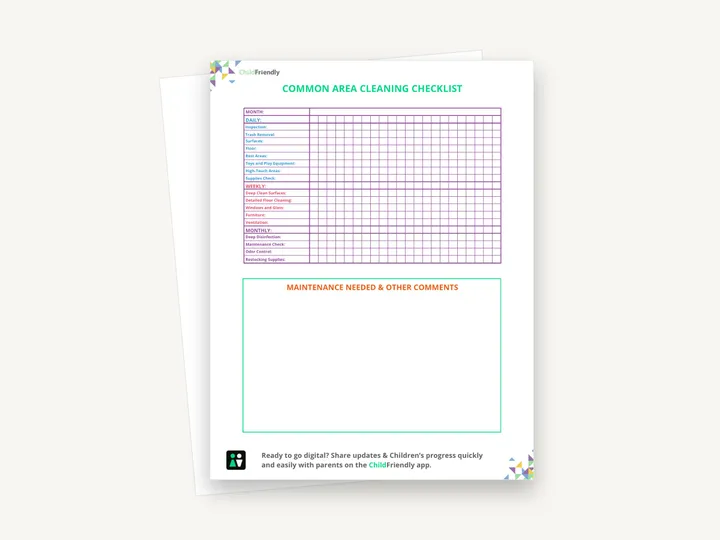
A one-month cleaning tracker for shared spaces, with daily, weekly and monthly task rows in a check-off grid and a box for maintenance needs and comments. A second page spells out what each task involves.
No sign-up required. Print it and share it with your team — it’s free for any child care program to use.
What’s inside
How to use it
Tips from operators
Learned the hard way across 3,000 child care spaces — and from the directors and educators who join our Lunch & Learns and Learning Labs.
Families judge cleanliness in the first ten seconds at the entrance. Start the daily inspection there.
If a contractor cleans nightly, list what they do so your staff know what is left for them.
Write whatever the inspector noticed in the comments box and make it part of the routine. The checklist should reflect real findings.
Do it digitally in ChildFriendly Pro
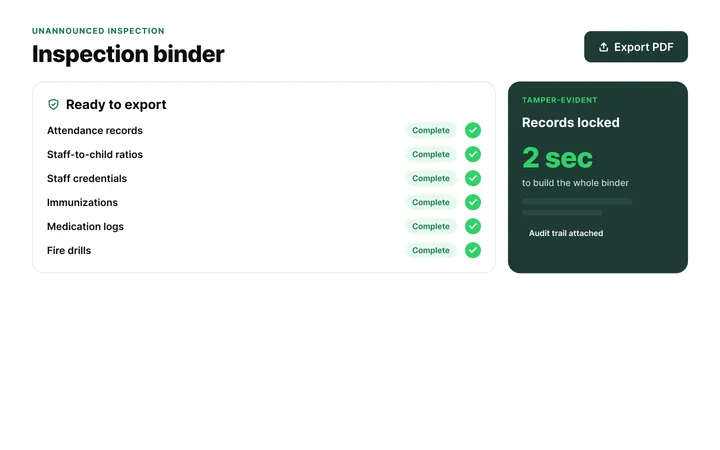
Build any checklist or form once in ChildFriendly Pro, assign it to a room or role, and every completion is time-stamped, signed and filed in your inspection binder — ready for licensing or public health.
FAQ
Can’t find your answer? Chat with a real person who has run a child care center.
Read more FAQsEntrances, hallways, shared play spaces, kitchens and washrooms — with attention to high-touch surfaces, storage of hazardous products and general repair. The checklist is organised by task rather than by room, so walk each shared space as you work through it.
Whoever is there last, in most centers — but write it down. The sheet has no owner column, so note names or roles on it or in your cleaning policy, because ‘everyone’ means no one.
If you share a facility (a church hall, a school), agree the split in writing with the landlord and note which tasks are yours.
A custom checklist assigned to a role in your child care platform works well; ChildFriendly Pro’s form builder lets you assign it daily with time-stamped completion.
More templates
Administration
Administration
Administration
Administration
Keep learning
Directors & Admin Workshops · Recording
Krystal Churcher covers high-impact child care regulation areas and how to turn requirements into practical systems that keep you inspection-ready.
Watch the recordingBlog · Tools & Resources
1 min read
Read the articleCompliance guide · Alberta
Ratio & compliance
Read the guideNewsletter
We add new templates and tools most months. Subscribe and they land in your inbox — along with Lunch & Learn and Learning Lab invitations.

Join hundreds of child care professionals across North America. CASL compliant.
You can unsubscribe anytime. CASL/CAN-SPAM compliant.