Separate facts from opinions
“Arrived after 8:15 on three days this week” is a fact; “doesn’t care about the job” is an opinion. Only the first belongs in the observed section.
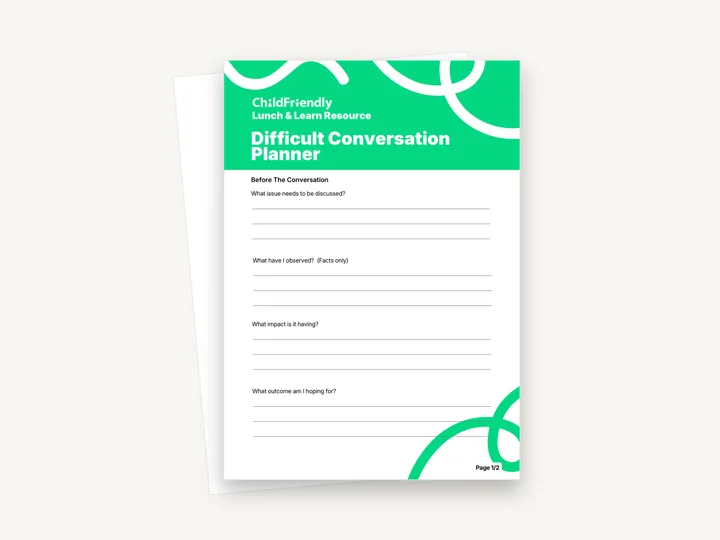
A two-page Lunch & Learn worksheet for preparing a hard conversation. ‘Before The Conversation’ has four questions with writing lines — the issue, what you have observed (facts only), the impact and the outcome you hope for — followed by a Conversation Starter sentence to complete and a Follow-Up Plan.
No sign-up required. Print it and share it with your team — it’s free for any child care program to use.
What’s inside
How to use it
Tips from operators
Learned the hard way across 3,000 child care spaces — and from the directors and educators who join our Lunch & Learns and Learning Labs.
“Arrived after 8:15 on three days this week” is a fact; “doesn’t care about the job” is an opinion. Only the first belongs in the observed section.
Hold the conversation away from children, families and other staff, and allow enough time that neither of you is rushed back to the room.
The notes concern a named person. Keep them with your other staff or family records, not on a shared desk.
Do it digitally in ChildFriendly Pro
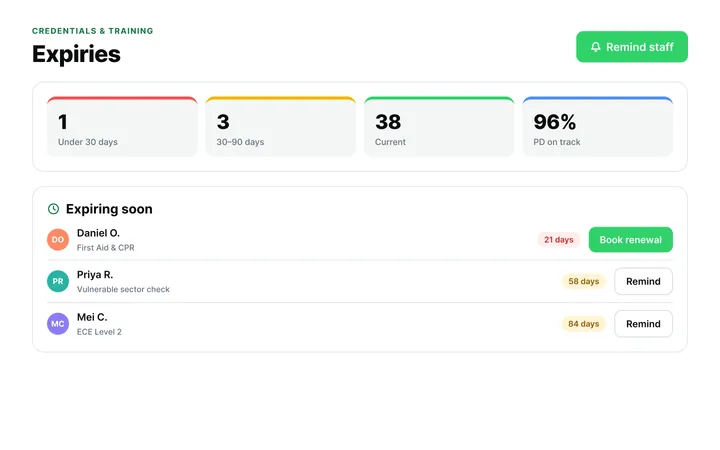
ChildFriendly Pro keeps every educator’s certifications, clearances, PD hours, timecards and review notes in one HR file — with expiry alerts, ratio-aware scheduling and wage top-up hours grouped by level.
FAQ
Can’t find your answer? Chat with a real person who has run a child care center.
Read more FAQsThe worksheet does not say who the conversation is with. The questions are general, so it can be used to prepare for a conversation with a staff member or a parent.
No. It gives one opening sentence to complete and questions for you to answer. The rest of the conversation is yours to plan.
No. There are no name, date or signature lines, so write the person’s name and the date at the top if you plan to keep the sheet as a record.
It is a print-and-handwrite PDF with no fillable fields, laid out on A4. If you print on US Letter, choose ‘fit to page’.
More templates
Staff Management
Staff Management
Staff Management
Staff Management
Keep learning
Directors & Admin Workshops · Recording
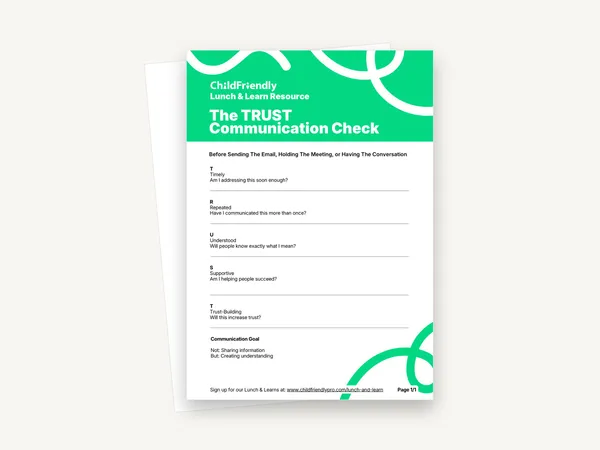
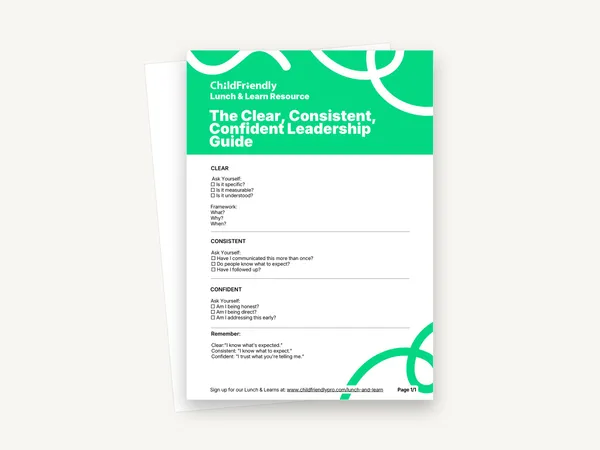
Strong communication doesn’t happen by accident—it happens through clarity, consistency, and intentional leadership.
Watch the recordingNewsletter
We add new templates and tools most months. Subscribe and they land in your inbox — along with Lunch & Learn and Learning Lab invitations.

Join hundreds of child care professionals across North America. CASL compliant.
You can unsubscribe anytime. CASL/CAN-SPAM compliant.