Treat safety concerns as urgent
A concern about ratios, a broken gate or a medication mix-up should trigger an immediate walk-through — the form is the record, not the response.
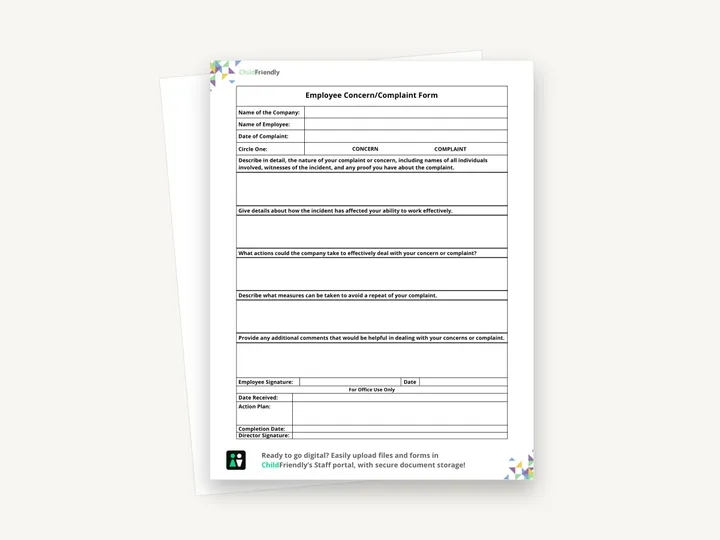
A one-page Employee Concern/Complaint Form: the employee describes the concern, how it has affected their work and what the company could do about it, and the office records the date received, the action plan and the director’s signature.
No sign-up required. Print it and share it with your team — it’s free for any child care program to use.
What’s inside
How to use it
Tips from operators
Learned the hard way across 3,000 child care spaces — and from the directors and educators who join our Lunch & Learns and Learning Labs.
A concern about ratios, a broken gate or a medication mix-up should trigger an immediate walk-through — the form is the record, not the response.
Three workload concerns from one room in a term is a staffing problem, not three individual issues.
The centers with the fewest crises are the ones where staff feel safe flagging small things early.
Do it digitally in ChildFriendly Pro
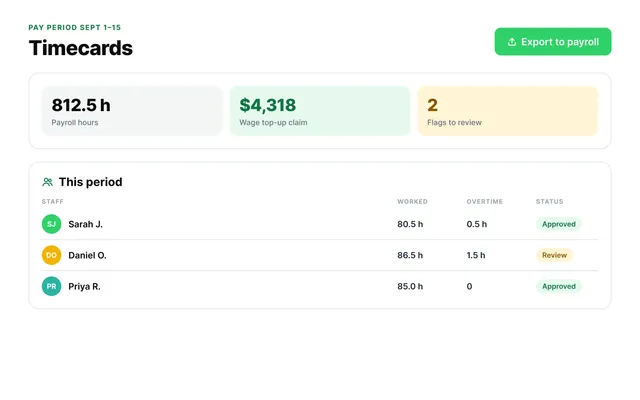
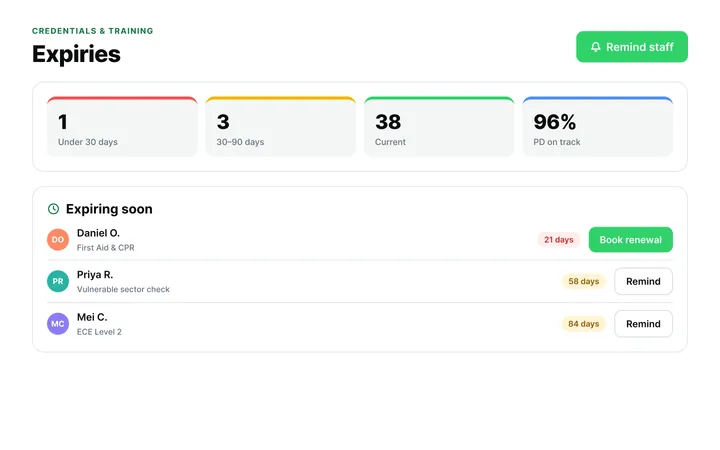
ChildFriendly Pro keeps every educator’s certifications, clearances, PD hours, timecards and review notes in one HR file — with expiry alerts, ratio-aware scheduling and wage top-up hours grouped by level.
FAQ
Can’t find your answer? Chat with a real person who has run a child care center.
Read more FAQsMost jurisdictions require a workplace harassment or grievance procedure, and licensing expects a way for staff to report safety issues. This form is a practical way to meet both — check the wording against your provincial or state employment standards.
You can allow it, but anonymous concerns are harder to resolve. A common compromise: the form is confidential (only the director sees it), not anonymous.
In the staff member’s HR file, separate from child records, with access limited to the director and owner. If you use a digital HR file cabinet, set the permissions accordingly.
Your policy should name an alternate — the owner, a board member or an HR contact. The form only has a director signature line, so tell staff who the alternate is when you hand it out.
More templates
Staff Management
Staff Management
Administration
Administration
Keep learning
Directors & Admin Workshops · Recording
Strong educators are the foundation of high-quality child care — and supporting them goes far beyond one-time training.
Watch the recordingBlog · Admin & Operators
2 min read
Read the articleCompliance guide · Alberta
Staff tracking
Read the guideNewsletter
We add new templates and tools most months. Subscribe and they land in your inbox — along with Lunch & Learn and Learning Lab invitations.

Join hundreds of child care professionals across North America. CASL compliant.
You can unsubscribe anytime. CASL/CAN-SPAM compliant.