Tie the goal to professional development hours
Most provinces require annual PD. Linking the goal to a specific course or Learning Lab makes both easier to track.
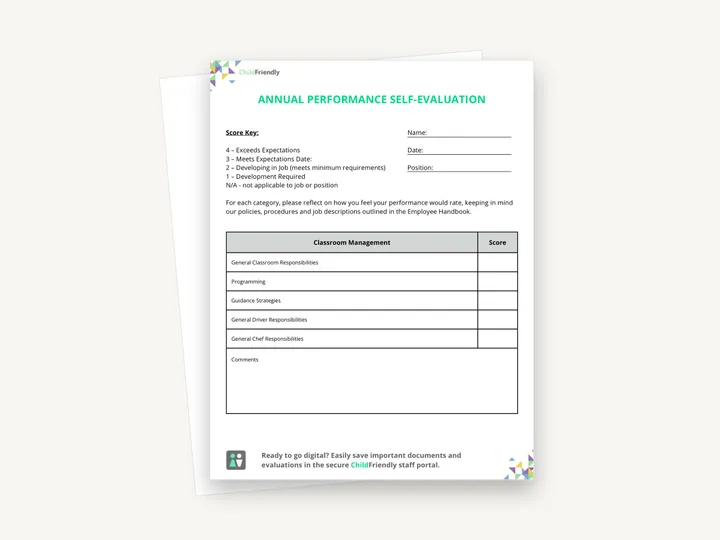
A three-page self-evaluation educators complete before the annual review: they score themselves from 1 to 4 across three categories, add comments, and answer seven discussion questions to talk through with the director.
No sign-up required. Print it and share it with your team — it’s free for any child care program to use.
What’s inside
How to use it
Tips from operators
Learned the hard way across 3,000 child care spaces — and from the directors and educators who join our Lunch & Learns and Learning Labs.
Most provinces require annual PD. Linking the goal to a specific course or Learning Lab makes both easier to track.
A tired educator rates themselves harshly. Start the meeting by asking how the year has felt.
A 15-minute check-in on the professional development goal in month six is what makes the annual form meaningful.
Do it digitally in ChildFriendly Pro
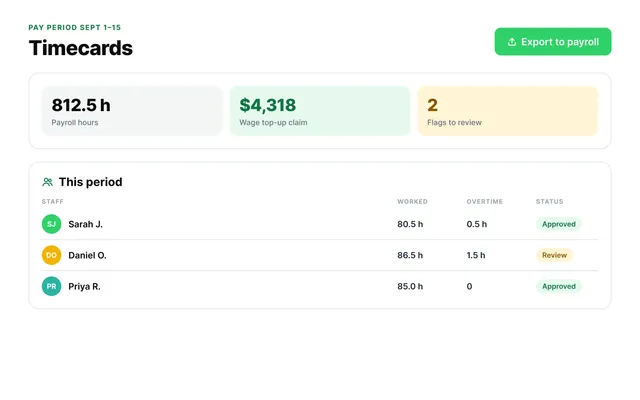
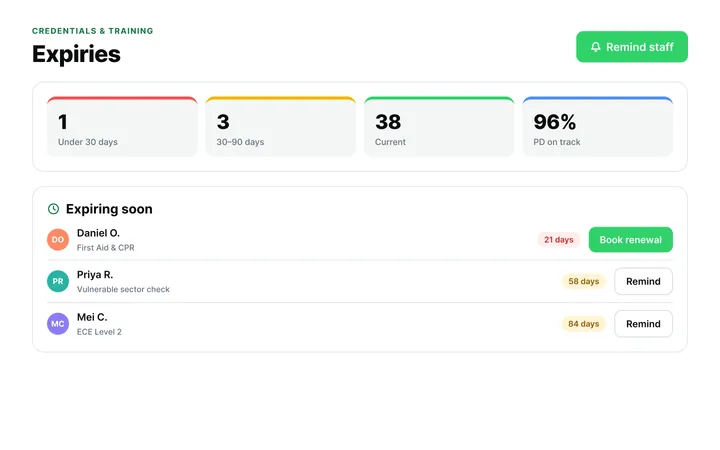
ChildFriendly Pro keeps every educator’s certifications, clearances, PD hours, timecards and review notes in one HR file — with expiry alerts, ratio-aware scheduling and wage top-up hours grouped by level.
FAQ
Can’t find your answer? Chat with a real person who has run a child care center.
Read more FAQsMost licensing bodies require some form of annual staff evaluation, and accreditation programs such as NECPA ask for evidence of professional development planning. A signed self-evaluation with agreed goals satisfies both.
That is your policy decision, but most operators separate the two. Self-evaluations are more honest when they are about growth rather than a raise.
Thirty to sixty minutes. If it takes longer, the questions are being over-thought — a score and a short comment per category, and a few sentences per discussion question, is enough.
Not in the file itself — it is a print-ready PDF, not an editable document. Use N/A for items that do not apply to a role (for example the driver and chef lines), and use the comments boxes for anything the categories do not cover.
More templates
Staff Management
Staff Management
Staff Management
Administration
Keep learning
Directors & Admin Workshops · Recording
Strong educators are the foundation of high-quality child care — and supporting them goes far beyond one-time training.
Watch the recordingBlog · Admin & Operators
4 min read
Read the articleCompliance guide · Alberta
Staff tracking
Read the guideNewsletter
We add new templates and tools most months. Subscribe and they land in your inbox — along with Lunch & Learn and Learning Lab invitations.

Join hundreds of child care professionals across North America. CASL compliant.
You can unsubscribe anytime. CASL/CAN-SPAM compliant.