Skip to content
ChildFriendly Pro
Free templateFamily Engagement

Family Communication Kit for Child Care Centers

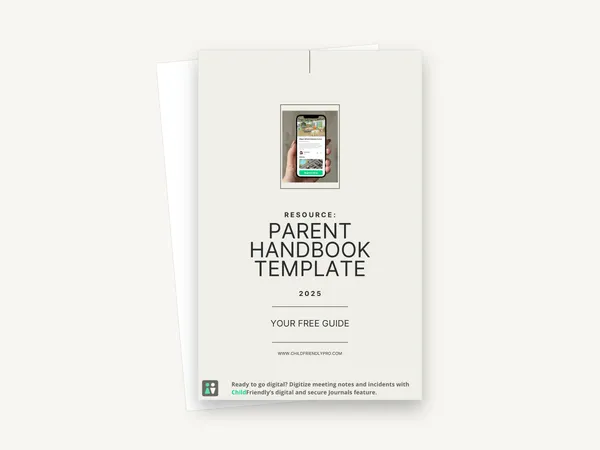
A 12-page kit that introduces three sets of editable templates for writing to families — a welcome letter, a monthly family newsletter and announcement templates — with a preview page and a “Template Link” page for each. The links open versions you edit online and download as a JPG or PDF.

Format
PDF guide · US Letter
Pages
12
Best for
Directors · office administrators
Updated
Oct 2026

No sign-up required. Print it and share it with your team — it’s free for any child care program to use.
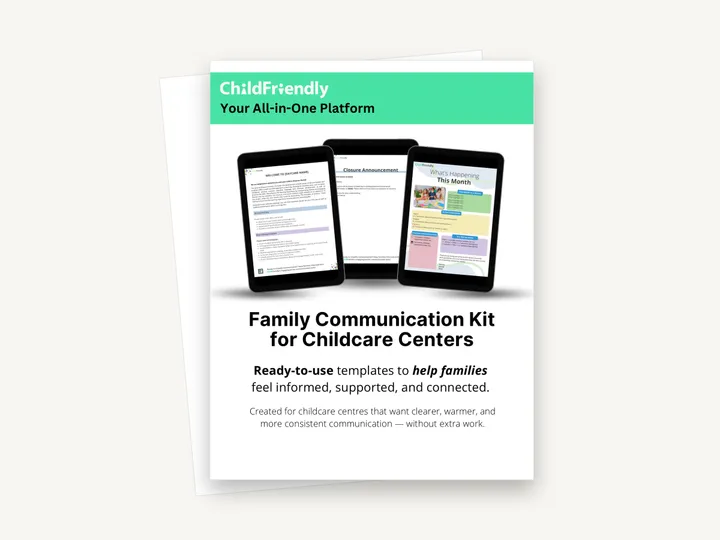
Preview of the Family Communication Kit for Child Care Centers

What’s inside

Three template sets, each with a preview and an edit link

  • Why Clear Family Communication MattersA one-page introduction listing what the kit contains and what the templates are for: fewer repetitive questions, clear expectations and a consistent experience for families.
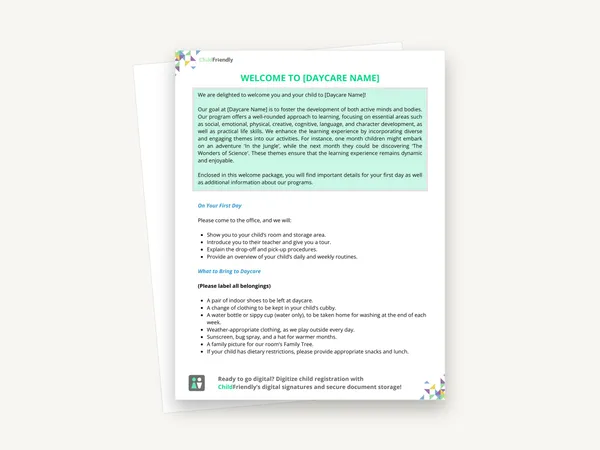
  • Welcome Letter TemplateA preview of the letter with [Daycare Name] placeholders, an “On Your First Day” list and a “What to Bring to Daycare” list, followed by a link page with instructions for editing the bracketed text and downloading the result.
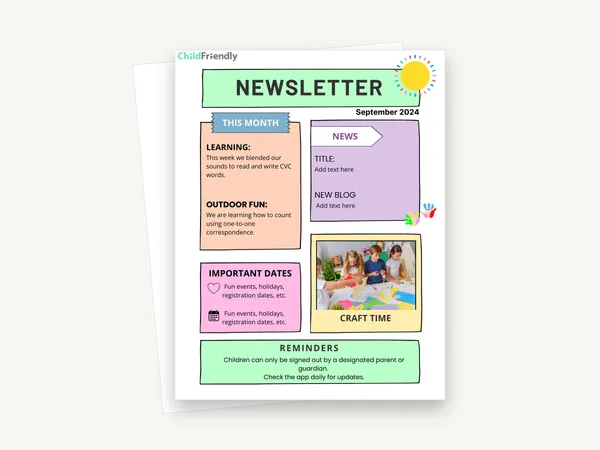
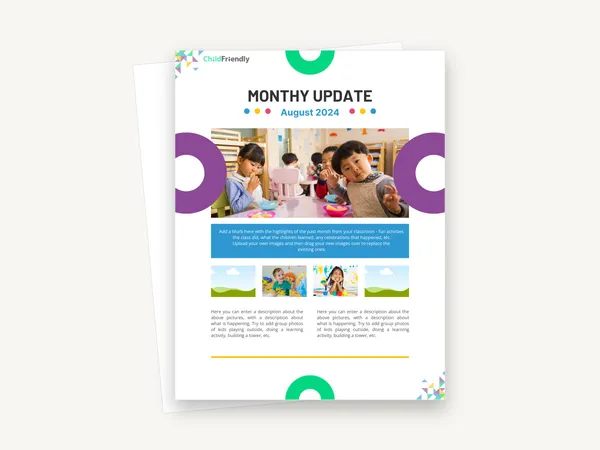
  • Monthly Newsletter TemplateA “What’s Happening This Month” layout with This Month at a Glance, In Our Classrooms (Infants, Toddlers, Preschool), Important Dates & Reminders, Try This at Home and a closing message. The link page explains how to add your own photos and duplicate the page.
  • Announcement TemplatesFour are described: Closure Announcement, Policy Update, Fee Reminder and Event Invitation. The preview page in the PDF shows the Event Invitation, with placeholders for event name, date, location and RSVP details.

How to use it

Four steps to put it to work this week

  1. 1
    Read the kit and pick a templateEach of the three sections explains what the template is for and shows a preview before the link.
  2. 2
    Open the Template LinkClick the “TEMPLATE LINK” button on page 5, 8 or 11. The template opens online in an editor, so you need an internet connection.
  3. 3
    Replace the bracketed textChange everything in [brackets] to your centre’s details. For the newsletter you can upload your own photos and drag them into the image placeholders.
  4. 4
    Download and sendUse Share, then Download, and choose JPG or PDF Standard as the kit recommends. Send it through your usual channel for families.

Tips from operators

What centers that use this well do differently

Learned the hard way across 3,000 child care spaces — and from the directors and educators who join our Lunch & Learns and Learning Labs.

Set a newsletter day

Pick a fixed day each month to send the newsletter so families know when to expect it and staff know when contributions are due.

Save your own master copy

Once your centre name, contact details and logo are in, keep that version and start from it each time instead of from the blank template.

Search for leftover brackets

Before sending, check the document for any remaining “[” so no placeholder text reaches families.

Do it digitally in ChildFriendly Pro

Reach every family in the app — with read receipts

Daily journals, announcements, newsletters and two-way messaging live in the ChildFriendly family app, translated into 198+ languages and delivered with read receipts so you know who saw what.
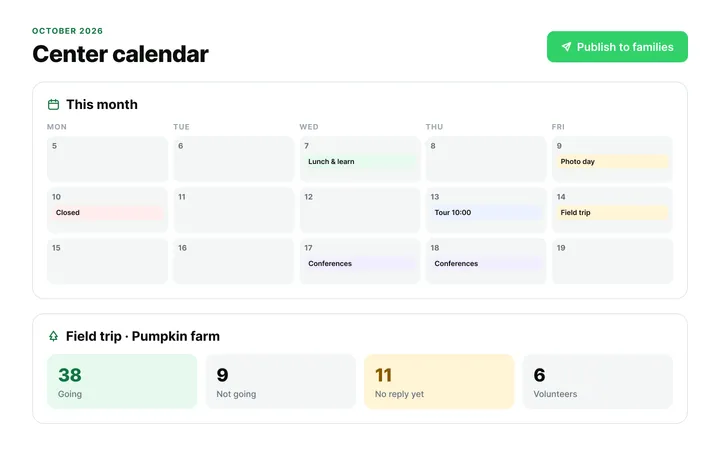
  • Daily journals built from what educators log during the day
  • Announcements with read receipts and scheduled sends
  • Automatic translation and photo-consent checks
Parent Communication & Engagement in ChildFriendly Pro

FAQ

Questions about the Family Communication Kit for Child Care Centers

Can’t find your answer? Chat with a real person who has run a child care center.

Read more FAQs
Are the templates inside the PDF?

No. The PDF contains previews and instructions. The editable templates open from the “Template Link” pages, where you edit them online and then download a JPG or PDF.

Can I edit the PDF itself?

No, it is not fillable. It is a guide to the three template sets; all editing happens in the linked templates.

Which announcements are covered?

The kit describes four: a closure announcement, a policy update, a fee reminder and an event invitation. Only the event invitation is shown in full as a preview in the PDF.

Do I need ChildFriendly to use the kit?

No. The templates produce ordinary JPG or PDF files you can email or print. The kit mentions ChildFriendly’s parent communication tools as an option for sending updates.

Keep learning

Related resources from the Academy

Newsletter

Get every new template the week it’s released

We add new templates and tools most months. Subscribe and they land in your inbox — along with Lunch & Learn and Learning Lab invitations.

  • New templates and classroom tools as they’re published
  • Invitations to free Lunch & Learns and Learning Labs
  • Licensing and funding updates for your province
  • No spam — one email a month, unsubscribe anytime
An educator taking a photo of children playing at a pretend shop

Get more from ChildFriendly Pro

Join hundreds of child care professionals across North America. CASL compliant.

You can unsubscribe anytime. CASL/CAN-SPAM compliant.