Add your own regulation numbers
The tools do not quote any licensing regulation. Write your jurisdiction’s ratio, supervision and attendance requirements beside the matching prompts so staff see the rule and the habit together.
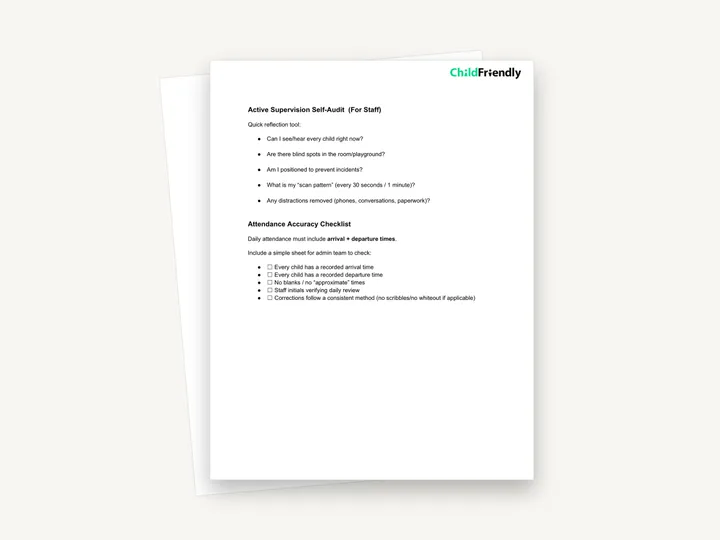
Three pages of short daily compliance tools for child care leaders and staff: an active supervision self-audit, an attendance accuracy checklist, a “2-Minute Walkthrough” script for supervisors and a “Red Flag Radar” list of risks to watch for each day.
No sign-up required. Print it and share it with your team — it’s free for any child care program to use.
What’s inside
How to use it
Tips from operators
Learned the hard way across 3,000 child care spaces — and from the directors and educators who join our Lunch & Learns and Learning Labs.
The tools do not quote any licensing regulation. Write your jurisdiction’s ratio, supervision and attendance requirements beside the matching prompts so staff see the rule and the habit together.
The questions are written in the first person for staff to ask themselves. Introduce them at a staff meeting and avoid using them as a disciplinary checklist.
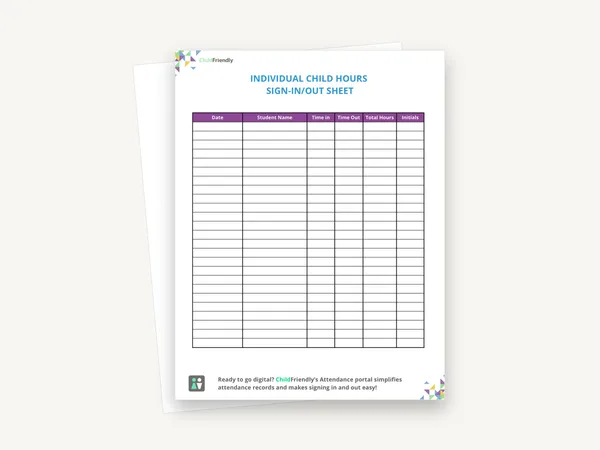
Missing departure times are much easier to fix at closing than a week later. Have the person who reviews the sheet initial it daily, as the checklist asks.
Do it digitally in ChildFriendly Pro
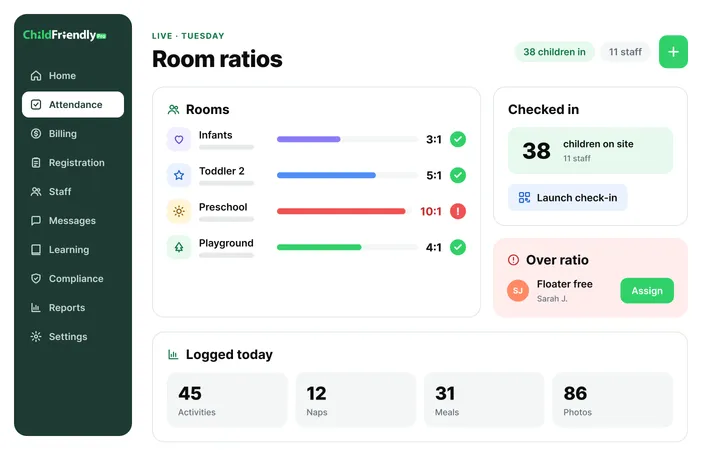
Parents check in with a PIN on the room tablet, staff see live ratios, and ChildFriendly Pro generates the monthly attendance record — including provincial subsidy formats — with no reconstruction.
FAQ
Can’t find your answer? Chat with a real person who has run a child care center.
Read more FAQsMostly not. It is a set of prompts and short checklists rather than a record sheet. Only the Attendance Accuracy Checklist has tick boxes, and the PDF is not fillable. It has no date, name or signature lines, so add those if you want to keep completed copies.
No. It names no specific regulation or jurisdiction. It describes daily habits — scanning, counting, checking attendance — that support compliance, and it should be used alongside your own licensing requirements.
The self-audit is labelled ‘For Staff’, the attendance checklist is for the admin team, and the walkthrough script and Red Flag Radar are written for supervisors.
Yes. The checklist is about paper sign-in records, but the same checks apply to any system. Child care software such as ChildFriendly Pro records arrival and departure times digitally, which makes blanks easier to spot.
More templates
Administration
Administration
Administration
Administration
Keep learning
Directors & Admin Workshops · Recording
Krystal Churcher covers high-impact child care regulation areas and how to turn requirements into practical systems that keep you inspection-ready.
Watch the recordingNewsletter
We add new templates and tools most months. Subscribe and they land in your inbox — along with Lunch & Learn and Learning Lab invitations.

Join hundreds of child care professionals across North America. CASL compliant.
You can unsubscribe anytime. CASL/CAN-SPAM compliant.