Skip to content
ChildFriendly Pro
Free templateFamily Engagement

Stand Out, Get Noticed, Fill Your Center: Lunch & Learn Resources

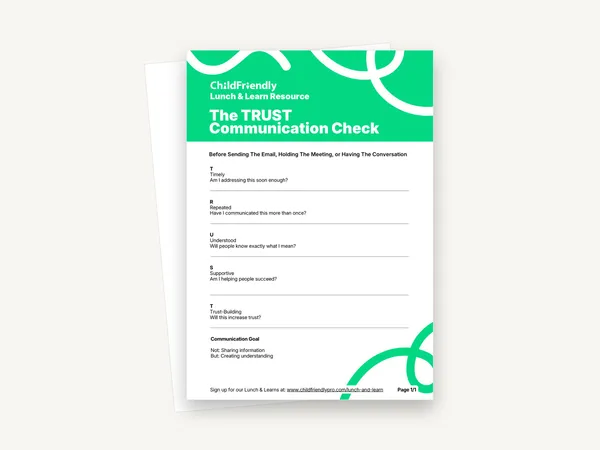
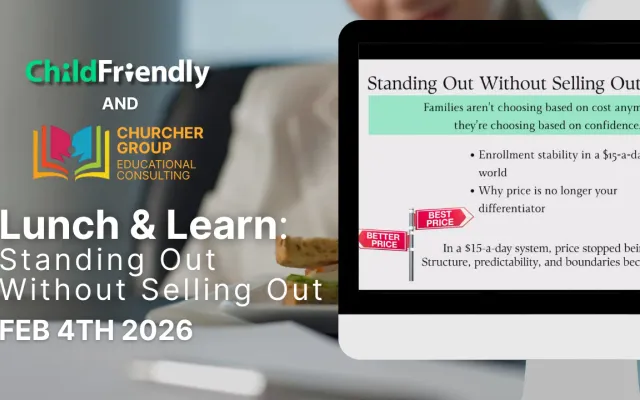
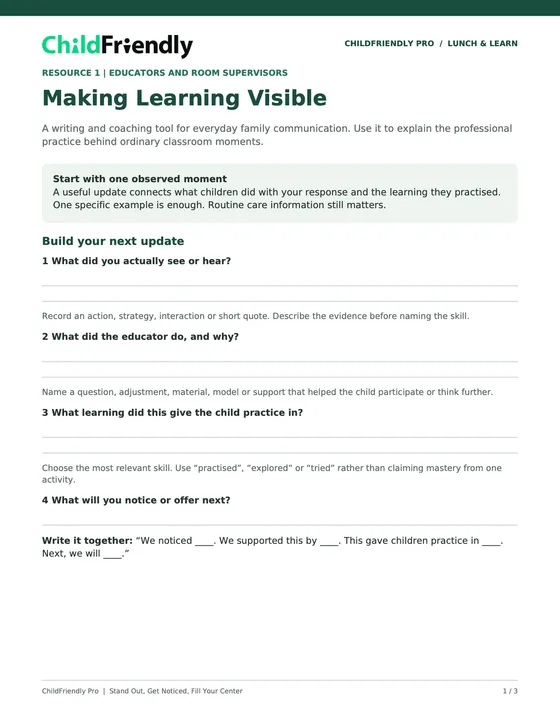
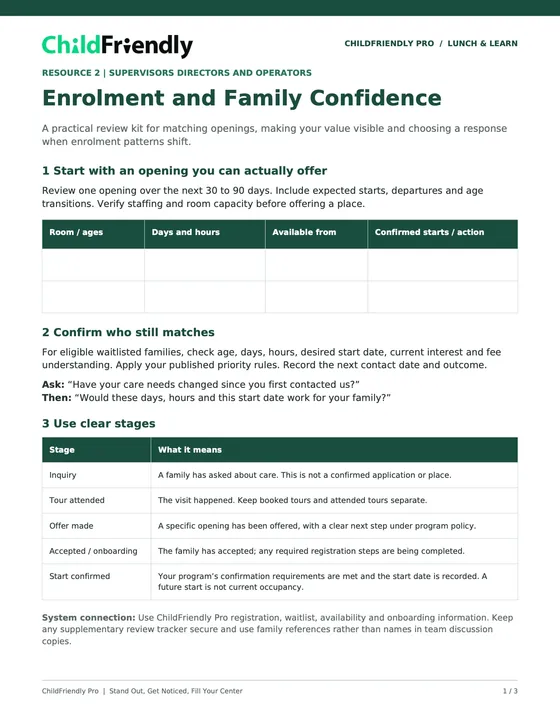
Two PDFs from the November 4, 2026 Lunch & Learn on filling your center. The Making Learning Visible Team Toolkit helps educators write family updates that show the learning behind everyday moments. The Enrolment and Family Confidence Review Kit helps leaders match openings to families, show their value and choose a response when enrolment shifts.

Format
Printable PDF · US Letter
Pages
3 + 3 (two PDFs)
Best for
Educators · supervisors · directors
Updated
Nov 2026
See what’s inside

No sign-up required. Print it and share it with your team — it’s free for any child care program to use.

What’s inside

One toolkit for your educators and one review kit for your leaders

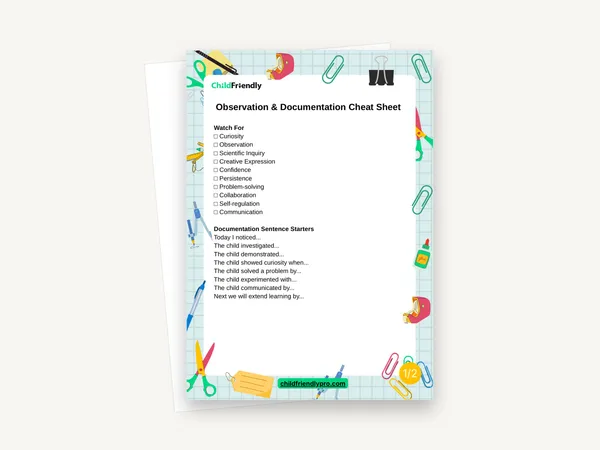
  • Making Learning Visible: Build your next updateFor educators and room supervisors. Four prompts with writing lines (what you saw or heard, what the educator did and why, what learning it gave the child practice in, what you will offer next) and a sentence frame to pull them together.
  • Making Learning Visible: Worked examplesFictional toddler, preschool and school-age examples that compare an ‘activity only’ line with an update that makes the learning visible, plus guidance on choosing a skill the evidence supports.
  • Making Learning Visible: 15-minute team huddleA timed huddle for coaching one de-identified update together, a six-point check before sharing, and space to record your shared standard and who will review a sample.
  • Enrolment and Family Confidence: Match your openingsFor supervisors, directors and operators. Review one opening over the next 30 to 90 days, confirm which waitlisted families still match, and use five clear stages from inquiry to start confirmed.
  • Enrolment and Family Confidence: Position and proofReview three nearby programs, turn a family need you hear repeatedly into one specific promise, match common family concerns to evidence you can show, and use suggested questions before, during and after a tour.
  • Enrolment and Family Confidence: Diagnose and testA table that links five enrolment patterns to a first investigation, an illustrative comparison of inquiry, tour and enrolment numbers, and a planner for one 30-day test with a review date.

How to use it

Four steps to put it to work this week

  1. 1
    Give each resource to the right peopleMaking Learning Visible is written for educators and room supervisors. The Enrolment and Family Confidence kit is written for supervisors, directors and operators.
  2. 2
    Run the 15-minute team huddleBring one existing, de-identified family update and coach the writing together. Finish by agreeing on one communication standard to practise this week and a date to review it.
  3. 3
    Review one real openingVerify staffing and room capacity first. Then check which eligible waitlisted families still match its age, days, hours and start date, and record the next contact date and outcome.
  4. 4
    Choose one 30-day testUse the pattern table to decide what to investigate, then write down one change, who is responsible, what you will measure and when you will review it.

Tips from operators

What centers that use this well do differently

Learned the hard way across 3,000 child care spaces — and from the directors and educators who join our Lunch & Learns and Learning Labs.

Describe the evidence first

Write what the child actually did before naming a skill. Use ‘practised’, ‘explored’ or ‘tried’ rather than claiming mastery from one activity.

Compare like with like

Use the same definitions and follow-up period for each group, and don’t divide this month’s starts by this month’s inquiries when they involve different families.

Protect family information

Use family references rather than names in team discussion copies, and check that update details follow your privacy and permission practices.

Do it digitally in ChildFriendly Pro

Reach every family in the app — with read receipts

Daily journals, announcements, newsletters and two-way messaging live in the ChildFriendly family app, translated into 198+ languages and delivered with read receipts so you know who saw what.
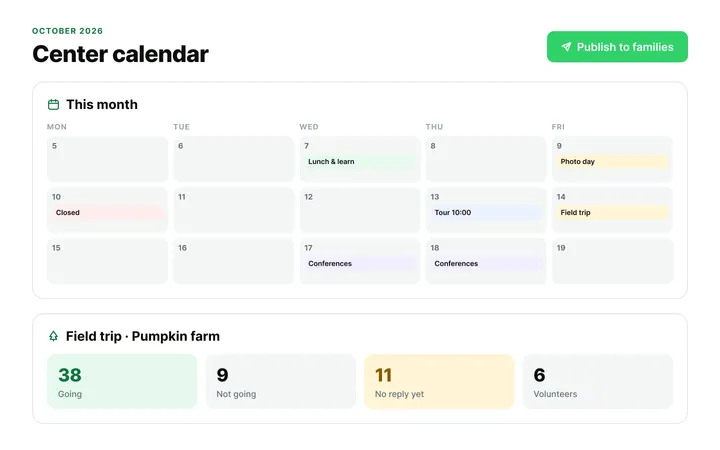
  • Daily journals built from what educators log during the day
  • Announcements with read receipts and scheduled sends
  • Automatic translation and photo-consent checks
Parent Communication & Engagement in ChildFriendly Pro

FAQ

Questions about the Stand Out, Get Noticed, Fill Your Center: Lunch & Learn Resources

Can’t find your answer? Chat with a real person who has run a child care center.

Read more FAQs
What exactly do I get?

Two separate PDFs, three pages each: the Making Learning Visible Team Toolkit and the Enrolment and Family Confidence Review Kit. Each has its own download button at the top of this page.

Which Lunch & Learn are these from?

Stand Out, Get Noticed, Fill Your Center, the ChildFriendly Pro Lunch & Learn held on November 4, 2026.

Are the examples in the toolkit real?

No. The toddler, preschool and school-age updates are fictional, and the numbers in the review kit are an illustrative comparison. Adapt them to your own observations, children, program practices and enrolment information.

Can I fill these in on a computer?

No. Both are print-and-handwrite PDFs with no fillable fields, laid out on US Letter.

Do I need ChildFriendly Pro to use them?

No. The prompts and worksheets work on paper. Each PDF also includes a short note on how the work connects to ChildFriendly Pro: journals and family updates in the toolkit; registration, waitlist, availability and onboarding information in the review kit.

Newsletter

Get every new template the week it’s released

We add new templates and tools most months. Subscribe and they land in your inbox — along with Lunch & Learn and Learning Lab invitations.
  • New templates and classroom tools as they’re published
  • Invitations to free Lunch & Learns and Learning Labs
  • Licensing and funding updates for your province
  • No spam — one email a month, unsubscribe anytime
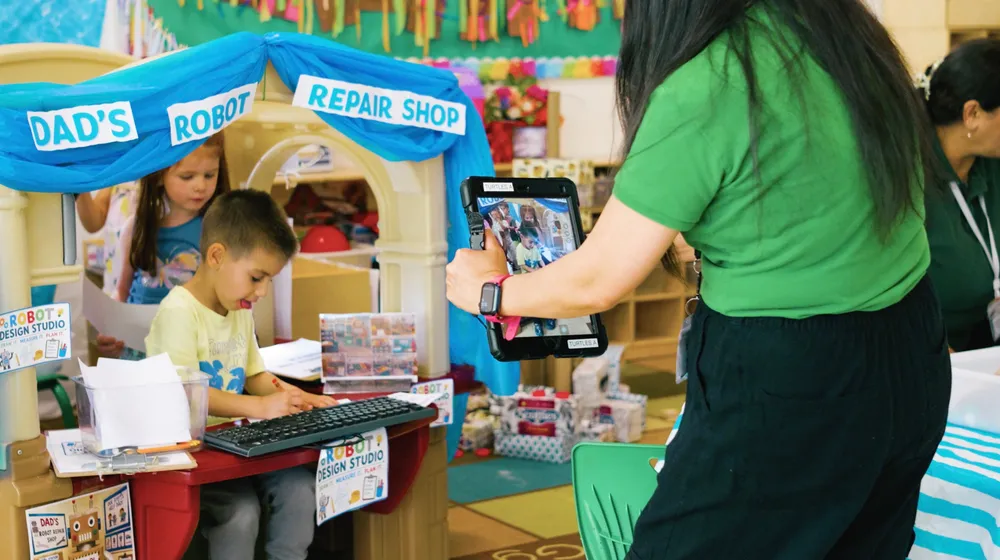
An educator taking a photo of children playing at a pretend shop

Get more from ChildFriendly Pro

Join hundreds of child care professionals across North America. CASL compliant.

You can unsubscribe anytime. CASL/CAN-SPAM compliant.