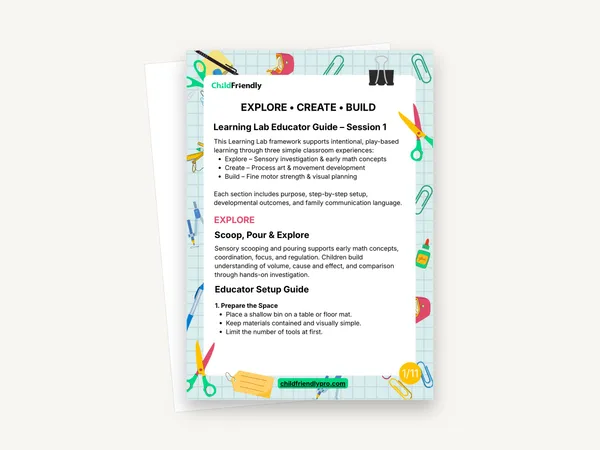
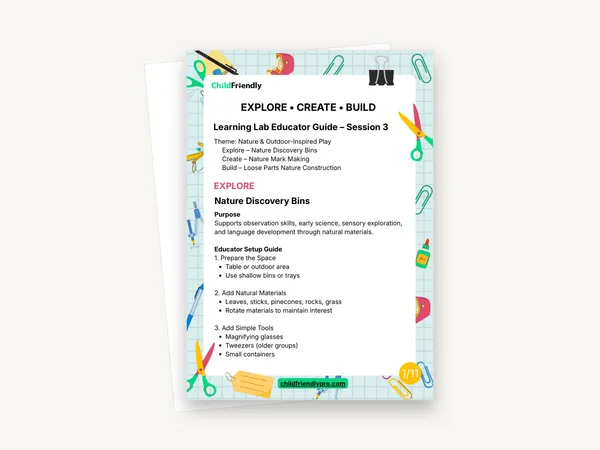
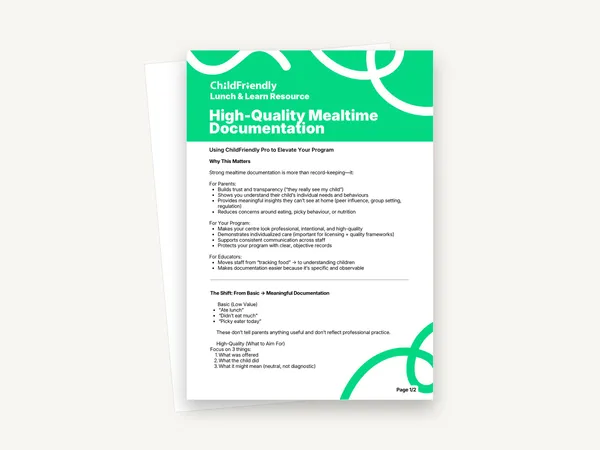
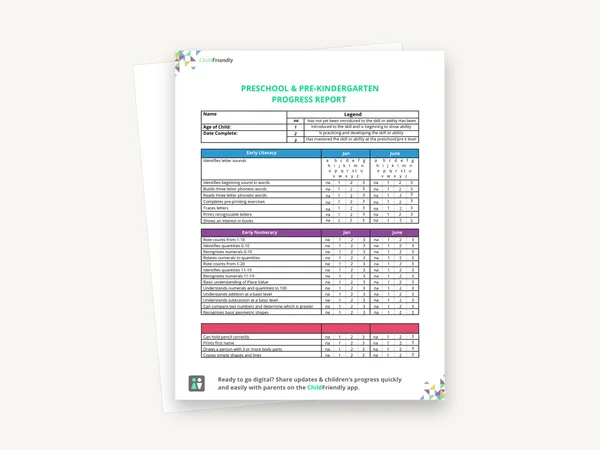
Describe actions, not traits
The example records what Liam did — noticed, added a block, tested again — and leaves the interpretation to the Learning list. Keep the two separate in your own notes.
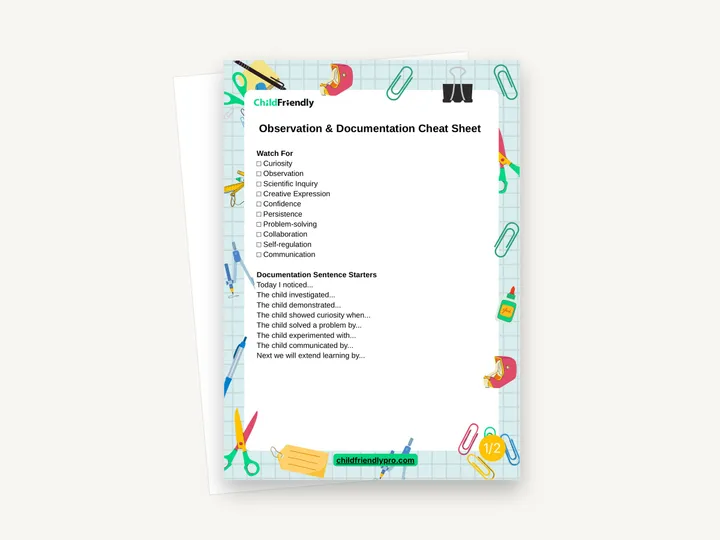
A two-page quick reference for writing observations of children’s learning. Page one has a ten-item “Watch For” checklist and eight documentation sentence starters; page two has one worked example that pairs a short observation with the learning it shows.
No sign-up required. Print it and share it with your team — it’s free for any child care program to use.
What’s inside
How to use it
Tips from operators
Learned the hard way across 3,000 child care spaces — and from the directors and educators who join our Lunch & Learns and Learning Labs.
The example records what Liam did — noticed, added a block, tested again — and leaves the interpretation to the Learning list. Keep the two separate in your own notes.
Two specific sentences written straight after the activity are more useful than a longer note reconstructed later.
The “Watch For” items are general skills. If your program reports against a curriculum framework, add its language beside each item.
Do it digitally in ChildFriendly Pro
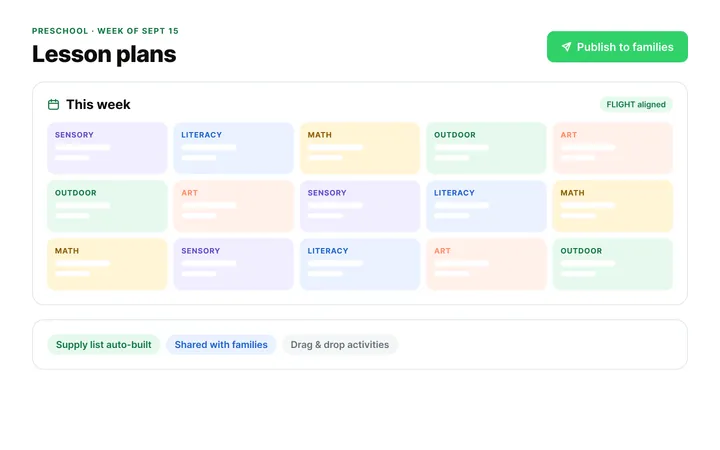
Build the same plan in ChildFriendly Pro and every observation you log is tagged to FLIGHT, ELECT, ELF or your own outcomes, added to each child’s portfolio and shared with families in their daily journal.
FAQ
Can’t find your answer? Chat with a real person who has run a child care center.
Read more FAQsOnly partly. The “Watch For” list has tick boxes, but there are no lines for a child’s name, the date or the observation itself, and the PDF is not fillable. Write the observation in your usual notebook, form or app.
The worked example is a water-play observation, but the checklist and sentence starters are general and work for any activity.
It names no age group. The skills listed and the sentence starters apply across toddler, preschool and school-age rooms.
No. It works with paper notes or any app. If you do use child care software, the sentence starters can be used directly in the observations you record there.
More templates
Child Development & Programming
Child Development & Programming
Child Development & Programming
Child Development & Programming
Keep learning
Educator (ECEs) Workshops · Recording
Play-based learning is powerful—but sometimes it can be difficult to clearly explain the why behind everyday activities.
Watch the recordingNewsletter
We add new templates and tools most months. Subscribe and they land in your inbox — along with Lunch & Learn and Learning Lab invitations.

Join hundreds of child care professionals across North America. CASL compliant.
You can unsubscribe anytime. CASL/CAN-SPAM compliant.