Write it while it is fresh
A note written at the table or straight after the meal is more specific than one reconstructed at the end of the day.
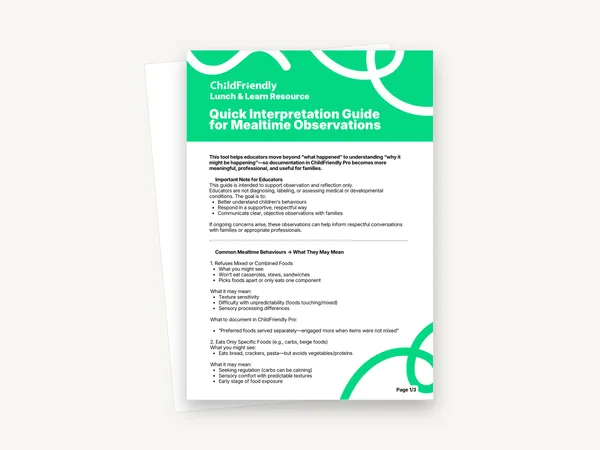
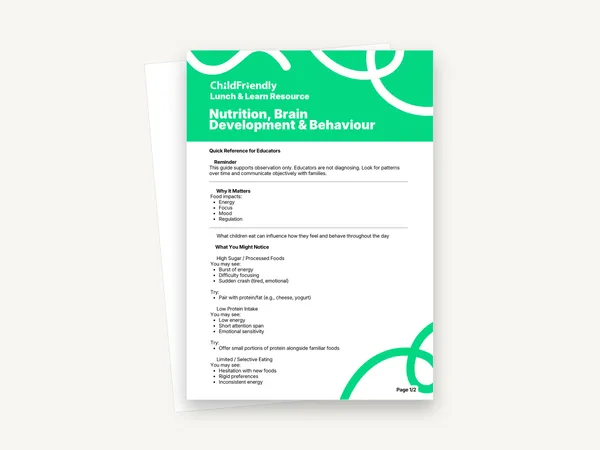
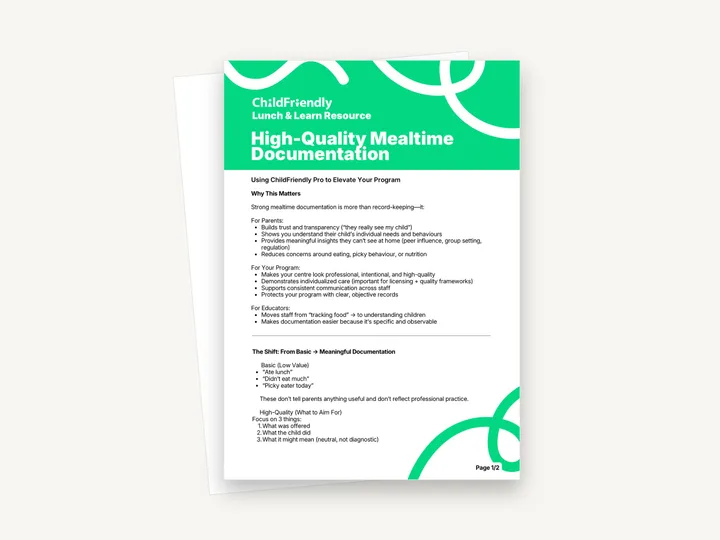
A two-page Lunch & Learn resource on writing mealtime notes that say more than “ate lunch”. It explains why mealtime documentation matters to parents, your program and educators, and gives four before-and-after examples built on three things: what was offered, what the child did, and what it might mean.
No sign-up required. Print it and share it with your team — it’s free for any child care program to use.
What’s inside
How to use it
Tips from operators
Learned the hard way across 3,000 child care spaces — and from the directors and educators who join our Lunch & Learns and Learning Labs.
A note written at the table or straight after the meal is more specific than one reconstructed at the end of the day.
The guide lists “Picky eater today” as a low-value note. Describe what the child did with the food instead of naming the child.
Put “What was offered? What did the child do? What might it mean?” on the wall near where staff write their notes.
Do it digitally in ChildFriendly Pro
Build the same plan in ChildFriendly Pro and every observation you log is tagged to FLIGHT, ELECT, ELF or your own outcomes, added to each child’s portfolio and shared with families in their daily journal.
FAQ
Can’t find your answer? Chat with a real person who has run a child care center.
Read more FAQsNo. It is a two-page reading guide with example wording, not a recording sheet. Use it to improve the notes you already write in your daily logs or observations.
No. One section explains where the notes fit in ChildFriendly Pro (daily logs, observations and reports), but the approach and the examples work with any daily report, on paper or in an app.
The guide’s advice is that one or two meaningful sentences per child is enough, and to focus on patterns rather than perfection.
No. The guide asks for neutral, objective notes and describes the “what it might mean” part as “neutral, not diagnostic”. If you have ongoing concerns about a child, share your observations with the family.
More templates
Child Development & Programming
Child Development & Programming
Family Engagement
Child Development & Programming
Keep learning
Directors & Admin Workshops · Recording
Mealtime in child care settings can be one of the most challenging parts of the day.
Watch the recordingNewsletter
We add new templates and tools most months. Subscribe and they land in your inbox — along with Lunch & Learn and Learning Lab invitations.

Join hundreds of child care professionals across North America. CASL compliant.
You can unsubscribe anytime. CASL/CAN-SPAM compliant.