Build a four-week rotation
Four filled sheets on rotation cut planning to zero and give families a predictable menu they can plan around.
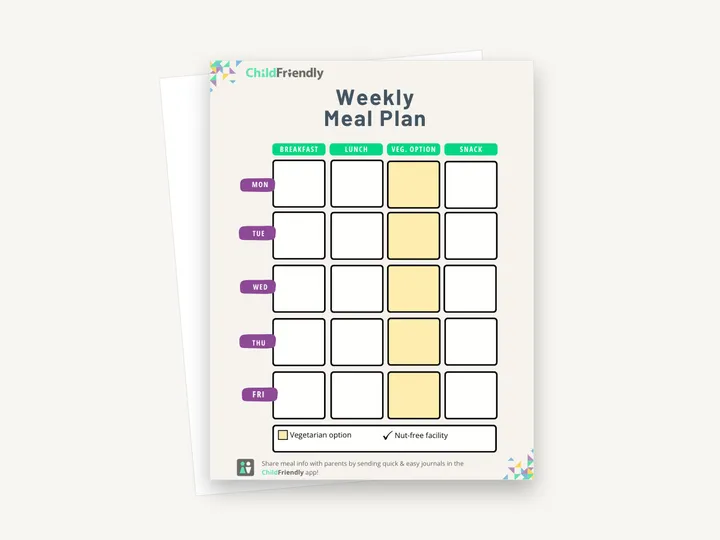
Plan a week of breakfasts, lunches and snacks on one page, with a highlighted column for each day’s vegetarian option, so the kitchen, the classroom and the families all see the same menu.
No sign-up required. Print it and share it with your team — it’s free for any child care program to use.
What’s inside
How to use it
Tips from operators
Learned the hard way across 3,000 child care spaces — and from the directors and educators who join our Lunch & Learns and Learning Labs.
Four filled sheets on rotation cut planning to zero and give families a predictable menu they can plan around.
The vegetarian column is highlighted yellow; in black and white it is harder to pick out in a busy kitchen.
CACFP and provincial nutrition audits ask for past menus. Date and file each week — you will need them.
Do it digitally in ChildFriendly Pro
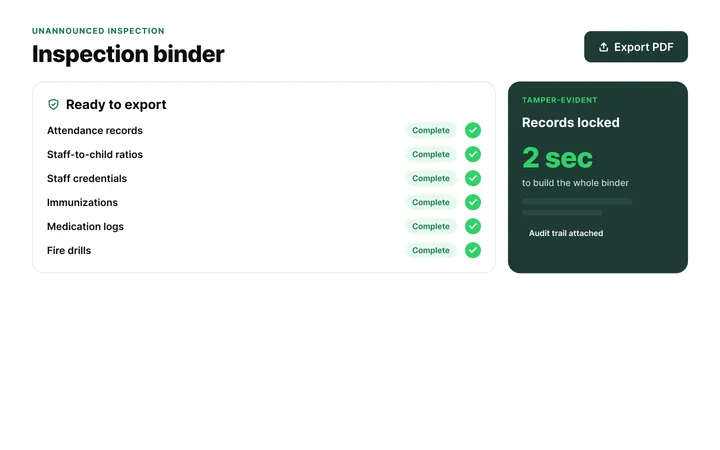
Build any checklist or form once in ChildFriendly Pro, assign it to a room or role, and every completion is time-stamped, signed and filed in your inspection binder — ready for licensing or public health.
FAQ
Can’t find your answer? Chat with a real person who has run a child care center.
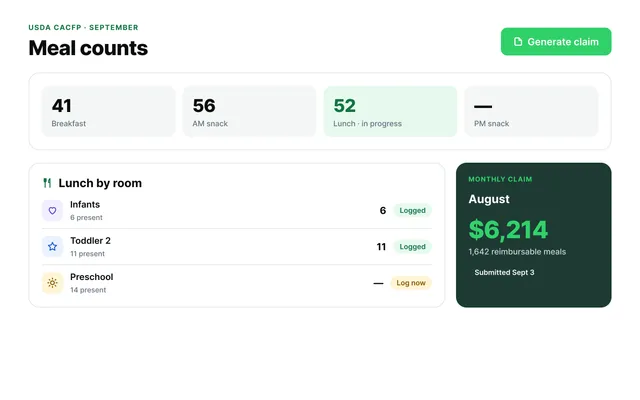
Read more FAQsNot by itself. The sheet is a blank menu grid with no food-component checklist, so check each meal against the CACFP meal pattern (grains, meat/alternate, vegetables, fruit, milk) or your provincial guidelines separately. It is a planning aid, not a claim form — record actual counts at point of service for reimbursement.
The sheet only has a vegetarian-option column, so write other substitutions in the relevant meal box with the child’s initials beside them. For severe allergies, many centers also keep a laminated ‘never serve’ card in the kitchen — the Regular Medication Form and Accident/Incident Form in this library cover the medical side.
Print it for the parent board and share a photo or scan of the completed sheet in your newsletter or family app. In ChildFriendly Pro, menus and dietary alternatives are visible to families automatically and parents can update dietary needs themselves.
The same sheet works for family child care — skip or relabel any column you do not serve.
More templates
Administration
Administration
Child Development & Programming
Family Engagement
Keep learning
Directors & Admin Workshops · Recording
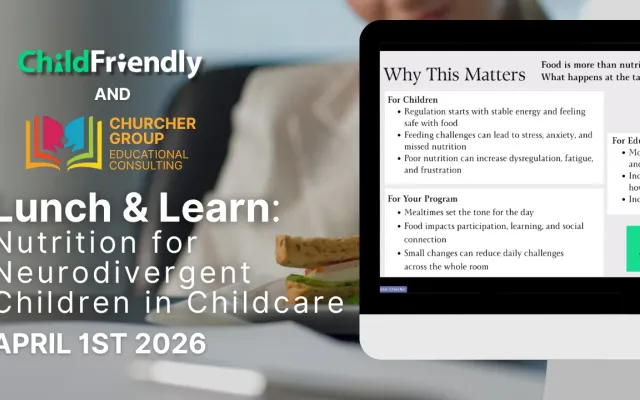
Mealtime in child care settings can be one of the most challenging parts of the day.
Watch the recordingBlog · Health & Safety
4 min read
Read the articleCompliance guide · United States
Coming next year
Read the guideNewsletter
We add new templates and tools most months. Subscribe and they land in your inbox — along with Lunch & Learn and Learning Lab invitations.

Join hundreds of child care professionals across North America. CASL compliant.
You can unsubscribe anytime. CASL/CAN-SPAM compliant.