Name the actual center
Anonymous postings read as a red flag to experienced directors. Use your name and a line about your team.
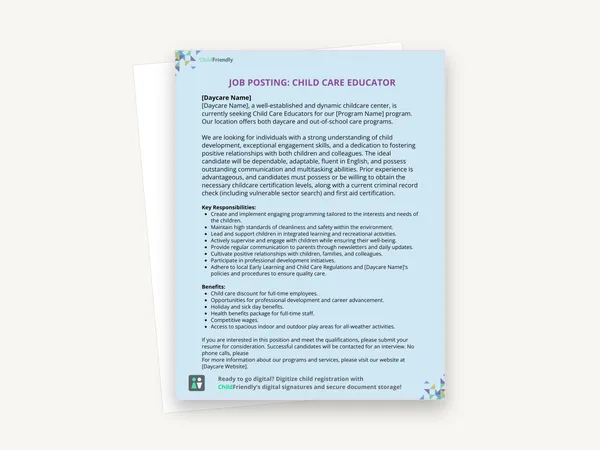
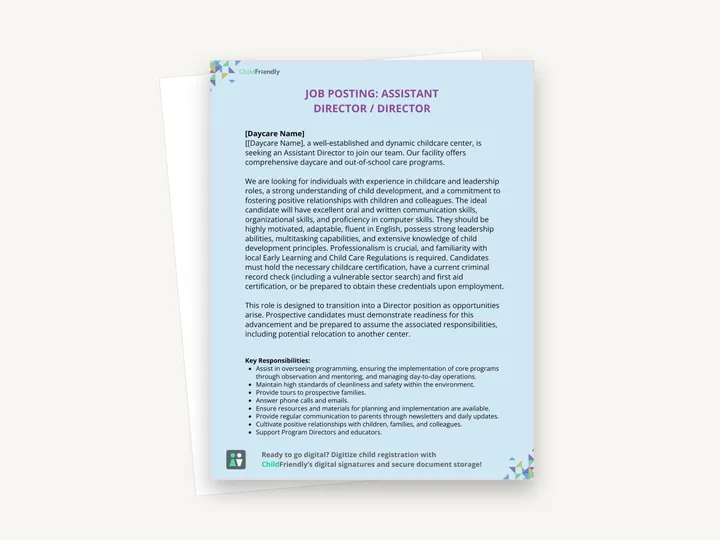
An editable Canva job posting for an Assistant Director / Director role. The download is a one-page sheet with the template link; open it in Canva, add your center’s name, adjust the wording, and download the posting as a JPG or PDF.
No sign-up required. Print it and share it with your team — it’s free for any child care program to use.
What’s inside
How to use it
Tips from operators
Learned the hard way across 3,000 child care spaces — and from the directors and educators who join our Lunch & Learns and Learning Labs.
Anonymous postings read as a red flag to experienced directors. Use your name and a line about your team.
‘We are mid-licensing-renewal and need someone who has led one’ attracts the right person and filters the rest.
Small sector, long memories. A two-line ‘thank you, not this time’ protects your reputation for the next hire.
Do it digitally in ChildFriendly Pro
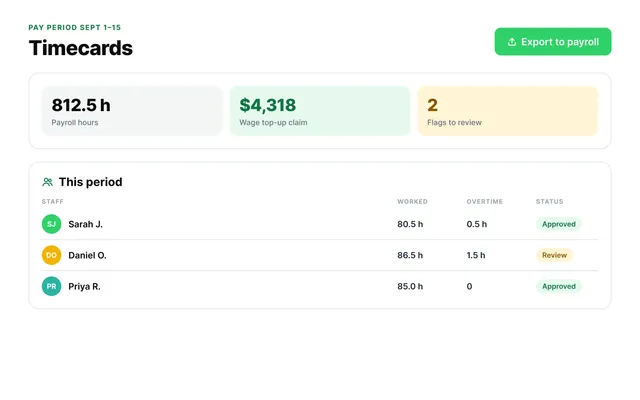
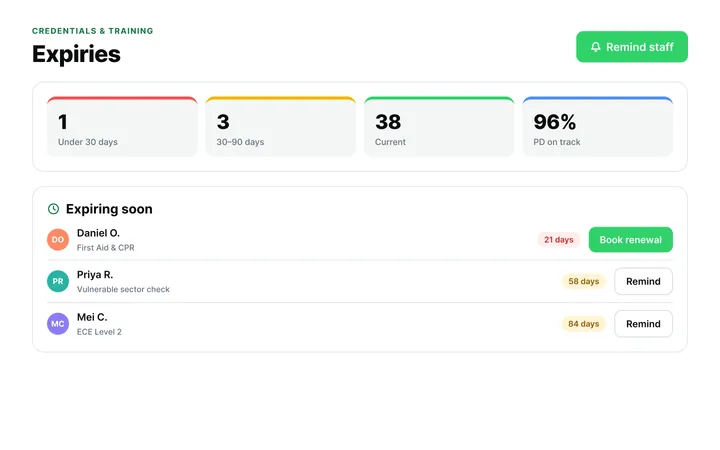
ChildFriendly Pro keeps every educator’s certifications, clearances, PD hours, timecards and review notes in one HR file — with expiry alerts, ratio-aware scheduling and wage top-up hours grouped by level.
FAQ
Can’t find your answer? Chat with a real person who has run a child care center.
Read more FAQsIt varies by province and state — typically the highest ECE certification level (e.g. Alberta Level 3, Ontario RECE) plus supervisory experience, first aid and clearances. Check your licensing regulation and state it plainly in the posting.
Yes. Several provinces now require it, and postings with a wage range consistently outperform those without. The template has no wage line, so add one; if pay depends on certification level, give the range.
It is written for an Assistant Director role that is designed to move into a Director position. For a straight Director posting, change the opening sentence, remove the transition paragraph, and add the licensing, staffing and finance responsibilities the role carries.
Provincial ECE association boards, Indeed, your own website and social channels, and — most effectively — your staff and families. Canva lets you download the posting as a JPG for social media or a PDF for printing and email.
More templates
Staff Management
Staff Management
Staff Management
Staff Management
Keep learning
Directors & Admin Workshops · Recording
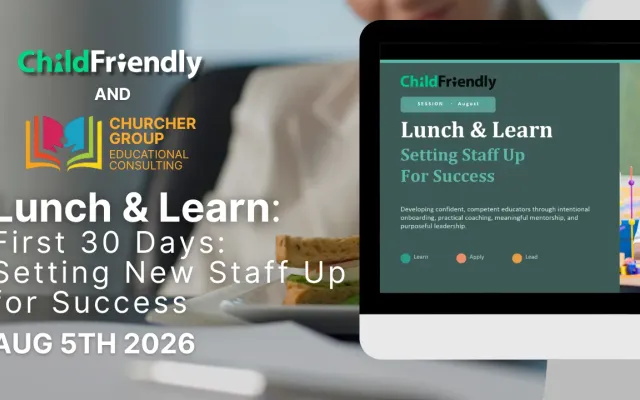
Watch our Lunch & Learn on onboarding new child care staff: practical ways to build a supportive first 30 days so new hires feel confident from day one.
Watch the recordingBlog · Admin & Operators
4 min read
Read the articleCompliance guide · Alberta
Staff tracking
Read the guideNewsletter
We add new templates and tools most months. Subscribe and they land in your inbox — along with Lunch & Learn and Learning Lab invitations.

Join hundreds of child care professionals across North America. CASL compliant.
You can unsubscribe anytime. CASL/CAN-SPAM compliant.