Skip to content
ChildFriendly Pro
Free templateAdministration

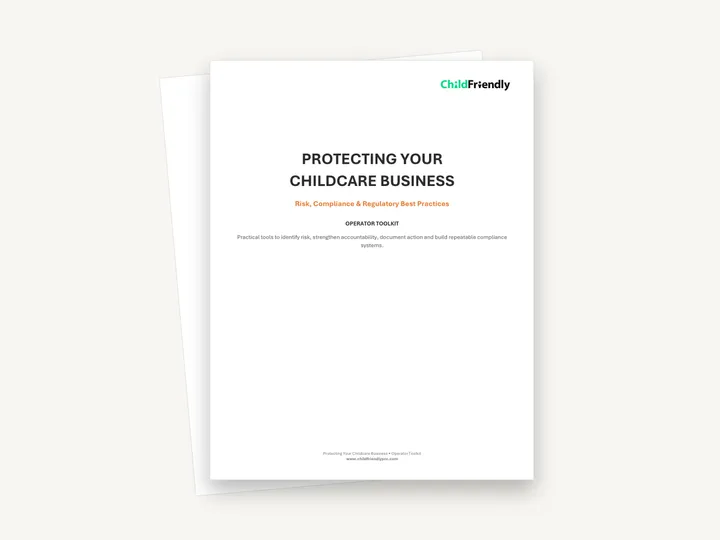
Protecting Your Child Care Business: Operator Toolkit

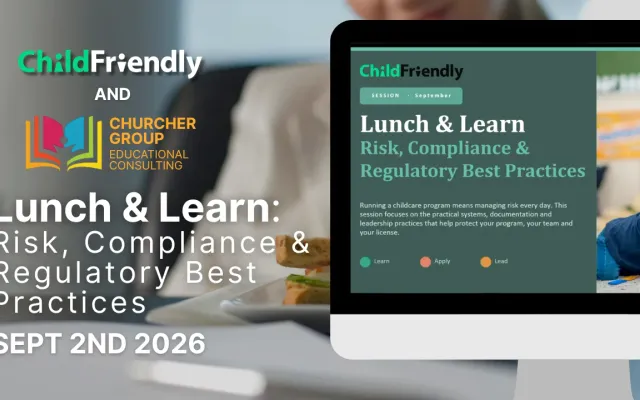
A 12-page Lunch & Learn toolkit on ‘Risk, Compliance & Regulatory Best Practices’ with eight numbered tools for owners and directors: a Monthly Compliance Self-Audit, an Incident & Complaint Response Flow, a Leadership Risk Review, a training-gap check, a coaching card, a responsibility matrix, a 90-day action plan and a documentation self-check, plus a ‘Your Next 30 Days’ checklist. It is general guidance and names no specific regulation or jurisdiction.

Format
Printable PDF · US Letter
Pages
12 (cover, how-to page, eight tools, 30-day checklist)
Best for
Owners · operators · directors
Updated
Oct 2026

No sign-up required. Print it and share it with your team — it’s free for any child care program to use.

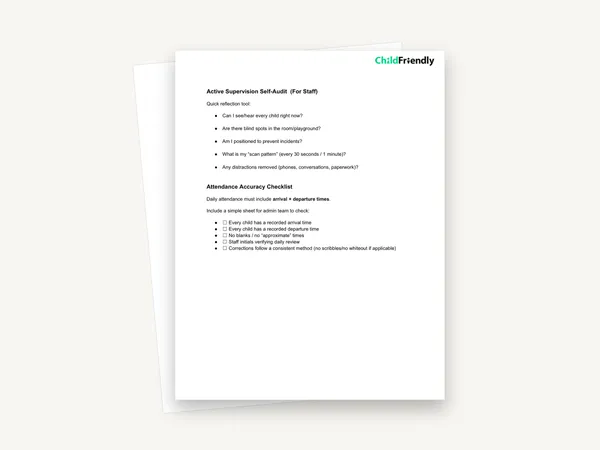
Preview of the Protecting Your Child Care Business: Operator Toolkit

What’s inside

Eight tools to find risk, assign ownership and document action

  • Tool 1: Monthly Compliance Self-AuditA table of ten areas — from Staffing & Records, Attendance & Ratios and Active Supervision to Corrective Actions and Parent Communication — each with what to review, a status of Compliant, Needs Attention or Immediate Action, and an Action / Owner column.
  • Tools 2 and 3: Incident & Complaint Response Flow and Leadership Risk ReviewAn eight-step flow from ‘Immediate Safety’ and ‘Preserve Facts’ through ‘Report / Notify’ to ‘Close the Loop’, followed by a review table of eight leadership questions such as ‘What did leadership know?’, ‘Who owns the next step?’ and ‘How will we verify it worked?’
  • Tools 4 and 5: Training Gap or Performance Concern? and the In-the-Moment Coaching CardEight Yes / No questions to work through before deciding whether to retrain, coach or move into formal performance management, then a four-part coaching sequence — Notice, Name, Next Step, Follow-Up — with a worked example about a supervision gap.
  • Tools 6 and 7: Compliance Responsibility Matrix and 90-Day Risk & Compliance Action PlanA matrix listing ten compliance tasks with blank Owner, Frequency, Evidence and Backup columns, and a three-row plan with columns for Priority Risk, Desired Standard, Action, Owner, Deadline and How We Will Verify.
  • Tool 8: Would Your Documentation Protect You? and Your Next 30 DaysThree short scenarios — an incident, a parent complaint and a repeated supervision concern — each asking what is missing, what leadership should document now and what system would prevent the gap. The last page is a seven-item checklist for the month after the session.

How to use it

Four steps to put it to work this week

  1. 1
    Start with the Monthly Compliance Self-AuditThe ‘How to Use This Toolkit’ page says to begin with Tool 1. Mark each of the ten areas Compliant, Needs Attention or Immediate Action and note an owner beside anything that is not compliant.
  2. 2
    Choose the highest-priority gapsPick three for the 90-Day Risk & Compliance Action Plan. The toolkit’s ‘90-Day Rule’ is to choose three risks only and finish them well, each with an owner, a deadline and a way to verify.
  3. 3
    Fill in the Compliance Responsibility MatrixWrite one owner, one frequency and one form of evidence for each of the ten listed tasks, plus a backup person, so nothing falls between roles.
  4. 4
    Revisit the tools monthlyRepeat the self-audit each month and use the Leadership Risk Review after any significant incident, complaint, repeated concern or non-compliance, as the toolkit directs.

Tips from operators

What centers that use this well do differently

Learned the hard way across 3,000 child care spaces — and from the directors and educators who join our Lunch & Learns and Learning Labs.

Add your own regulations and obligations

The toolkit asks you to confirm regulatory, insurance, employer and parent reporting obligations but does not say what they are. Check your licensing requirements and your insurer’s conditions, and take professional advice where you need it.
Work through Tool 8 as a leadership team

The three scenarios have no answer key. Discussing them together shows where people disagree about what should be written down and who writes it.

Keep completed pages together

File each month’s self-audit and any completed risk reviews in one place so you can see which concerns repeat and which actions were verified.

Do it digitally in ChildFriendly Pro

Custom checklists and forms, time-stamped and filed for inspection

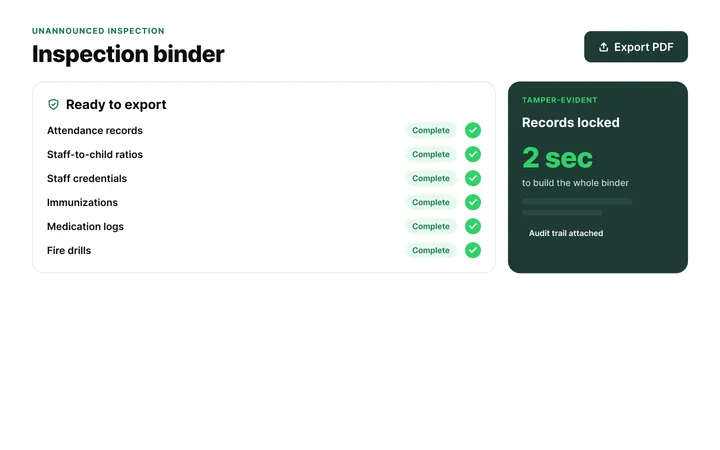
Build any checklist or form once in ChildFriendly Pro, assign it to a room or role, and every completion is time-stamped, signed and filed in your inspection binder — ready for licensing or public health.

  • Form builder for checklists, incident and medication forms
  • Assign by room, role or schedule with reminders
  • Inspection binder export in one click
Automation, Tracking & Reports in ChildFriendly Pro

FAQ

Questions about the Protecting Your Child Care Business: Operator Toolkit

Can’t find your answer? Chat with a real person who has run a child care center.

Read more FAQs
Is this legal or insurance advice?

No. It is general guidance for building leadership habits around risk and documentation. It names no law, regulation or jurisdiction, so use it alongside your own licensing requirements, insurance policy and professional advice.

Do I need to have attended the Lunch & Learn to use it?

No. The toolkit refers to the session and says to use the tools afterwards, but each tool has a one-line instruction and the ‘How to Use This Toolkit’ page explains the order to work in.

Can I fill it in on a computer?

The PDF has no fillable fields. Print the pages you need on US Letter and write on them; the tables and tick boxes are laid out for handwriting.

How often should the tools be used?

The toolkit says to revisit them monthly. The self-audit is monthly by name, the action plan covers 90 days, and the Leadership Risk Review is for use after a significant incident, complaint, repeated concern or non-compliance.

Keep learning

Related resources from the Academy

Newsletter

Get every new template the week it’s released

We add new templates and tools most months. Subscribe and they land in your inbox — along with Lunch & Learn and Learning Lab invitations.

  • New templates and classroom tools as they’re published
  • Invitations to free Lunch & Learns and Learning Labs
  • Licensing and funding updates for your province
  • No spam — one email a month, unsubscribe anytime
An educator taking a photo of children playing at a pretend shop

Get more from ChildFriendly Pro

Join hundreds of child care professionals across North America. CASL compliant.

You can unsubscribe anytime. CASL/CAN-SPAM compliant.