Write the dates on it
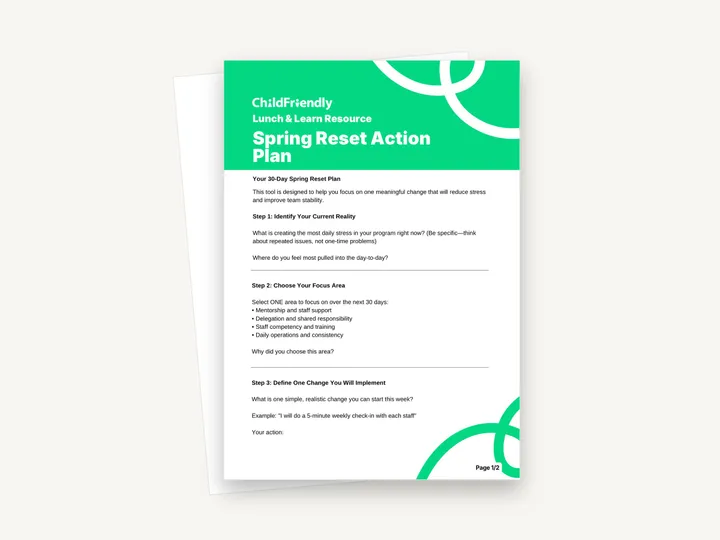
The worksheet has no date line. Add the start date and the 30-day review date at the top so the plan has an end point.
A two-page Lunch & Learn worksheet headed ‘Your 30-Day Spring Reset Plan’. Five steps take a child care leader from naming the main source of daily stress to choosing one focus area, one change, one staff member to develop and one success indicator.
No sign-up required. Print it and share it with your team — it’s free for any child care program to use.
What’s inside
How to use it
Tips from operators
Learned the hard way across 3,000 child care spaces — and from the directors and educators who join our Lunch & Learns and Learning Labs.
The worksheet has no date line. Add the start date and the 30-day review date at the top so the plan has an end point.
Apart from the title, nothing in the five steps is tied to spring. Use it whenever the program needs a reset, such as after a staffing change or before a new intake.
The prompts are closely spaced, with little room beneath each question. Write longer answers on a separate sheet and keep the worksheet as the summary.
Do it digitally in ChildFriendly Pro
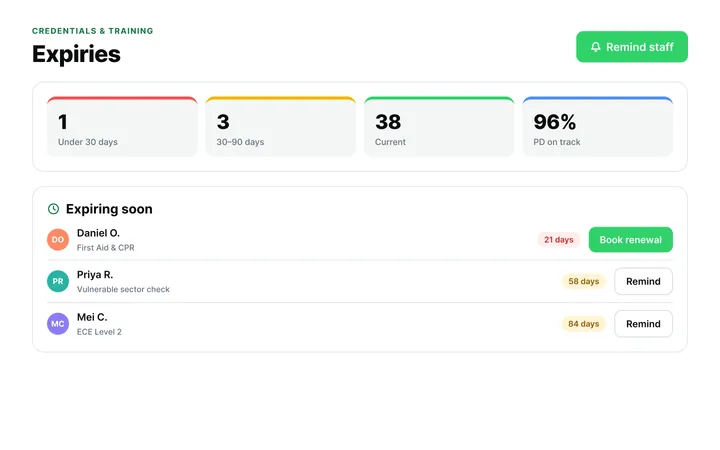
ChildFriendly Pro keeps every educator’s certifications, clearances, PD hours, timecards and review notes in one HR file — with expiry alerts, ratio-aware scheduling and wage top-up hours grouped by level.
FAQ
Can’t find your answer? Chat with a real person who has run a child care center.
Read more FAQsNo. Despite the name, it is a leadership planning worksheet. It is about reducing stress and improving team stability through one change in how you support staff, delegate, train or run daily operations.
The worksheet does not give a time. It has five steps and about ten short written answers, and the plan itself runs for 30 days.
It is a print-and-handwrite PDF with no fillable fields, laid out on A4. If you print on US Letter, choose ‘fit to page’.
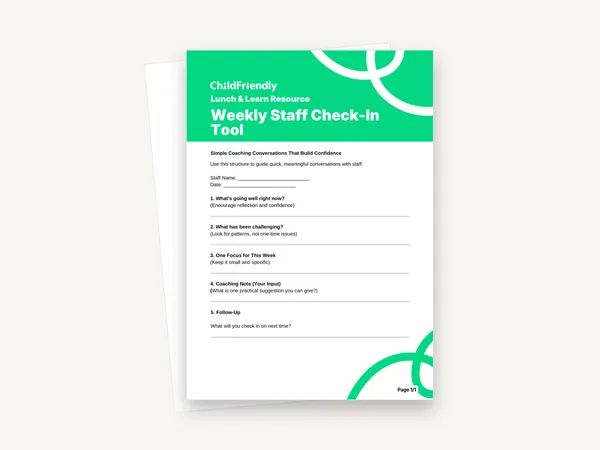
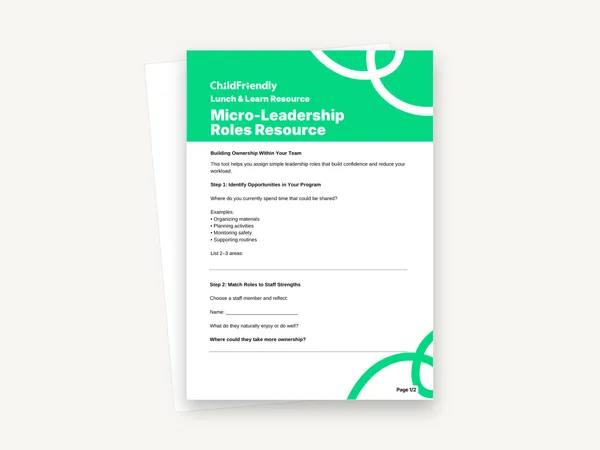
The example change in Step 3 is a weekly staff check-in, and the Weekly Staff Check-In Tool gives a one-page structure for those conversations. For the delegation focus area, the Micro-Leadership Roles Resource helps you define a role to hand over.
More templates
Staff Management
Staff Management
Staff Management
Staff Management
Keep learning
Directors & Admin Workshops · Recording
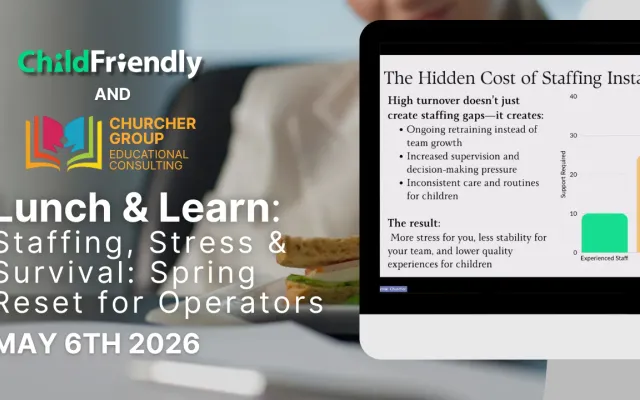
Running a child care center can feel overwhelming—especially when staffing shortages, daily stress, and leadership demands all collide at once.
Watch the recordingNewsletter
We add new templates and tools most months. Subscribe and they land in your inbox — along with Lunch & Learn and Learning Lab invitations.

Join hundreds of child care professionals across North America. CASL compliant.
You can unsubscribe anytime. CASL/CAN-SPAM compliant.