Bring extra paper
Most prompts sit close together with little room to write under them. Answer on a separate sheet or in the margins if your notes run long.
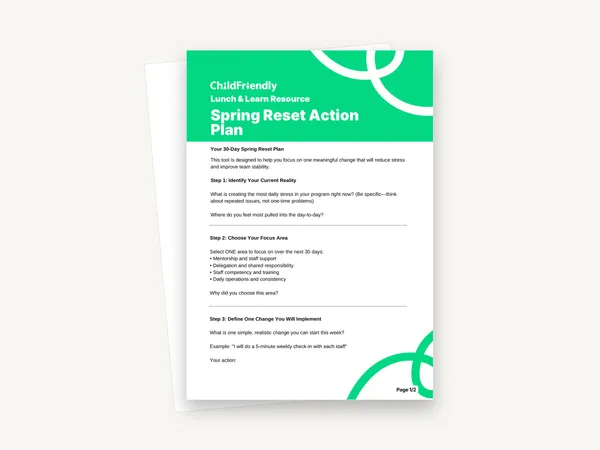
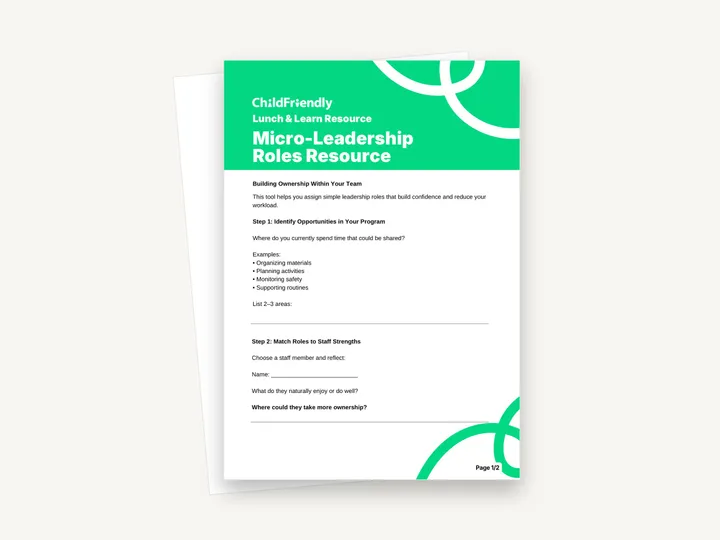
A two-page Lunch & Learn worksheet, subtitled ‘Building Ownership Within Your Team’, that walks a child care leader through four steps: finding work that could be shared, matching it to a staff member’s strengths, defining the role and planning the support and check-ins.
No sign-up required. Print it and share it with your team — it’s free for any child care program to use.
What’s inside
How to use it
Tips from operators
Learned the hard way across 3,000 child care spaces — and from the directors and educators who join our Lunch & Learns and Learning Labs.
Most prompts sit close together with little room to write under them. Answer on a separate sheet or in the margins if your notes run long.
A role such as keeping the art shelf stocked is easier to hand over and to praise than a broad one. Add scope once the first role is running without reminders.
If you keep correcting how the task is done, the workload has not really moved. Agree what “done well” means, then let the staff member choose the method.
Do it digitally in ChildFriendly Pro
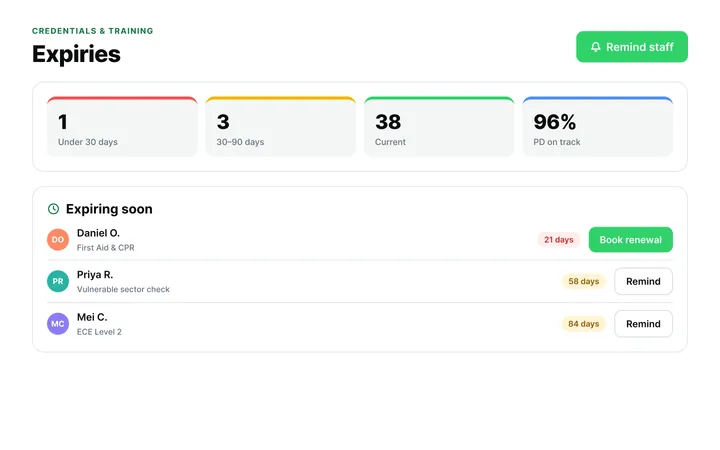
ChildFriendly Pro keeps every educator’s certifications, clearances, PD hours, timecards and review notes in one HR file — with expiry alerts, ratio-aware scheduling and wage top-up hours grouped by level.
FAQ
Can’t find your answer? Chat with a real person who has run a child care center.
Read more FAQsThe worksheet describes it as a simple leadership role that builds a staff member’s confidence and reduces the leader’s workload. Its examples are everyday areas: organizing materials, planning activities, monitoring safety and supporting routines.
No. It gives four example areas and then asks you to name and define the role yourself in Step 3.
It is a print-and-handwrite PDF with no fillable fields, laid out on A4. If you print on US Letter, choose ‘fit to page’.
It is labelled a ‘Lunch & Learn Resource’ and was made to accompany a ChildFriendly Lunch & Learn session. The questions stand on their own, so you can use it without having attended.
More templates
Staff Management
Staff Management
Staff Management
Staff Management
Keep learning
Directors & Admin Workshops · Recording
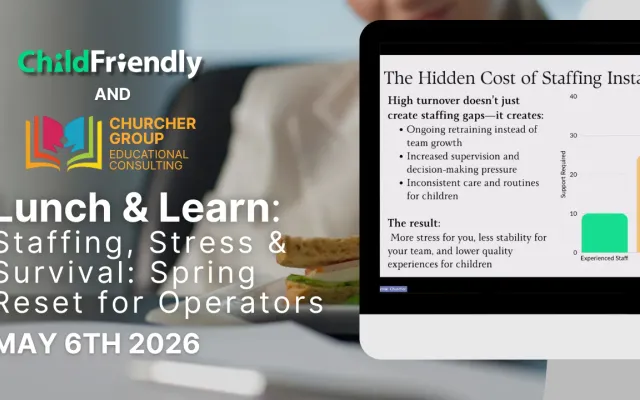
Running a child care center can feel overwhelming—especially when staffing shortages, daily stress, and leadership demands all collide at once.
Watch the recordingNewsletter
We add new templates and tools most months. Subscribe and they land in your inbox — along with Lunch & Learn and Learning Lab invitations.

Join hundreds of child care professionals across North America. CASL compliant.
You can unsubscribe anytime. CASL/CAN-SPAM compliant.