Keep notes to a line or two
There is only a small gap under each prompt. Write key words during the conversation and use the back of the page if you need more room.
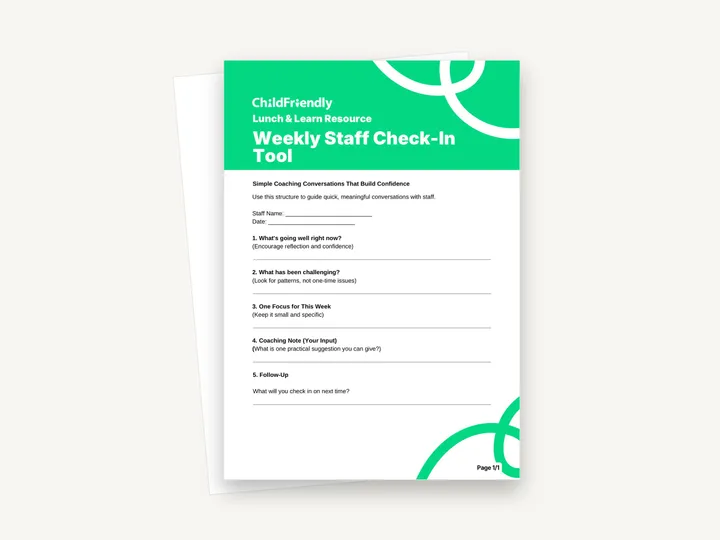
A one-page Lunch & Learn sheet, subtitled ‘Simple Coaching Conversations That Build Confidence’, for recording a short weekly conversation with one staff member. Staff Name and Date lines are followed by five numbered prompts: what is going well, what has been challenging, one focus for the week, a coaching note and follow-up.
No sign-up required. Print it and share it with your team — it’s free for any child care program to use.
What’s inside
How to use it
Tips from operators
Learned the hard way across 3,000 child care spaces — and from the directors and educators who join our Lunch & Learns and Learning Labs.
There is only a small gap under each prompt. Write key words during the conversation and use the back of the page if you need more room.
A regular time, such as during rest time on the same day, makes the check-in more likely to happen than fitting it in when things are quiet.
The notes are about a named staff member. Keep them with your other staff records, not on a shared clipboard.
Do it digitally in ChildFriendly Pro
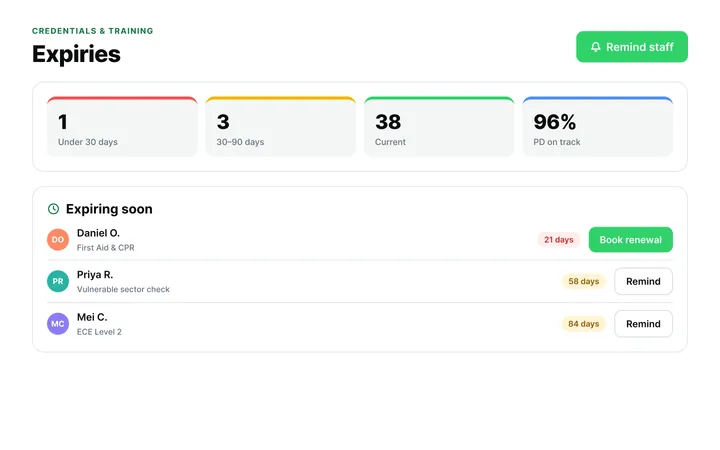
ChildFriendly Pro keeps every educator’s certifications, clearances, PD hours, timecards and review notes in one HR file — with expiry alerts, ratio-aware scheduling and wage top-up hours grouped by level.
FAQ
Can’t find your answer? Chat with a real person who has run a child care center.
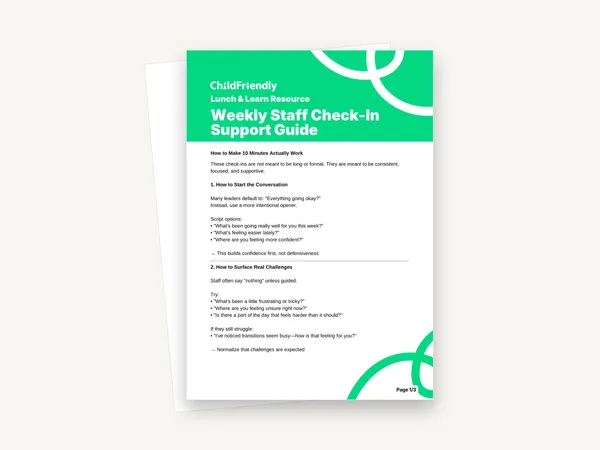
Read more FAQsThe sheet does not set a time; it describes the conversations as quick and meaningful. The companion Weekly Staff Check-In Support Guide is built around a 10-minute check-in.
The leader. Prompt 4 is labelled ‘Coaching Note (Your Input)’ and prompt 5 asks what you will check in on next time. There is no signature line for the staff member.
No. It is the recording sheet only. The Weekly Staff Check-In Support Guide has the scripts for opening the conversation, surfacing challenges and setting a weekly focus.
It is a print-and-handwrite PDF with no fillable fields, laid out on A4. If you print on US Letter, choose ‘fit to page’.
More templates
Staff Management
Staff Management
Staff Management
Staff Management
Keep learning
Directors & Admin Workshops · Recording
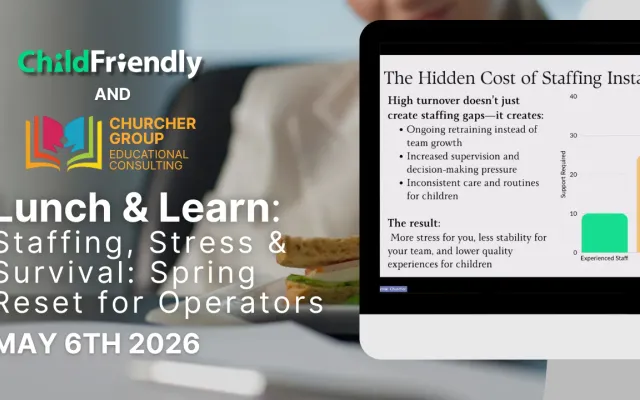
Running a child care center can feel overwhelming—especially when staffing shortages, daily stress, and leadership demands all collide at once.
Watch the recordingNewsletter
We add new templates and tools most months. Subscribe and they land in your inbox — along with Lunch & Learn and Learning Lab invitations.

Join hundreds of child care professionals across North America. CASL compliant.
You can unsubscribe anytime. CASL/CAN-SPAM compliant.